











What is a YouTube thumbnail?
A YouTube thumbnail is a small preview image representing a video's content on YouTube. It shows up next to your video title in search, on the homepage, and in suggested videos. It is the single biggest reason a viewer clicks or scrolls past your video.
YouTube's own creator data ranks thumbnail click-through rate among the top signals for browse traffic, ahead of the title in most niches.
A good YouTube thumbnail does three things at once:
Communicates the topic in under a second
Creates an emotional pull (curiosity, surprise, or a clear payoff)
Stays readable at the small sizes YouTube actually displays it on mobile feeds
YouTube thumbnail size and specs
The standard YouTube thumbnail size is 1280 x 720 pixels at a 16:9 aspect ratio. YouTube allows files up to 2 MB in JPG, PNG, GIF, or BMP. The minimum supported width is 640 pixels, but anything below 1280 looks soft on modern displays.
1280 x 720 px
Sivi generates YouTube thumbnails at 1280 x 720 by default. For YouTube Shorts, switch to 1080 x 1920.
What do YouTubers actually use to make thumbnails?
Most YouTubers in 2026 use a mix of three tools. AI YouTube thumbnail makers like Sivi for fast drafts and variants. Photoshop or Canva for manual polish on flagship uploads. Stock photo libraries or AI image generators for backgrounds and props.
Mid-tier and large channels often work with a freelance thumbnail designer on Fiverr or hire in-house. AI is increasingly absorbing the first 80% of that workflow, leaving the designer to focus on the high-stakes uploads.
AI YouTube thumbnail maker for click-worthy thumbnails
With Sivi’s AI YouTube thumbnail maker, you get multiple template-free thumbnail designs within minutes. Each thumbnail comes with the headline, background, subject image, and effects on separate layers so you can tune anything without re-prompting.
The YouTube thumbnail maker automatically generates unique design variations that align with your brand identity and set you apart.
The AI applies the principles that actually drive YouTube CTR: high contrast between subject and background, large readable typography, a clear emotional cue on faces, and a single dominant focal point. You can override any of these in the editor.
You can also A/B test the designs to maximize the impact of the video marketing campaign.
Generate images for your thumbnails
Don’t have an image to use in your YouTube video thumbnail? Just give a prompt and Sivi AI image generator will generate stunning images for you.
Generate thumbnails in an instant
With Sivi YouTube thumbnail generator, you get multiple design options in just 2 minutes. All you need is just a simple text input.
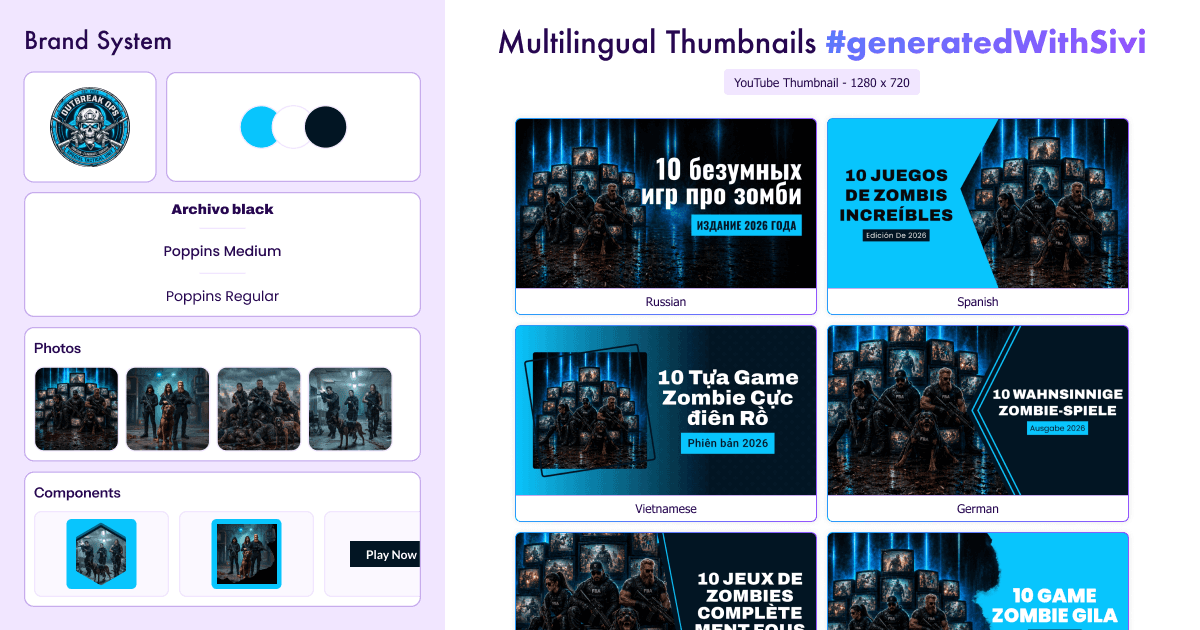
Design multilingual thumbnails
Sivi AI YouTube thumbnail generator breaks language barriers. You can generate stunning designs in 72+ languages, tailored to your specific audience.
Get on-brand thumbnails
Want your thumbnail to follow your brand’s visual identity? Just use your logo, images, brand colors and more to generate unique thumbnail design options in Sivi.
AI YouTube thumbnail examples by niche
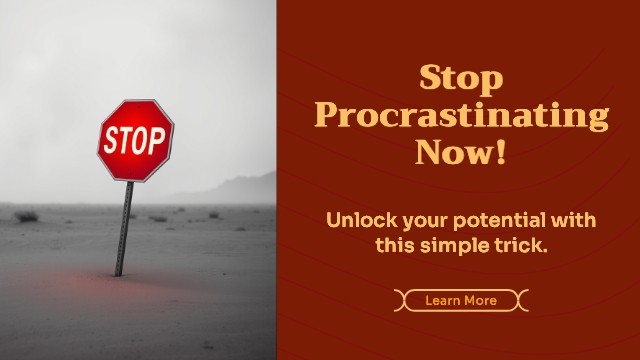
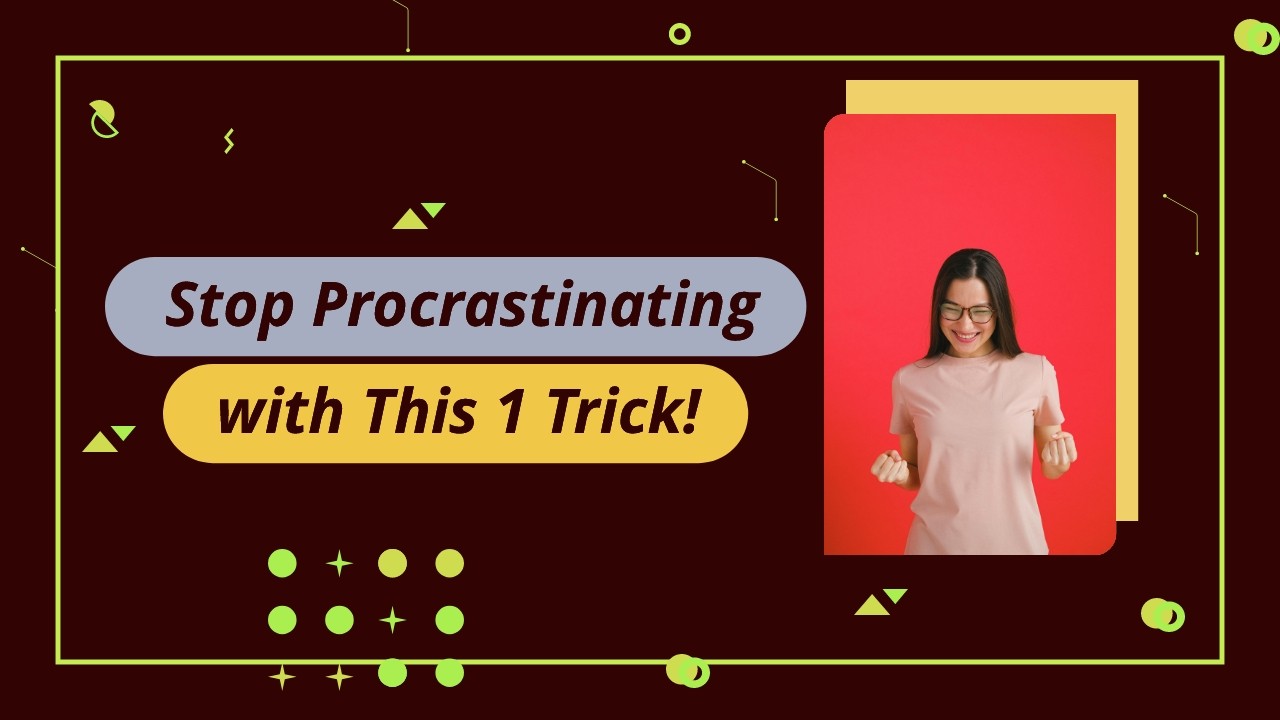
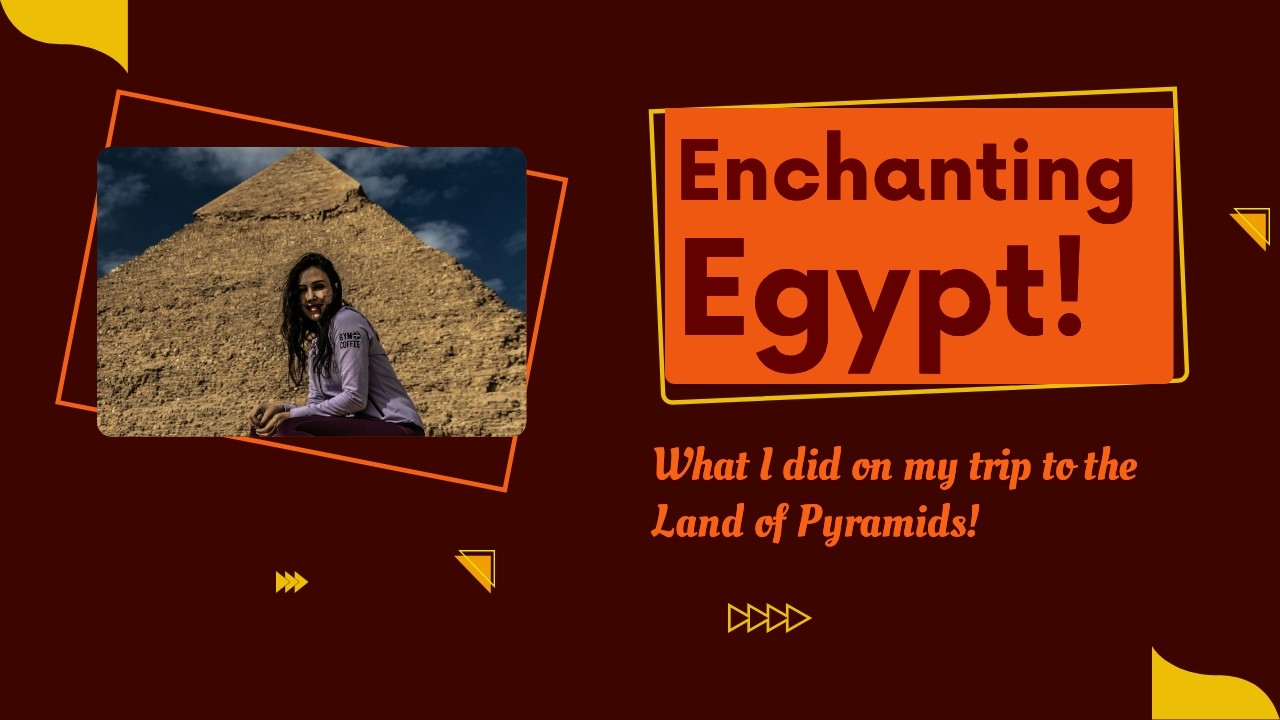
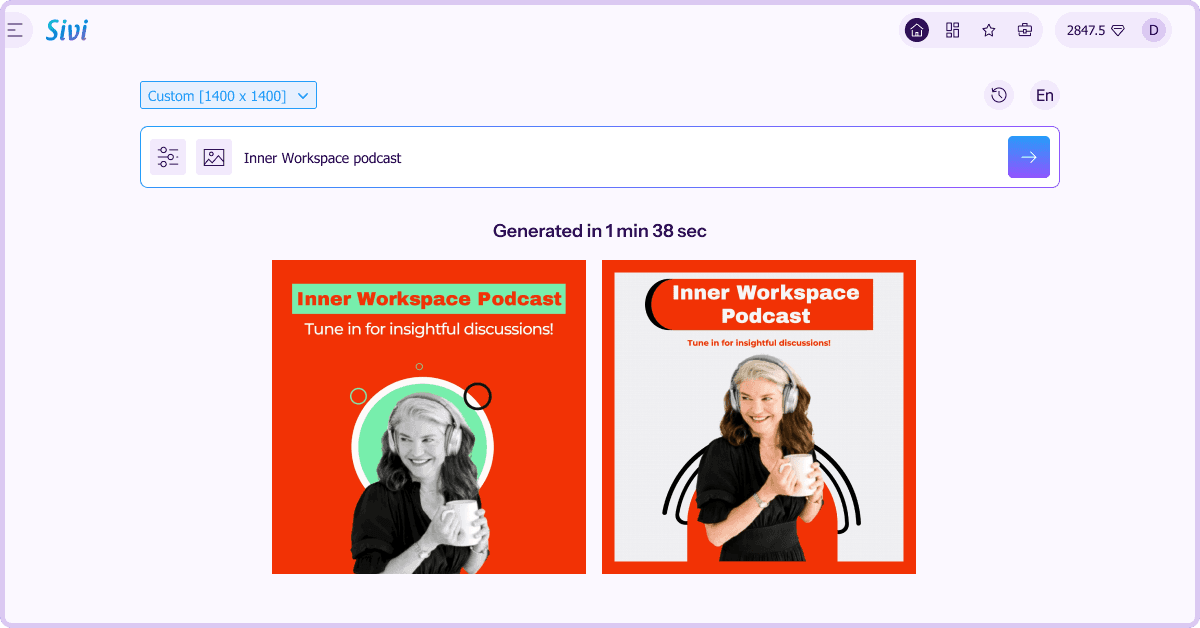
From tech reviews and gaming to vlogs, education, finance, fitness, beauty, cooking, podcasts, and Shorts, each grid shows real thumbnails generated by Sivi with the original prompt visible. Use these as starting points. Adapt the prompt to your channel, your face, your brand colors, and the specific video topic.











YouTube thumbnails in 72+ languages
Most AI tools handle English thumbnails fine and break the moment you try Hindi, Polish, Vietnamese, and Russian. The text either misspells, switches mid-word, or falls back to a font that looks nothing like native typography. Sivi was built multilingual from the start. The same prompt that generates an English YouTube thumbnail will generate the same thumbnail in 72+ languages, with the correct script, language-specific fonts, and proper layout direction including right-to-left for Arabic and Hebrew.
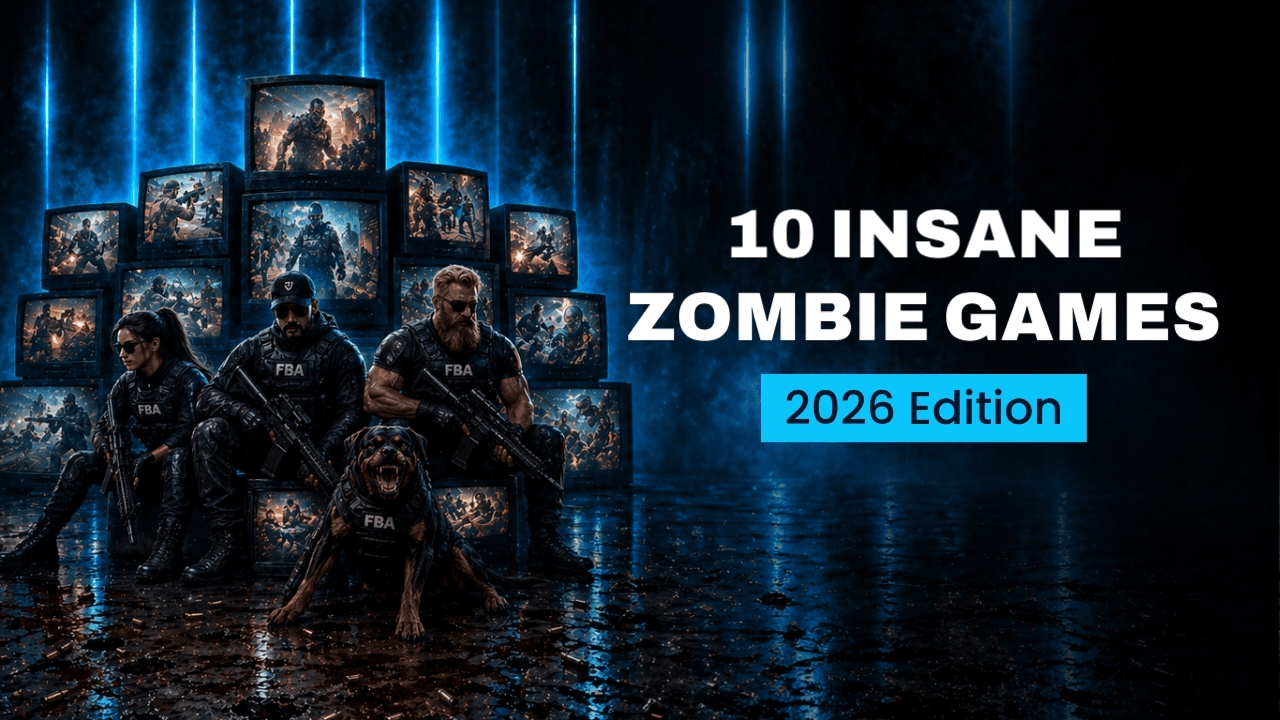
YouTube thumbnail in English
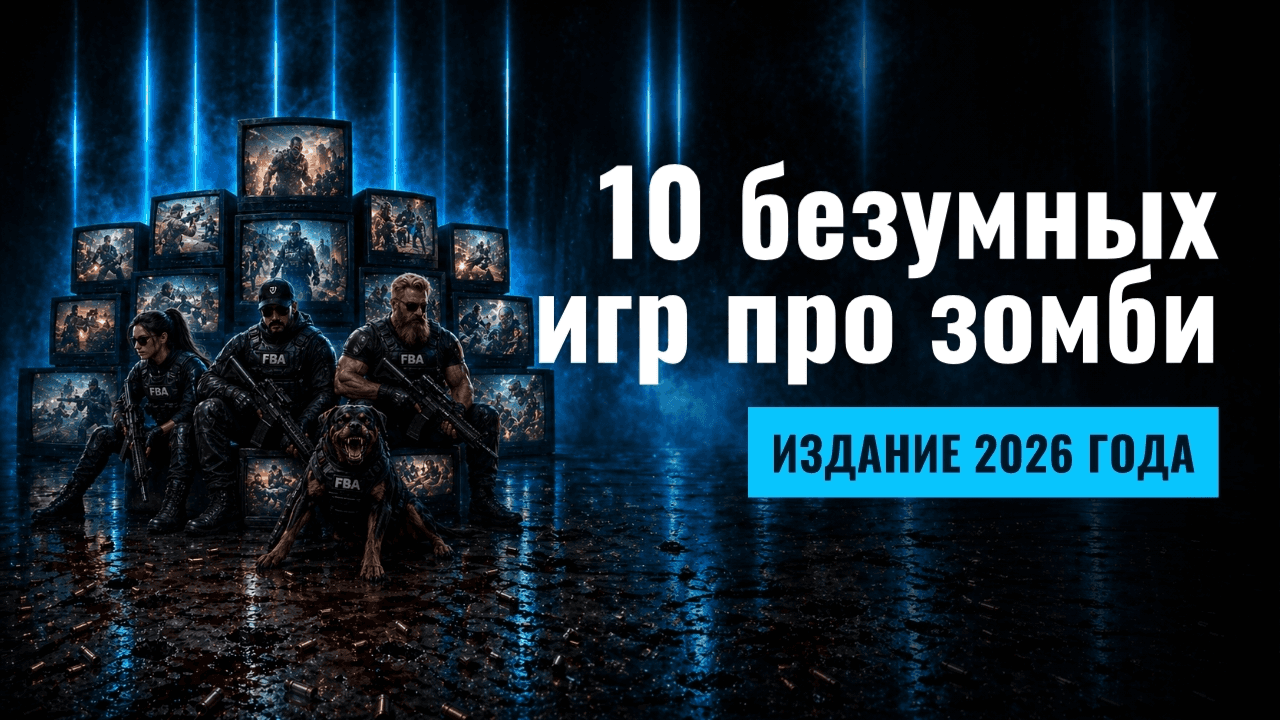
YouTube thumbnail in Russian
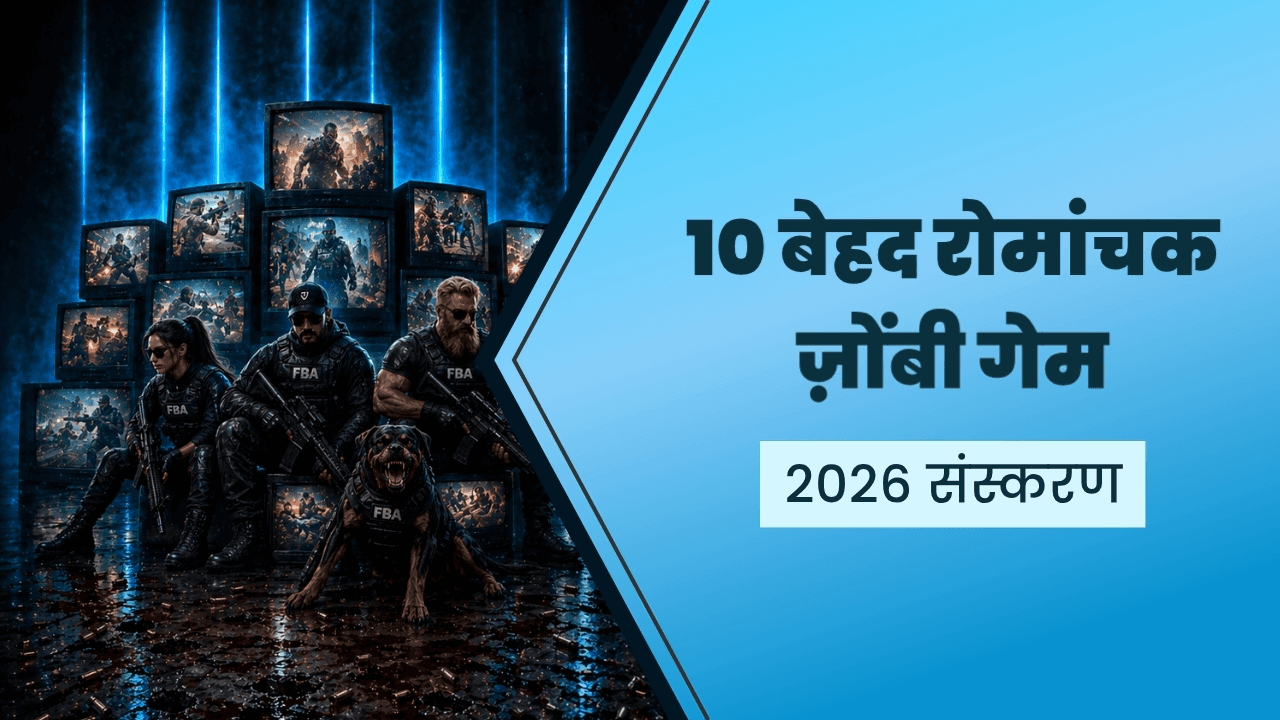
YouTube thumbnail in Hindi
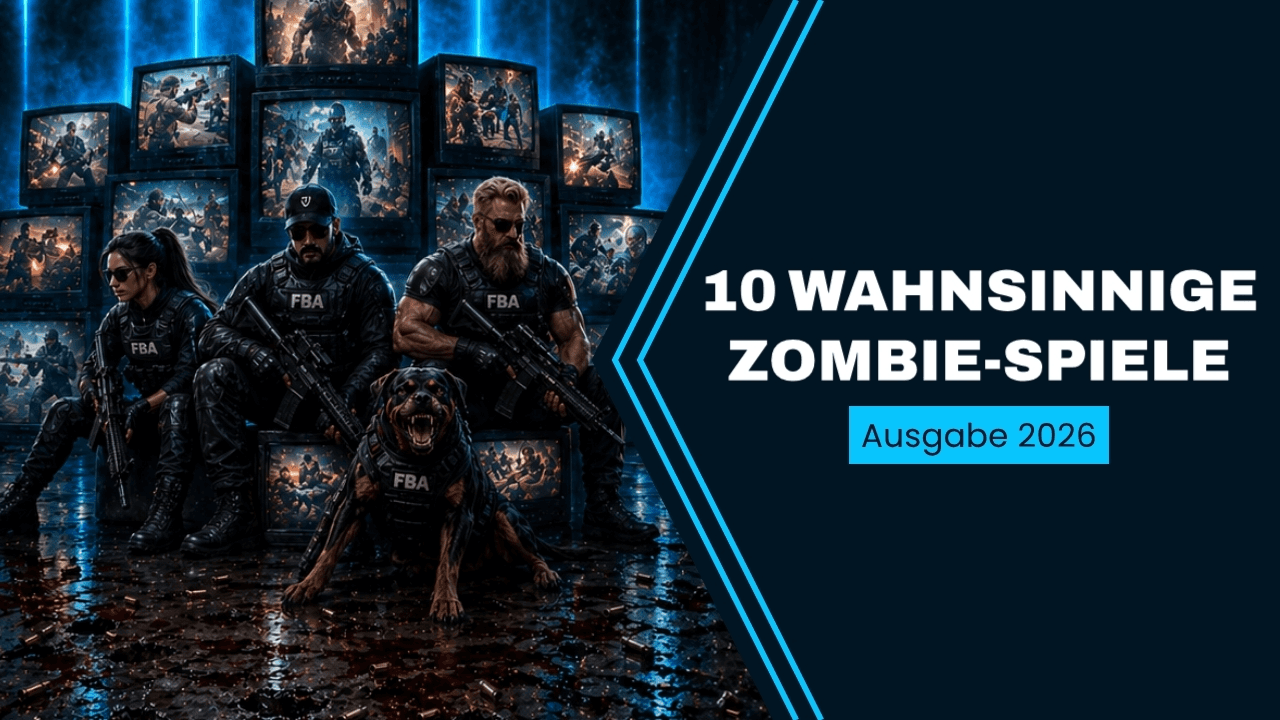
YouTube thumbnail in German
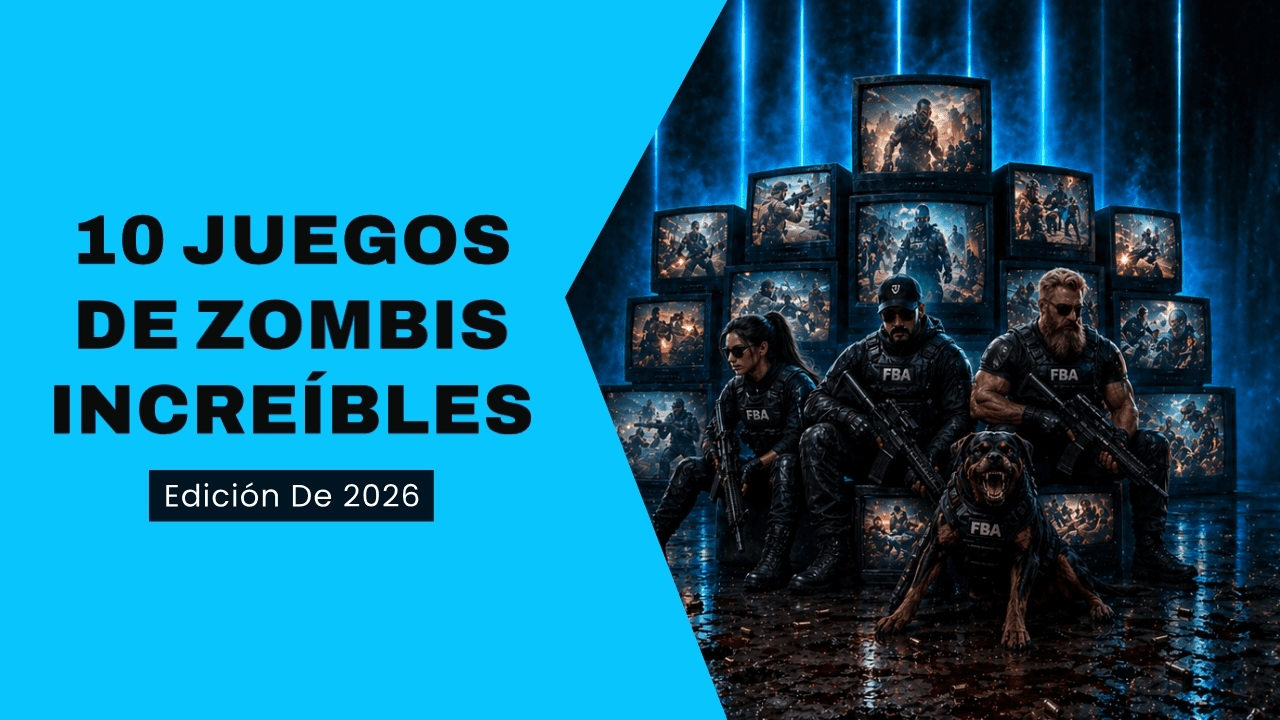
YouTube thumbnail in Spanish
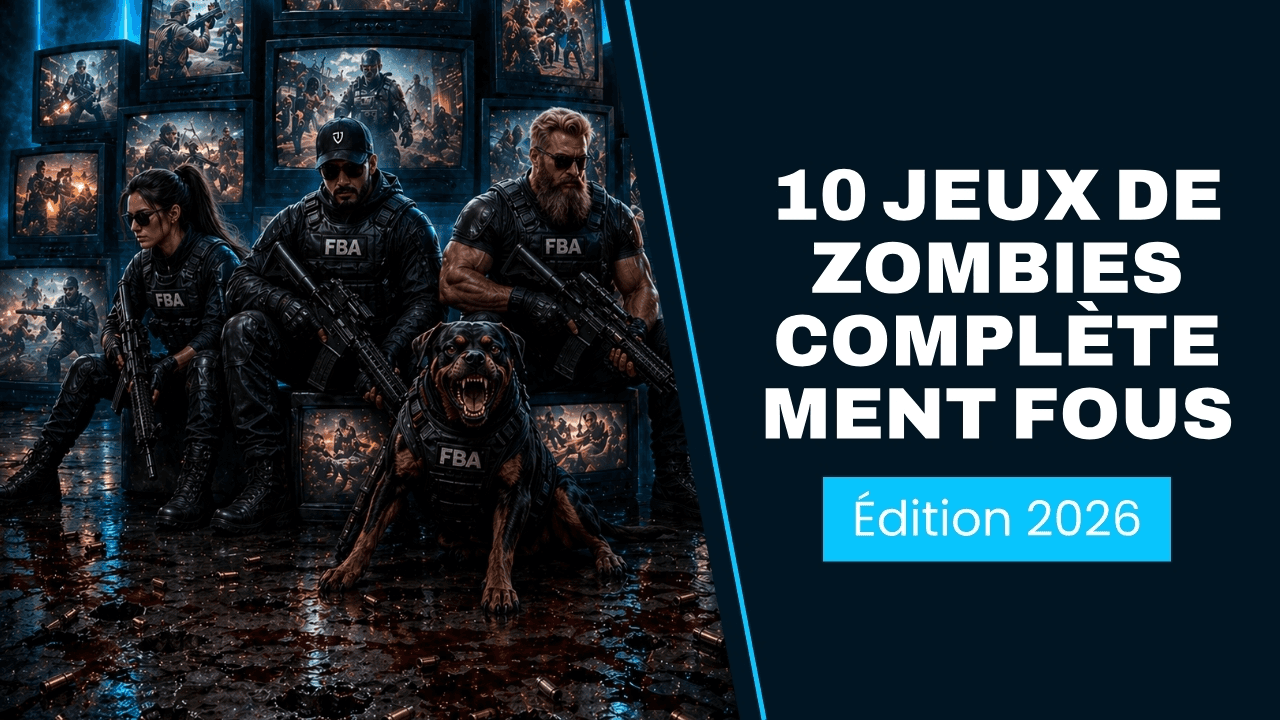
YouTube thumbnail in French

YouTube thumbnail in Polish

YouTube thumbnail in Portuguese
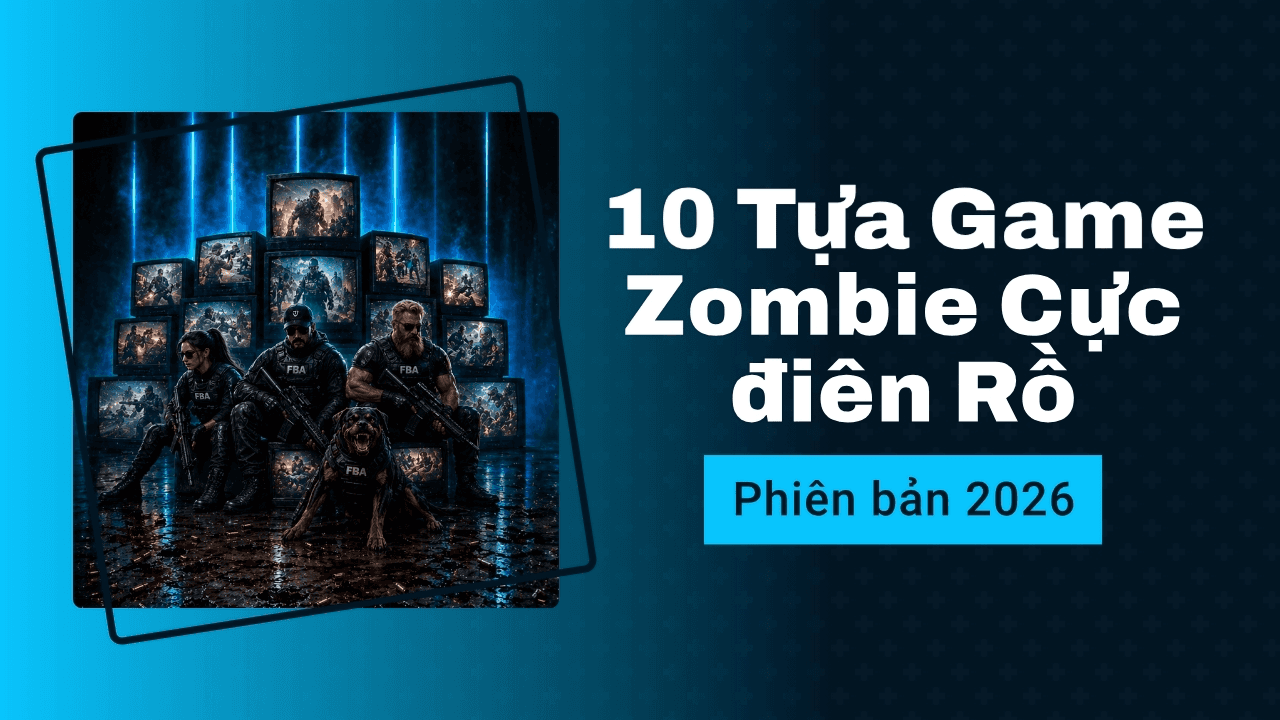
YouTube thumbnail in Vietnamese
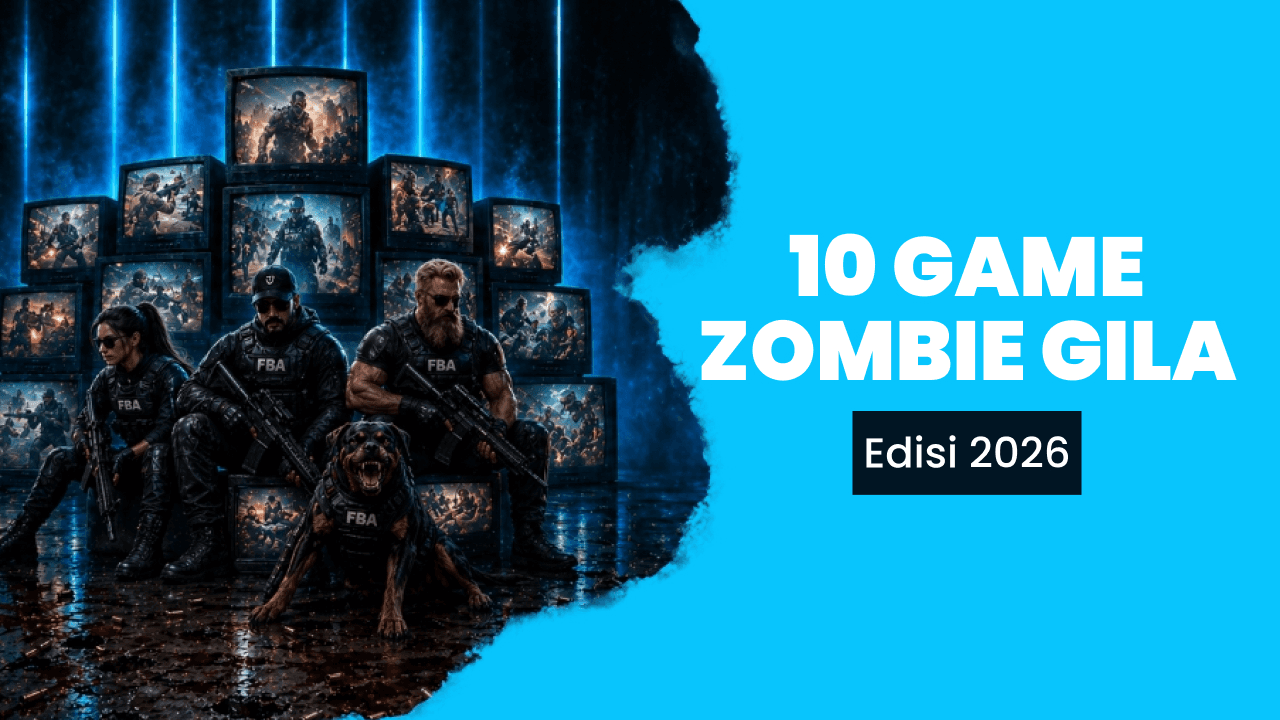
YouTube thumbnail in Indonesian
This matters for creators publishing in more than one language and for non-English YouTubers who currently waste hours fighting English-first design tools. One prompt, ten thumbnails, ready to upload.
How to make a thumbnail for YouTube with Sivi?
Create YouTube thumbnails for free with online YouTube thumbnail maker.
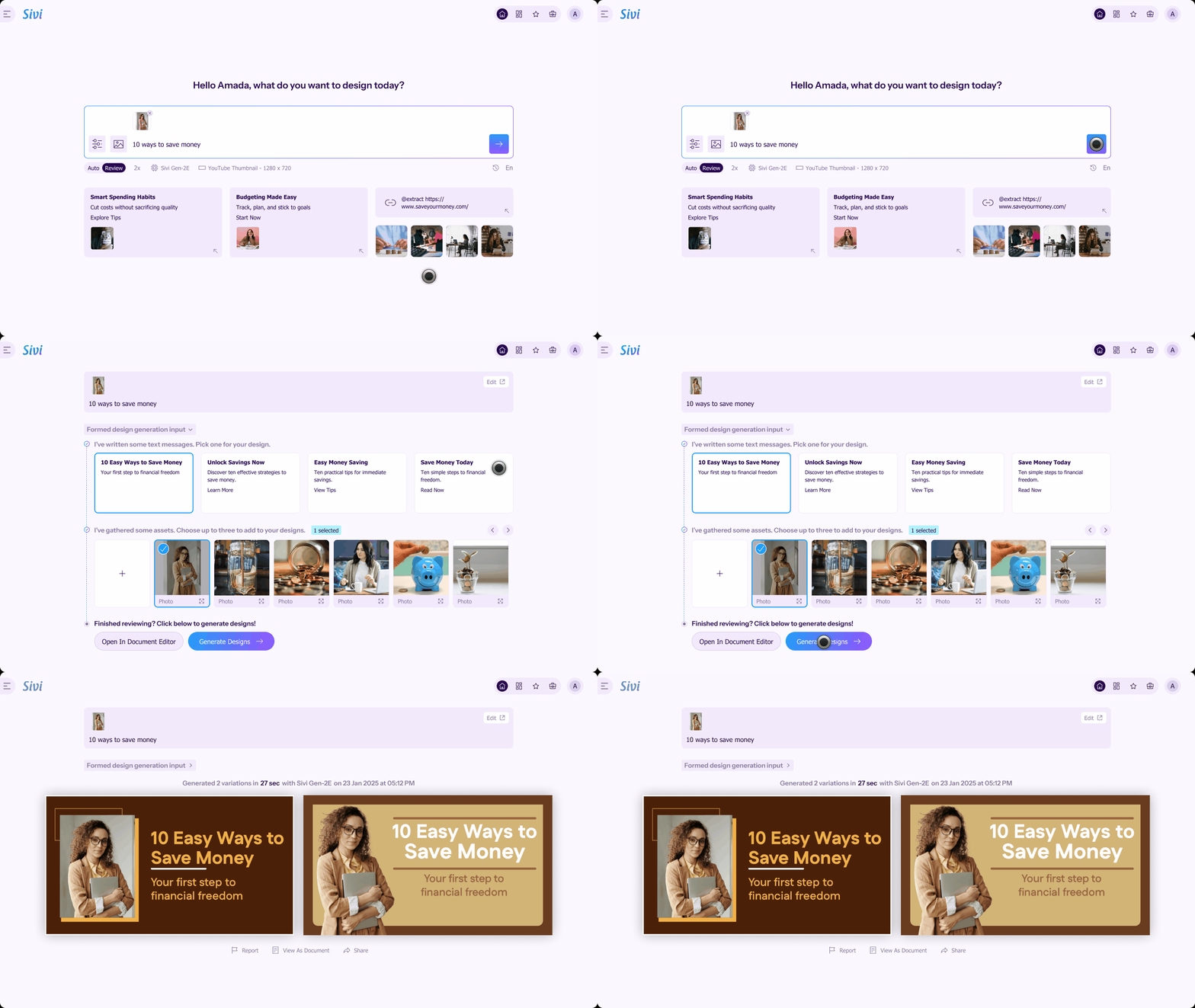
Step 1
Describe your video
Open the Sivi YouTube thumbnail maker and type a prompt. Include the topic, audience, mood, and any text you want on the thumbnail. Upload your logo and brand colors or pull from the stock library so every thumbnail stays on-brand.
Step 2
Generate thumbnails
Hit Generate. Sivi's Large Design Model composes each thumbnail at 1280x720 with proper contrast, typography, and focal hierarchy, and returns multiple click-worthy variations in seconds.
Step 3
Edit and download
Every thumbnail comes as a layered, fully editable design. Tweak the headline, swap the subject image, change colors, or move elements. Download as JPG or PNG and upload it directly in YouTube Studio.
With Sivi, generate captivating YouTube thumbnails and enhance your visual storytelling that drives attention and engagement.
How to change a thumbnail on YouTube
You can change a YouTube thumbnail any time after upload, even on videos that have been live for years.
Open YouTube Studio and sign in using your account.
Click on ‘Content’ in the left sidebar to view your uploaded videos and choose the one you want to edit.
Hover over the video you want to edit and click the pencil icon.
Under Thumbnail, click Upload file and select your new thumbnail design (1280 x 720 recommended) made with the free YouTube thumbnail creator.
Click ‘Save’ in the top-right corner to apply your updated YouTube thumbnail.
For verified accounts, you can also run YouTube's built-in thumbnail A/B test with up to three thumbnails per video.
Best YouTube thumbnail maker
Sivi: Best free YouTube thumbnail maker for fast, editable thumbnails from a prompt. No watermark.
Canva: Best for manual editing on pre-built templates if you already work inside Canva.
Adobe Express: Best for creators already inside the Adobe ecosystem.
Photoshop. Best for full creative control on flagship uploads.
TubeBuddy or VidIQ. Best for A/B testing thumbnails after creation, not for generating them.
For creators who upload every week or twice a week, AI generation wins on time. For once-a-month flagship videos, manual editing in Photoshop is still worth the hour.
Frequently asked questions
What size should a YouTube thumbnail be?
1280 x 720 pixels at 16:9. Files up to 2 MB, in JPG, PNG, GIF, or BMP.
Is Sivi's YouTube thumbnail maker free?
Yes. The free plan generates thumbnails with no watermark and 12 monthly credits. Commercial use is allowed.
Can I edit the AI-generated thumbnail?
Yes. Every thumbnail is a layered design. Swap images, edit text, change colors, and adjust layout without re-generating.
What is a good YouTube thumbnail?
High contrast, large readable text, a clear emotional face or focal point, and a single dominant idea. Avoid cluttered layouts and small fonts.
Why are my YouTube thumbnails not getting clicks?
Common causes: low contrast at small sizes, too much text, no clear focal point, or the thumbnail not matching the video's actual payoff. Test variants instead of guessing.
Can I use AI-generated thumbnails commercially on YouTube?
Yes. Sivi thumbnails are commercially usable on the free and paid plans.
How do I A/B test YouTube thumbnails?
Use YouTube Studio's built-in Thumbnail Test for verified accounts. Upload up to three variants and let YouTube pick the winner by CTR. Sivi generates multiple design variations from a single prompt, making it easy to A/B test different thumbnails.
What is the best YouTube thumbnail maker in 2026?
For weekly creators who want fast, editable, on-brand thumbnails from a prompt, Sivi is the best option. For manual template editing, Canva and Adobe Express work well. For full creative control on flagship videos, Photoshop is still the standard. Most active creators use a mix of AI for drafts and a manual editor for milestone uploads.
Need thumbnails for Twitch, podcasts, Instagram Reels, or course videos? Try the AI thumbnail maker for every platform.
Most "can it do X" questions resolve faster from one generation than a FAQ. For anything specific, email hello@sivi.ai. We read every one.
Explore Sivi AI use cases
Generate banners for any platform using Sivi AI, and scale up your marketing campaign.
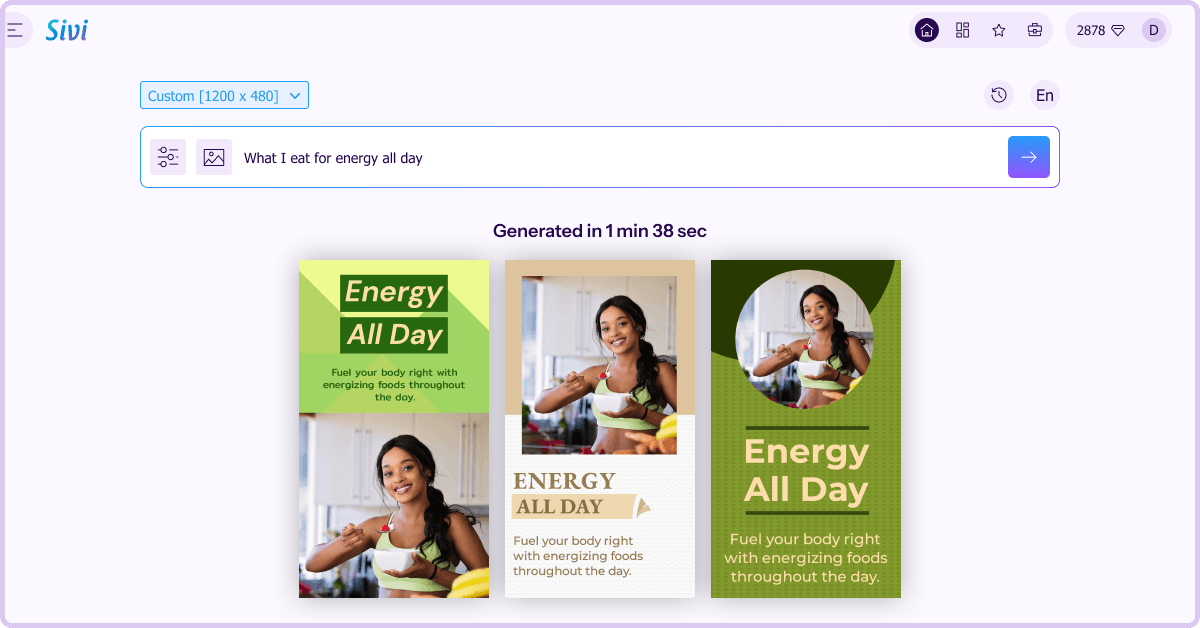

Need designs beyond thumbnails? Try Sivi's AI design generator.