Brand kit
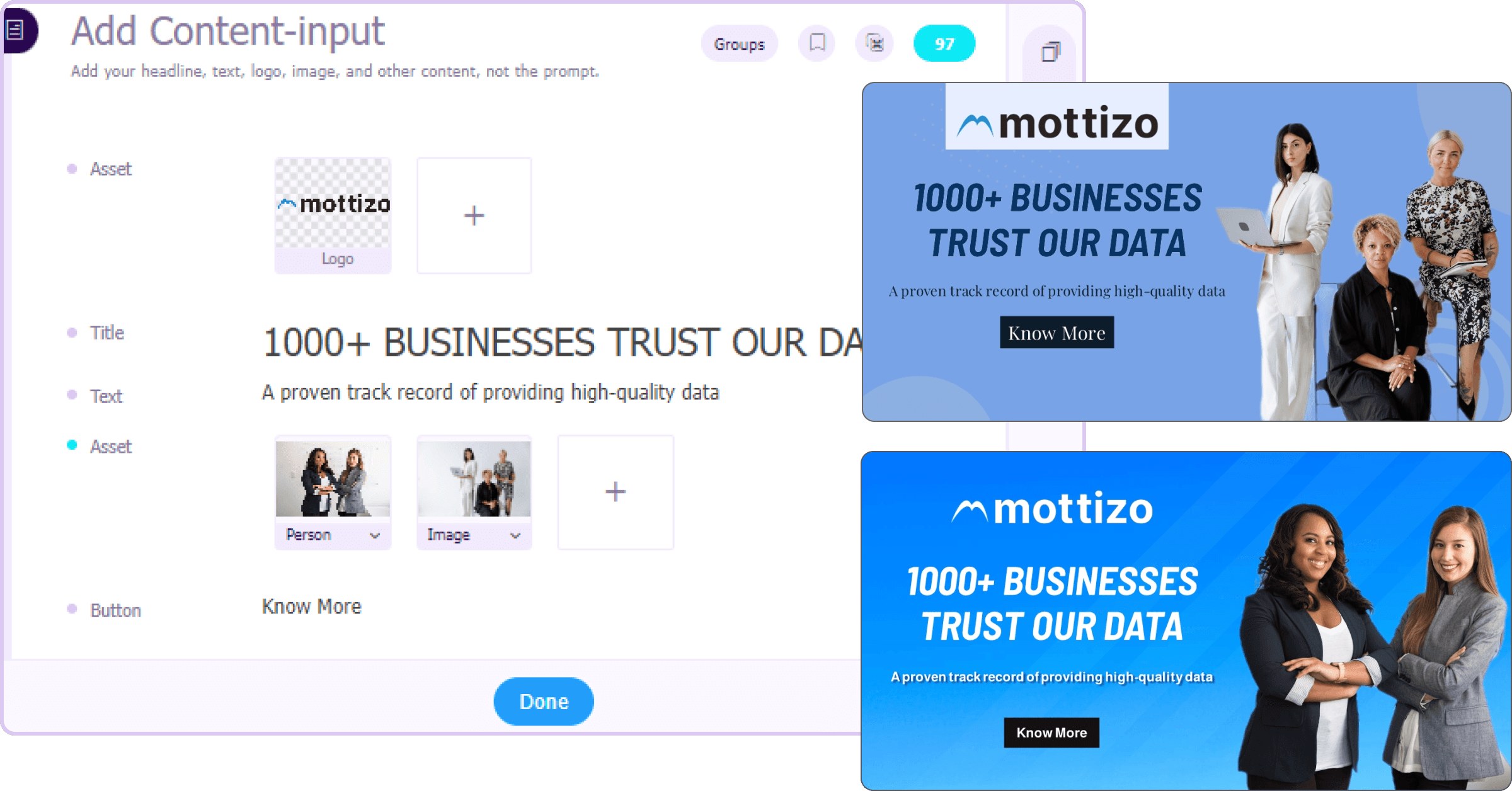
Incorporate your existing brand fonts, themes, and logos into your brand guide for consistent branding across your entire channel.
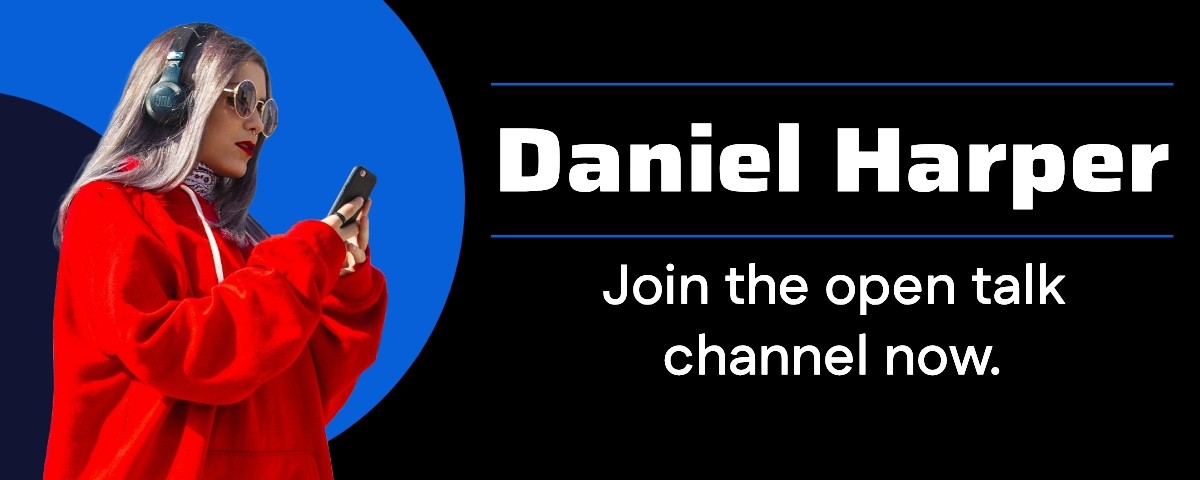
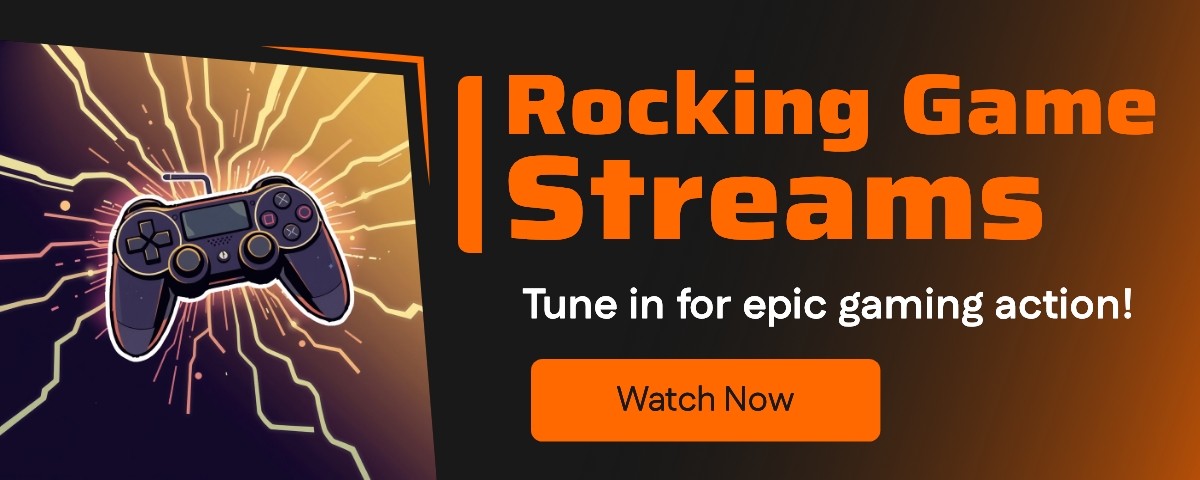
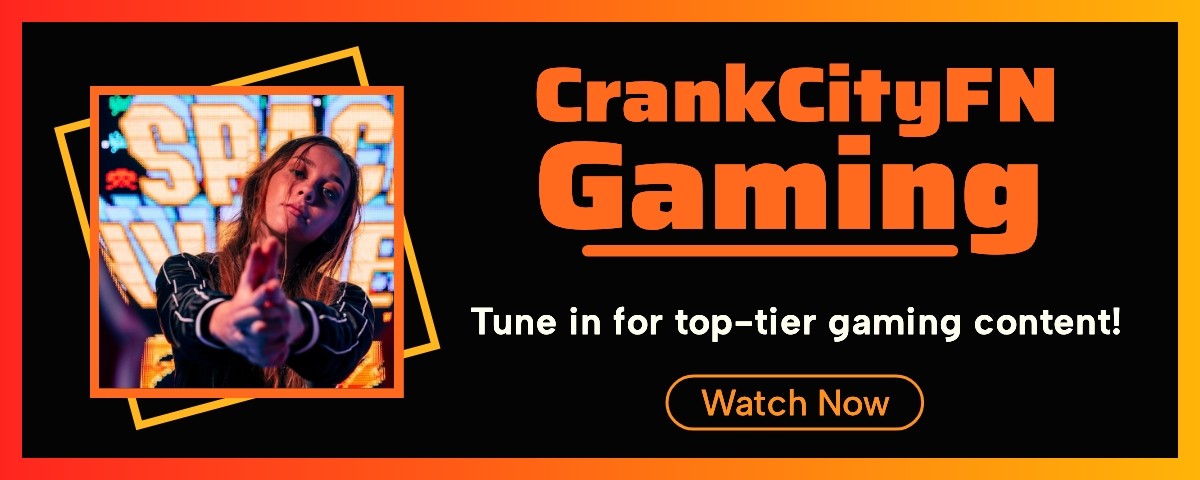
create free Twitch TV banners with AI and grab your viewer’s attention. Simply add a Twitch profile banner prompt and get unique headers even without any design experience.
4.8/5176K+ brands72+ languages

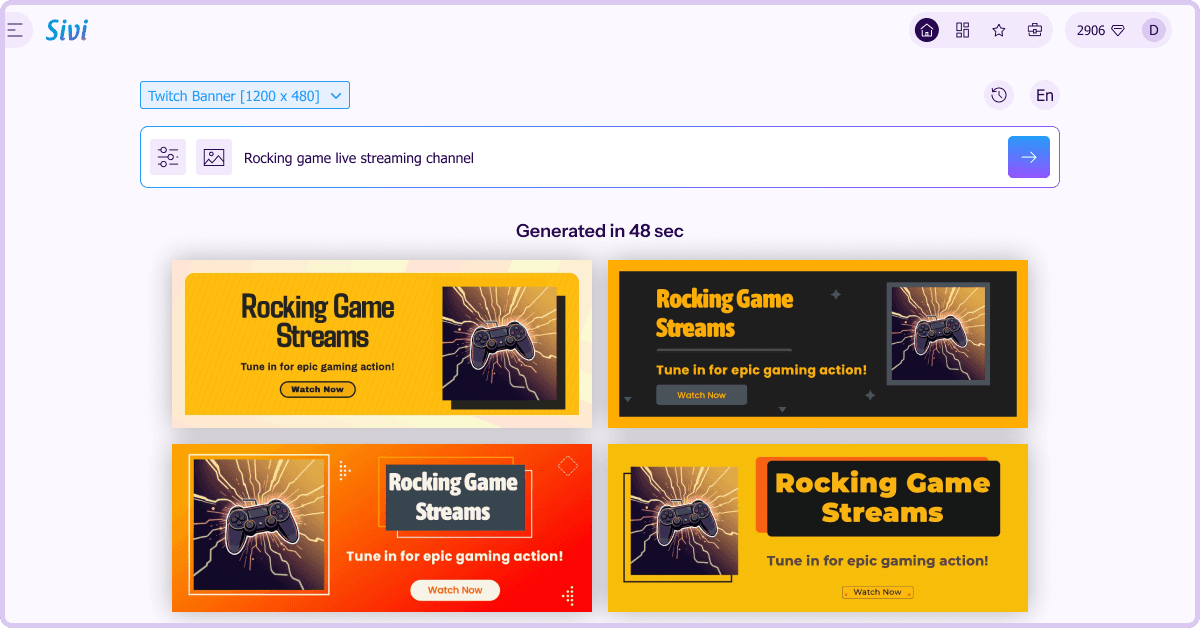
A Twitch banner is a large image displayed at the top of a Twitch profile that sets the tone for a streamer’s brand. With 240 million monthly active users, striking banners can help you stand out from the crowd and establish your brand identity. Creating such Twitch cover art from Twitch banner templates takes a lot of time and expertise for streamers.
Turn your banner idea into on-brand Twitch banners with Sivi’s AI Twitch banner generator. Unlike other banner makers that offer limited templates and require design knowledge, Sivi gives you unlimited creative freedom with template-free design generation without any learning curve.
Incorporate your existing brand fonts, themes, and logos into your brand guide for consistent branding across your entire channel.
Want to make your logo bigger? Customize the generated designs as you want and give your final touch.
Connect with your target audience and build a loyal fan base with channel banners in their language. Add a prompt and get banners in 72+ languages.
Upload your assets or access millions of stock images, icons, illustrations, and backgrounds for free and elevate your designs.
Browse our gallery of Twitch banners and get inspired to generate your channel designs.
Making a Twitch banner is quick and easy with our free Twitch banner generator.
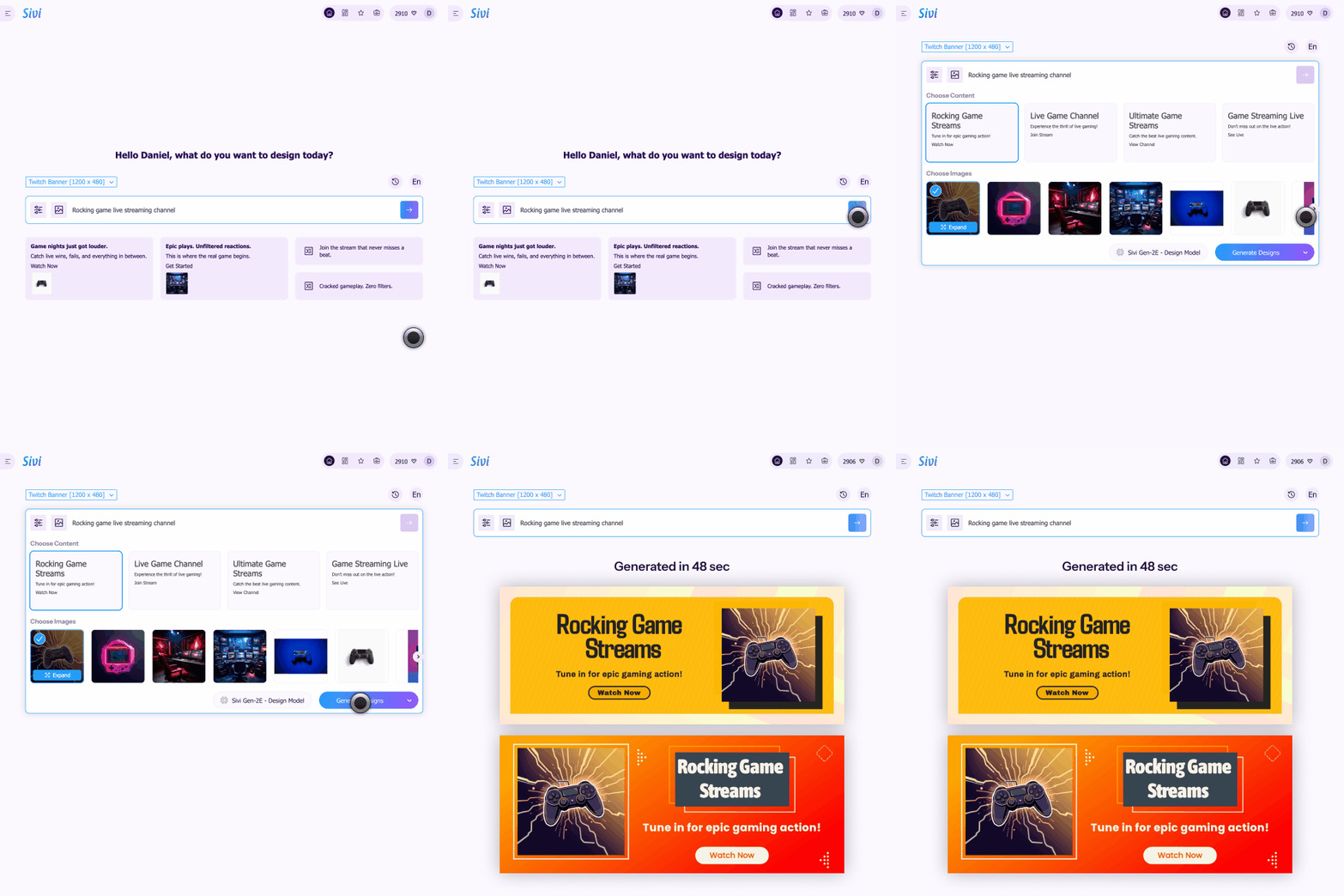
Enter your banner details and dimensions.
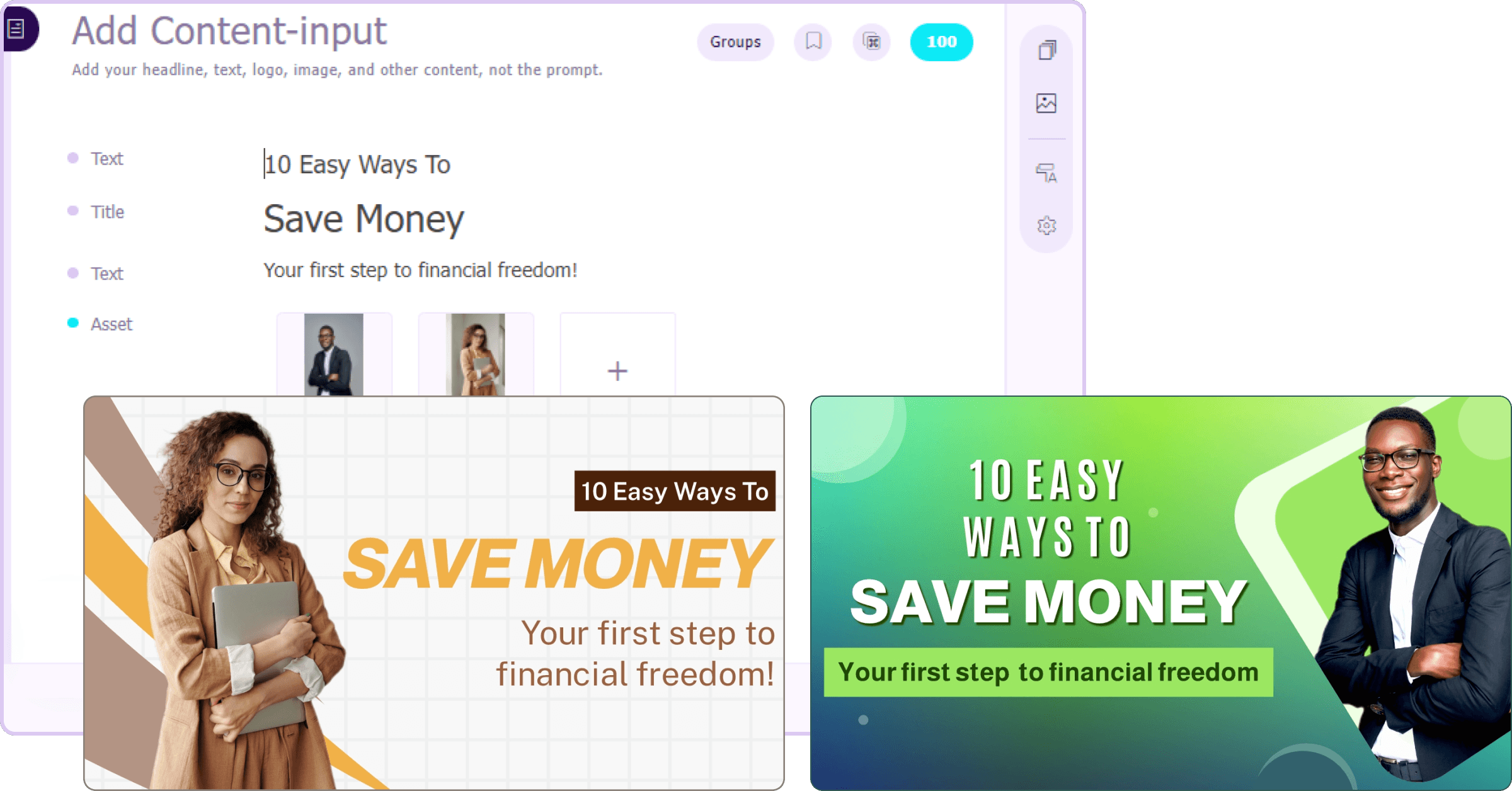
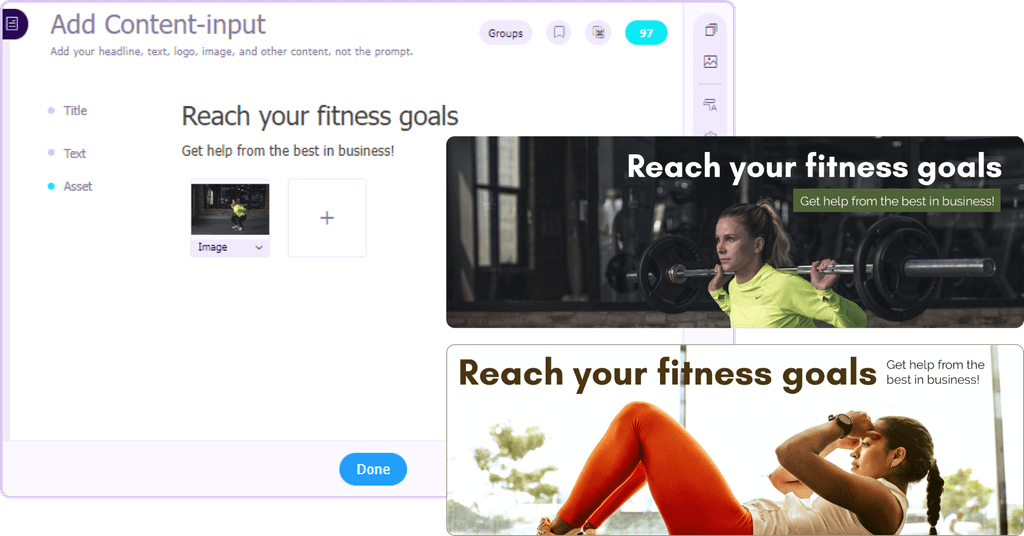
Add your Twitch channel assets, including logos and theme.
Watch as Sivi generates Twitch banners from scratch.
Customize the designs if needed, download them, and it to your Twitch profile.
Creating a professional Twitch banner has never been this simple.
Log in to your Twitch account and click your profile icon at the top right to access the Creator Dashboard.
In the Creator Dashboard, go to Settings. Under the Channel section, click on the Brand tab.
Find the Profile Banner section, click Update, and upload your Sivi-generated Twitch banner image when the ‘Upload a Photo’ pop-up appears.
Click ‘Save’ to apply your new Twitch banner.
Use Sivi’s AI design tool for your design needs beyond Twitch banners.
I like how the prompt wizard is created. Generate process is cool. I like the approach when you actually see what is going on, instead of looking at some spinner for X minutes and be not sure if it is still processing or it is freezing. Simple and easy to use Edit mode. This is really cool product.
Sivi.ai is an impressive tool that can significantly speed up your design workflow. Its ability to generate visuals in a variety of dimensions and the option to edit the designs make it a versatile option for anyone in need of appealing designs.
Really great tool, game-changer that disrupts a huge market and everything connected with design and content creation.
I am an early beta user of Sivi and I love its present and future. I love the deep thought the team has put in it to understand the design process and making it business owner savvy. This is transformational for our GTM to help us quickly have multiple options in design for our messaging.
As per the tool - I’ve been looking for a long time when there will be an AI tool to generate design from text with a user-friendly interface. And it seems like this is the one!
Loved the idea of providing a prompt template to help new users get the most out of their first tries! I was surprised by how complete this product is, being able to edit the content and the visuals separately is a really good idea.