Generate images for your thumbnails
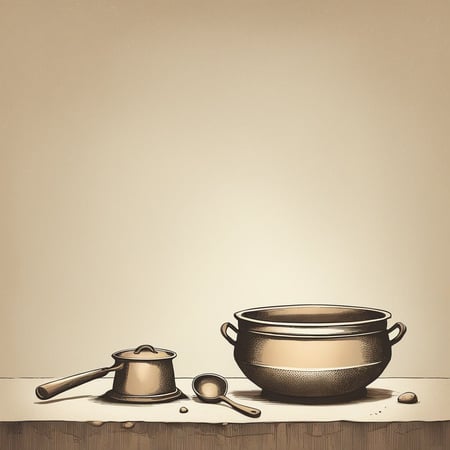
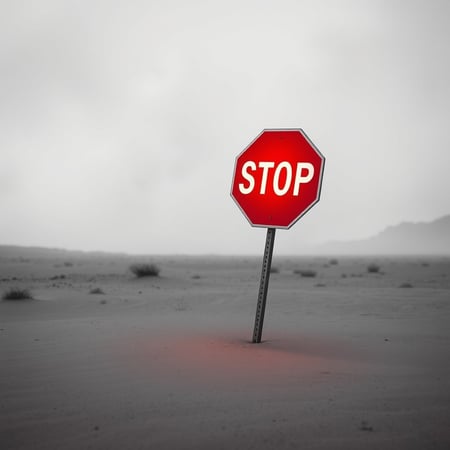
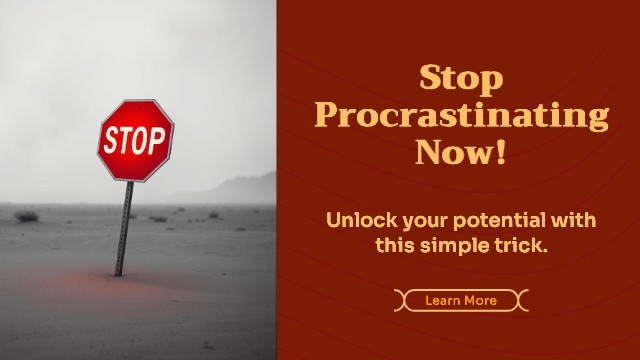
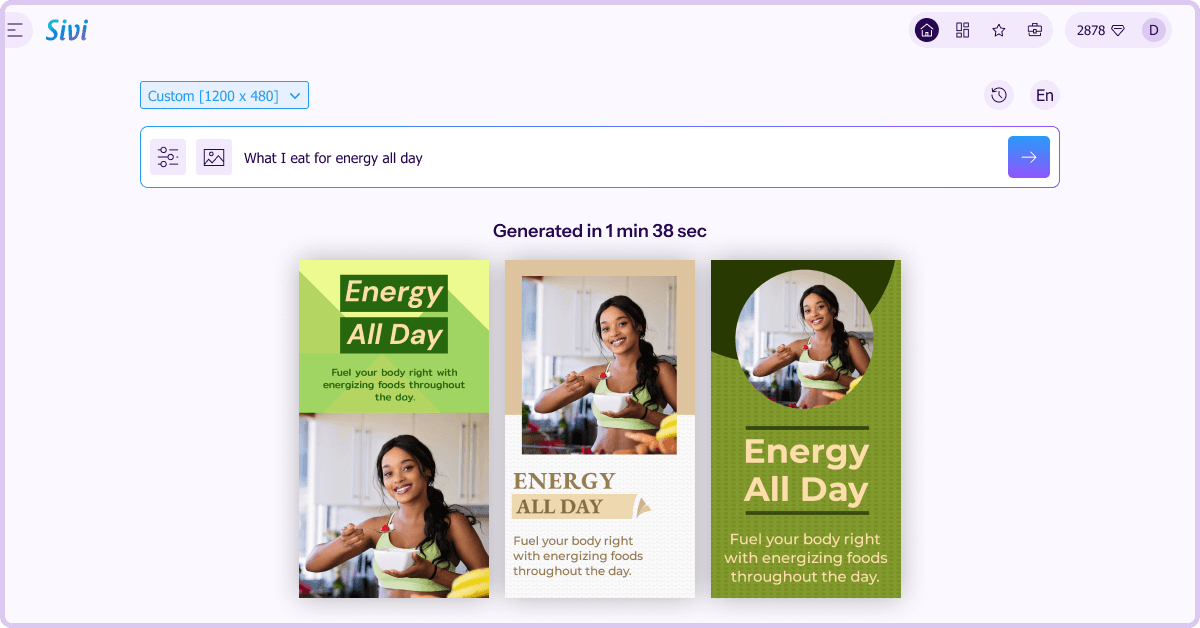
Don’t have an image to use in your YouTube video thumbnail? Just give a prompt and Sivi AI image generator will generate stunning images for you.
Make a YouTube thumbnail in ~1-2 min. Type a prompt, pick a style, and the AI generates a 1280×720 thumbnail you can edit and download. No design skills, no watermark, and you can do it in 72+ languages. Get 12 free AI credits every month with the YouTube thumbnail maker, no credit card required.
4.8/5176K+ brands72+ languages

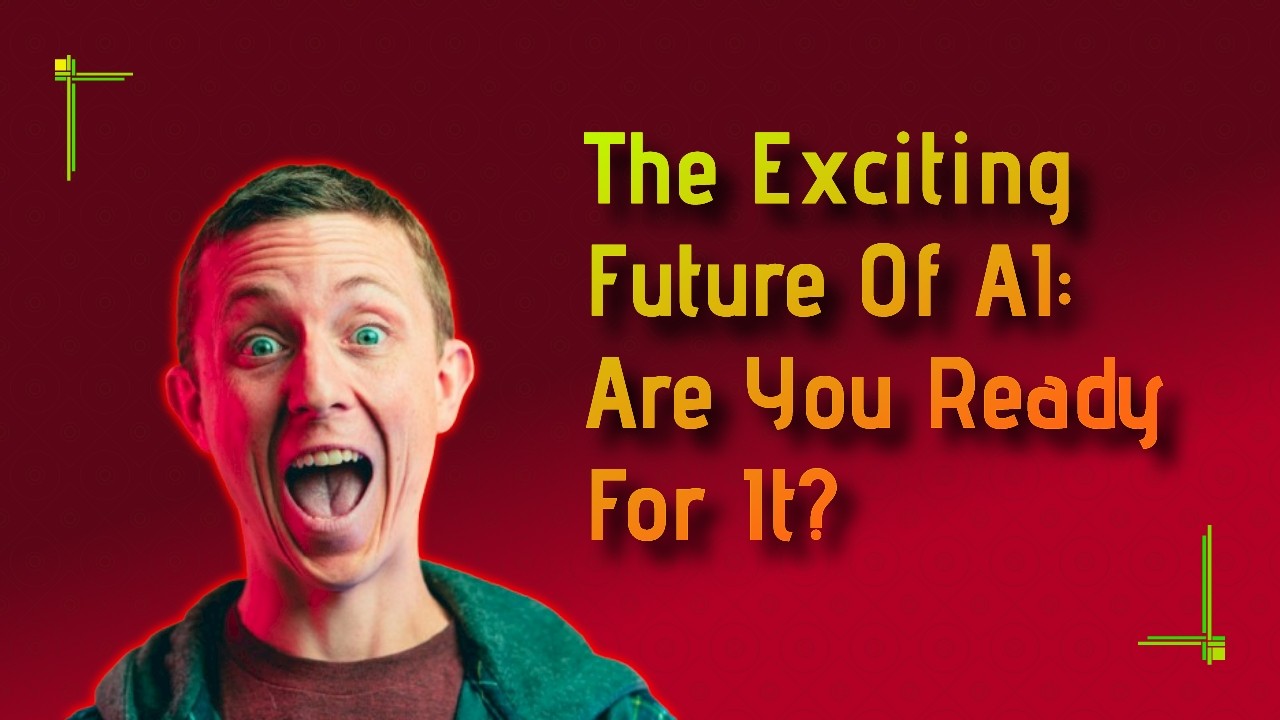
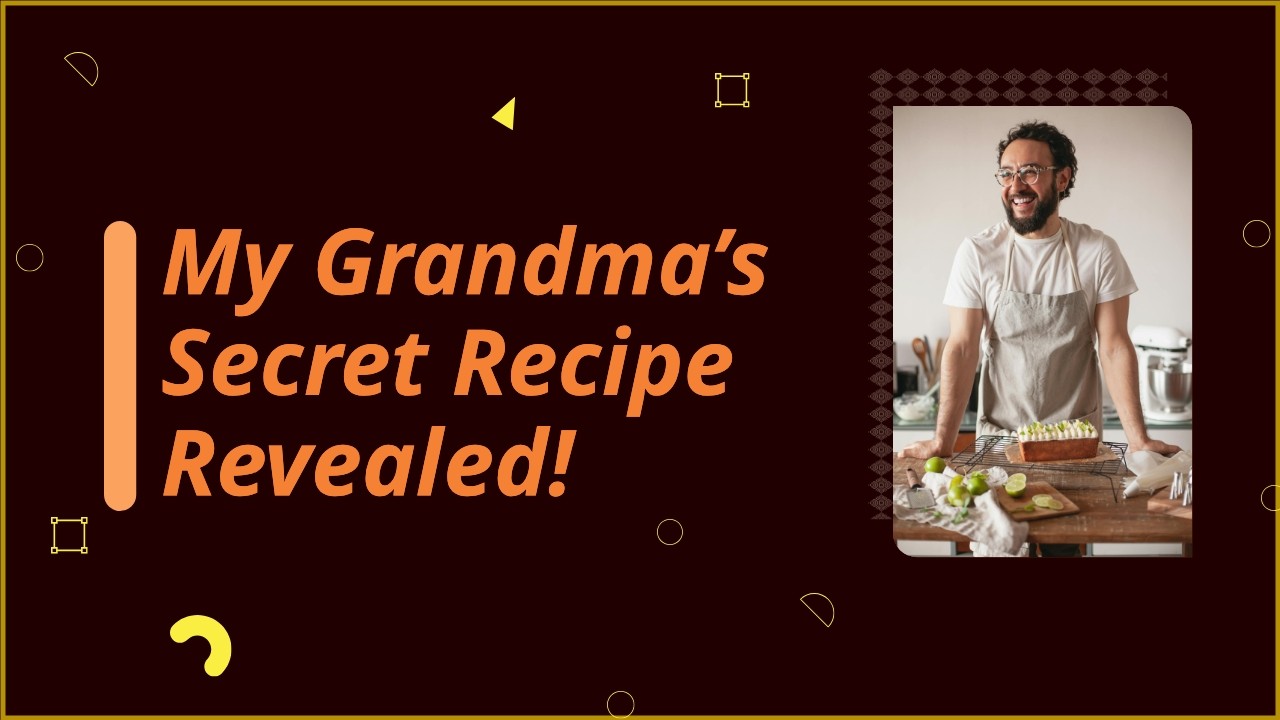
A YouTube thumbnail is a small preview image representing a video's content on YouTube. It shows up next to your video title in search, on the homepage, and in suggested videos. It is the single biggest reason a viewer clicks or scrolls past your video.
YouTube's own creator data ranks thumbnail click-through rate among the top signals for browse traffic, ahead of the title in most niches.
A good YouTube thumbnail does three things at once:
The standard YouTube thumbnail size is 1280 x 720 pixels at a 16:9 aspect ratio. YouTube allows files up to 2 MB in JPG, PNG, GIF, or BMP. The minimum supported width is 640 pixels, but anything below 1280 looks soft on modern displays.
| Spec | Value |
|---|---|
| Recommended size | 1280 x 720 px |
| Aspect ratio | 16:9 |
| Minimum width | 640 px |
| Max file size | 2 MB |
| Formats | JPG, PNG, GIF, BMP |
| Avoid this zone | Bottom-right corner (timestamp overlay) |
Sivi generates YouTube thumbnails at 1280 x 720 by default. For YouTube Shorts, switch to 1080 x 1920.
Describe the video, pick a style, edit, and export. ~1-2 min per thumbnail. Best for weekly uploaders and creators testing variants.
Pick a template and edit text, images, and color manually. 10 to 20 minutes per thumbnail. Best when you want full manual control on a one-off.
Full creative freedom, requires design skill. 30 minutes or more. Best for flagship videos where the thumbnail itself is part of the brand.
For most creators uploading consistently, AI is the practical default. Use the saved time to test more thumbnails, not to replace thinking.
Most YouTubers in 2026 use a mix of three tools. AI YouTube thumbnail makers like Sivi for fast drafts and variants. Photoshop or Canva for manual polish on flagship uploads. Stock photo libraries or AI image generators for backgrounds and props.
Mid-tier and large channels often work with a freelance thumbnail designer on Fiverr or hire in-house. AI is increasingly absorbing the first 80% of that workflow, leaving the designer to focus on the high-stakes uploads.
With Sivi’s AI YouTube thumbnail maker, you get multiple template-free thumbnail designs within ~1-2 min. Each thumbnail comes with the headline, background, subject image, and effects on separate layers so you can tune anything without re-prompting.
The YouTube thumbnail maker automatically generates unique design variations that align with your brand identity and set you apart.
The AI applies the principles that actually drive YouTube CTR: high contrast between subject and background, large readable typography, a clear emotional cue on faces, and a single dominant focal point. You can override any of these in the editor.
You can also A/B test the designs to maximize the impact of the video marketing campaign.
Don’t have an image to use in your YouTube video thumbnail? Just give a prompt and Sivi AI image generator will generate stunning images for you.
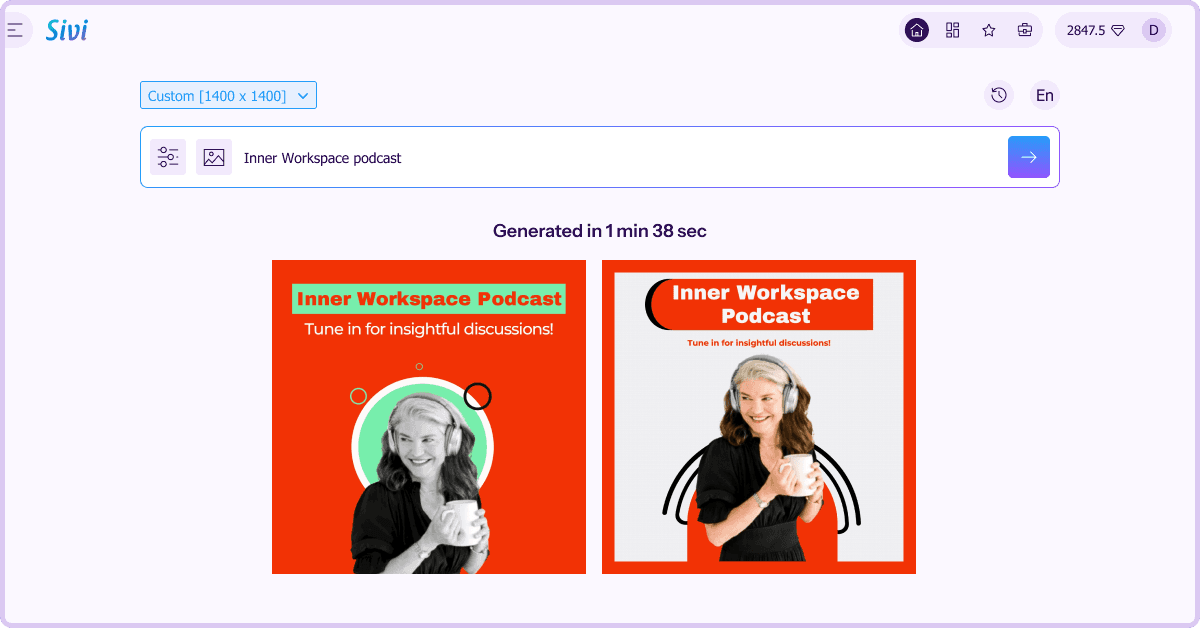
With Sivi YouTube thumbnail generator, you get multiple design options in ~1-2 min. All you need is just a simple text input.
Sivi AI YouTube thumbnail generator breaks language barriers. You can generate stunning designs in 72+ languages, tailored to your specific audience.
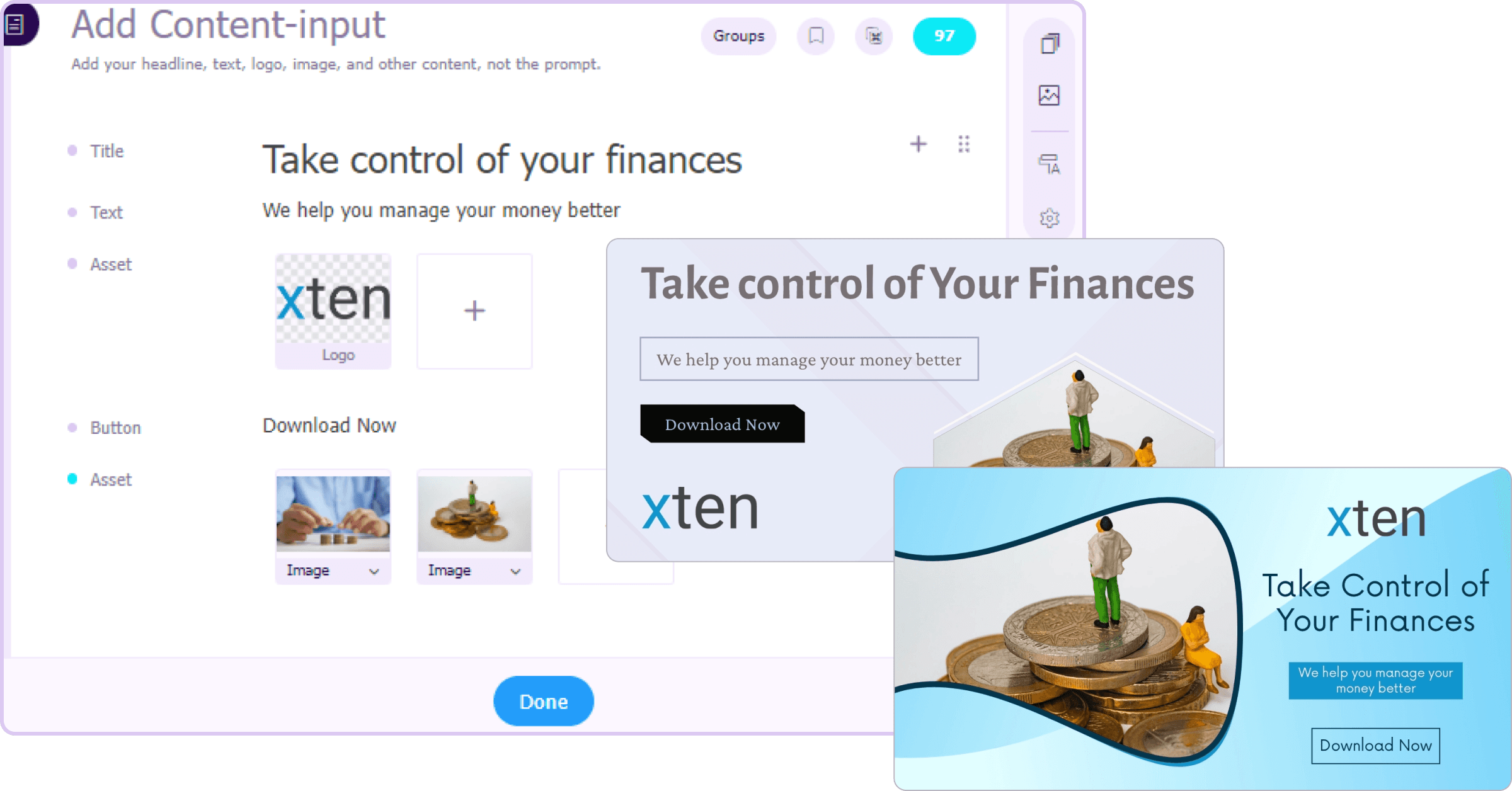
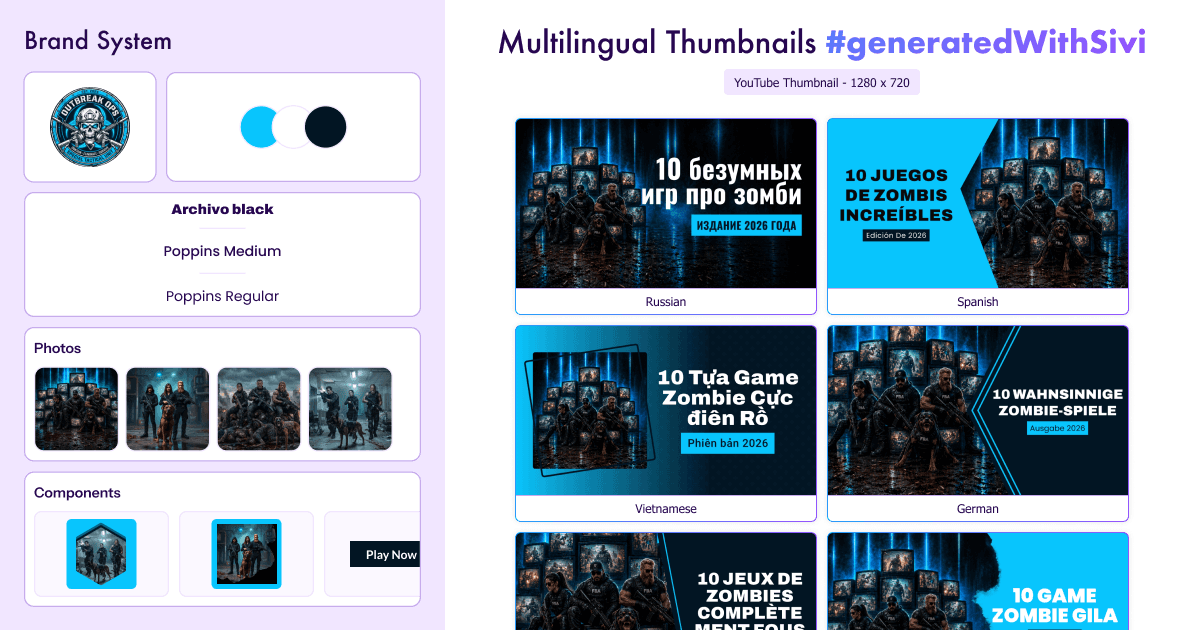
Want your thumbnail to follow your brand’s visual identity? Just use your logo, images, brand colors and more to generate unique thumbnail design options in Sivi.
From tech reviews and gaming to vlogs, education, finance, fitness, beauty, cooking, podcasts, and Shorts, each grid shows real thumbnails generated by Sivi with the original prompt visible. Use these as starting points. Adapt the prompt to your channel, your face, your brand colors, and the specific video topic.
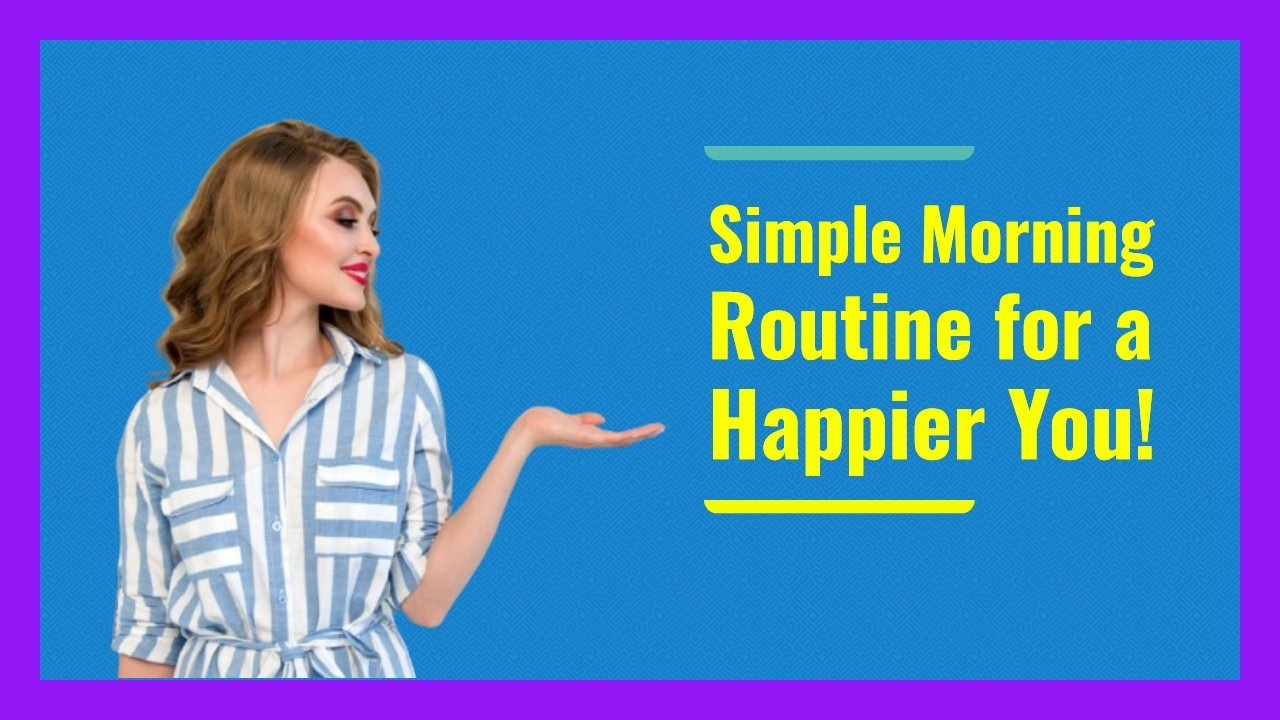

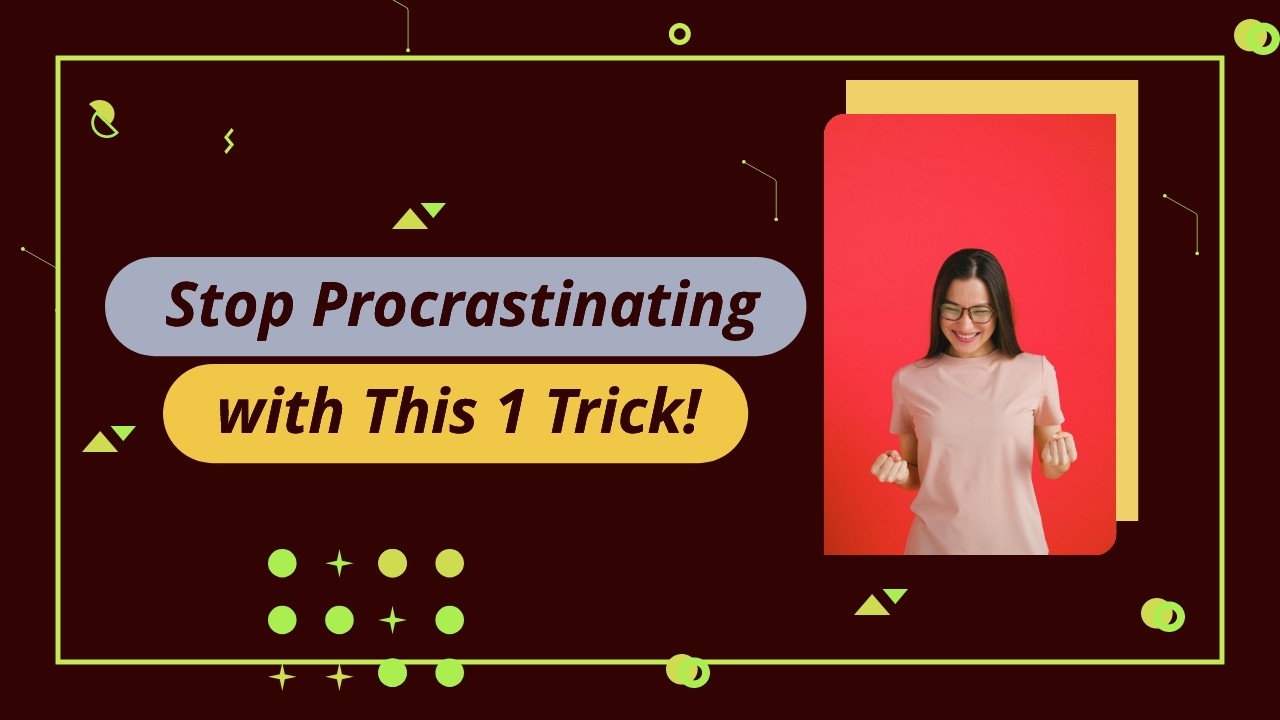
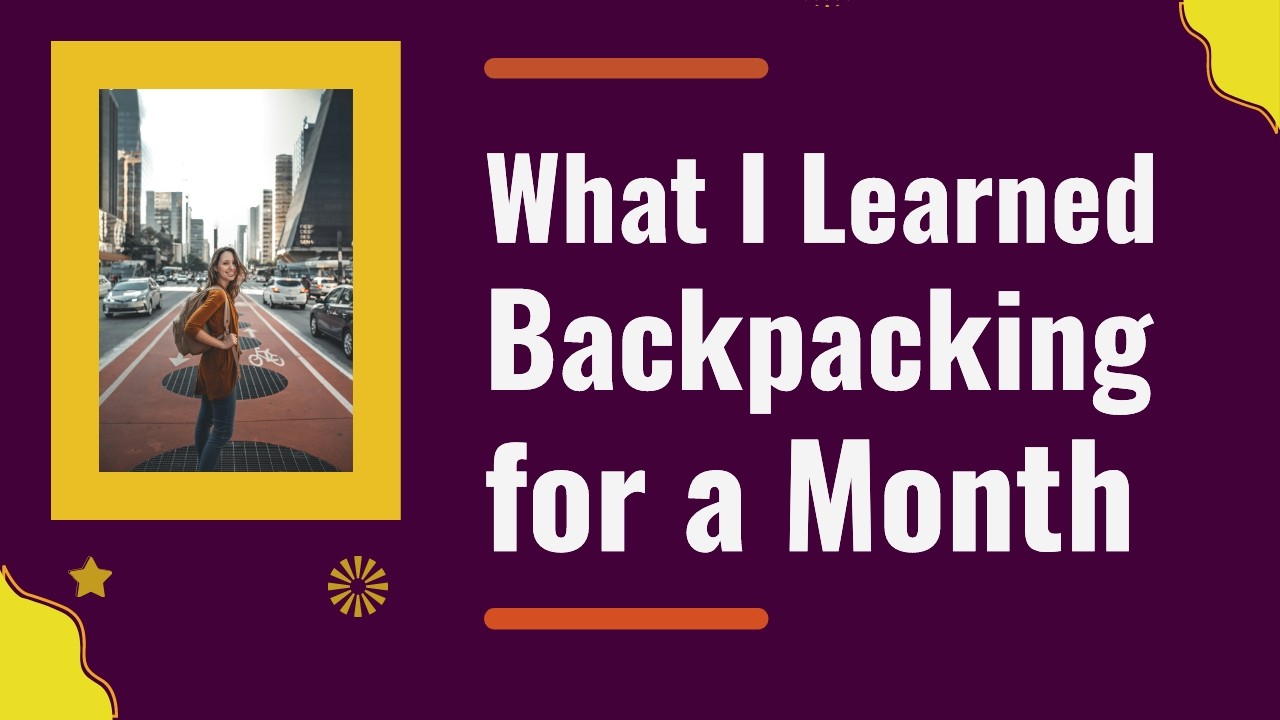
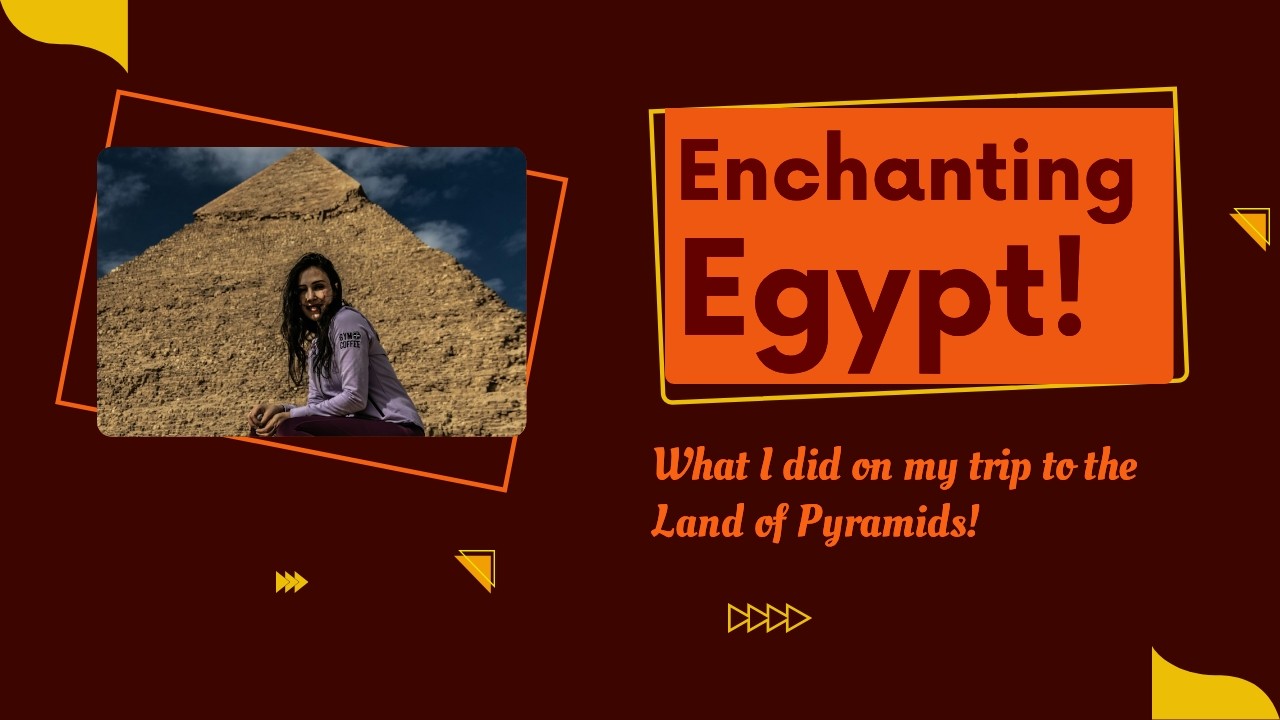

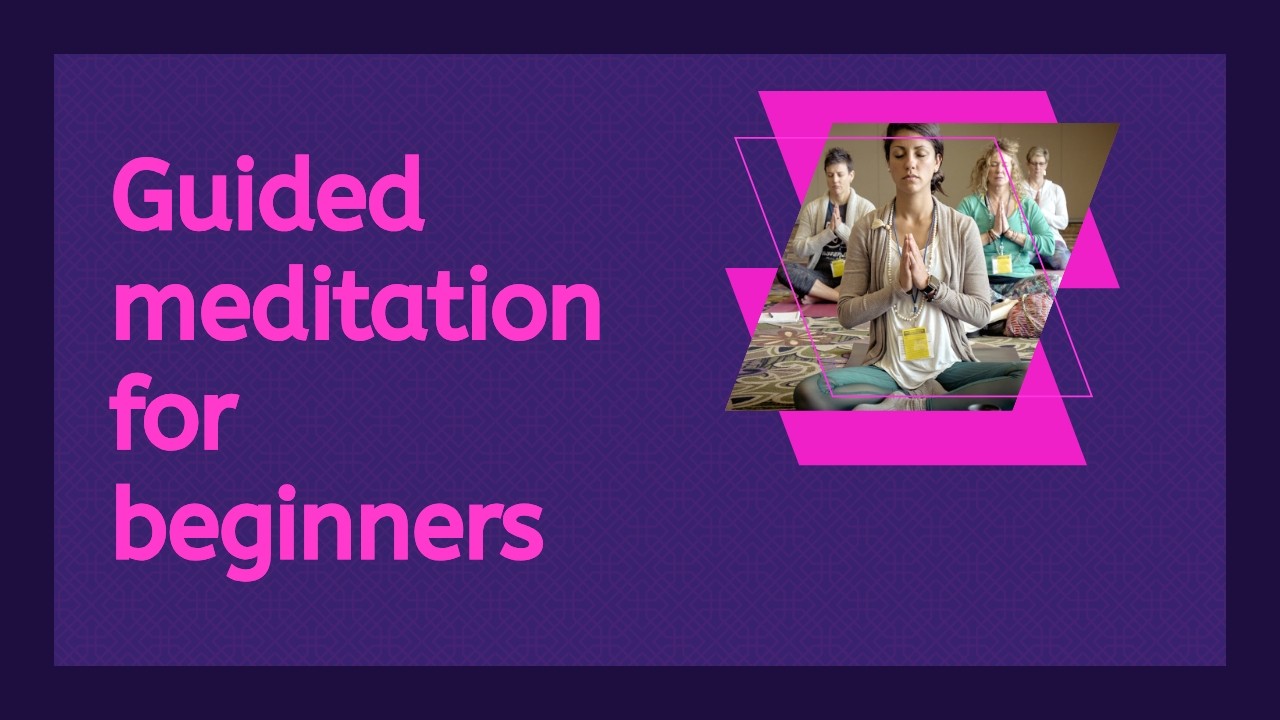
Most AI tools handle English thumbnails fine and break the moment you try Hindi, Polish, Vietnamese, and Russian. The text either misspells, switches mid-word, or falls back to a font that looks nothing like native typography. Sivi was built multilingual from the start. The same prompt that generates an English YouTube thumbnail will generate the same thumbnail in 72+ languages, with the correct script, language-specific fonts, and proper layout direction including right-to-left.
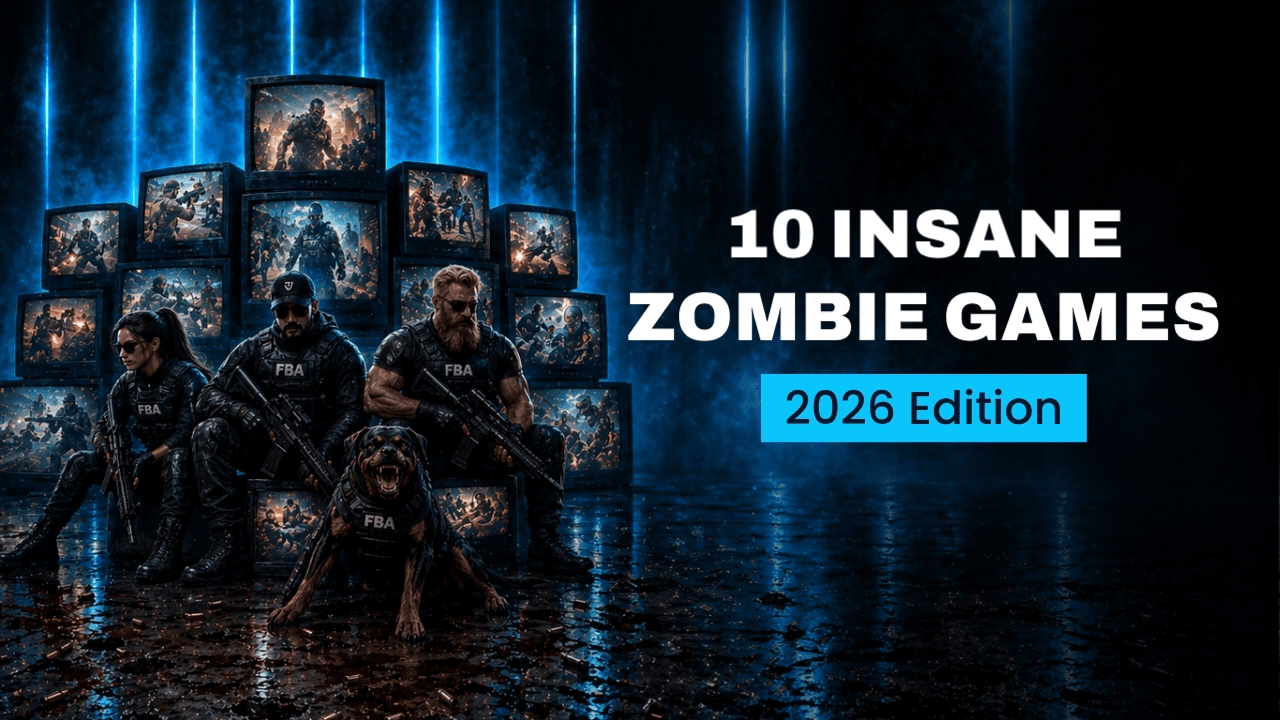
YouTube thumbnail in English
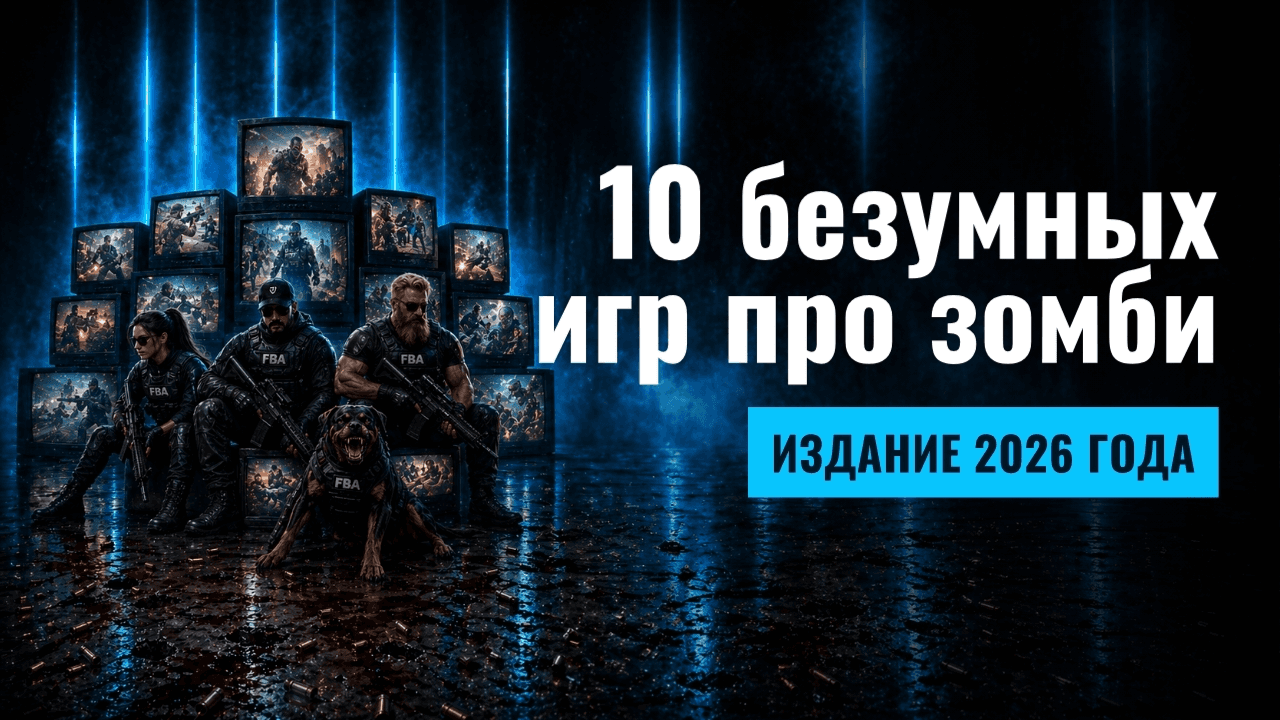
YouTube thumbnail in Russian
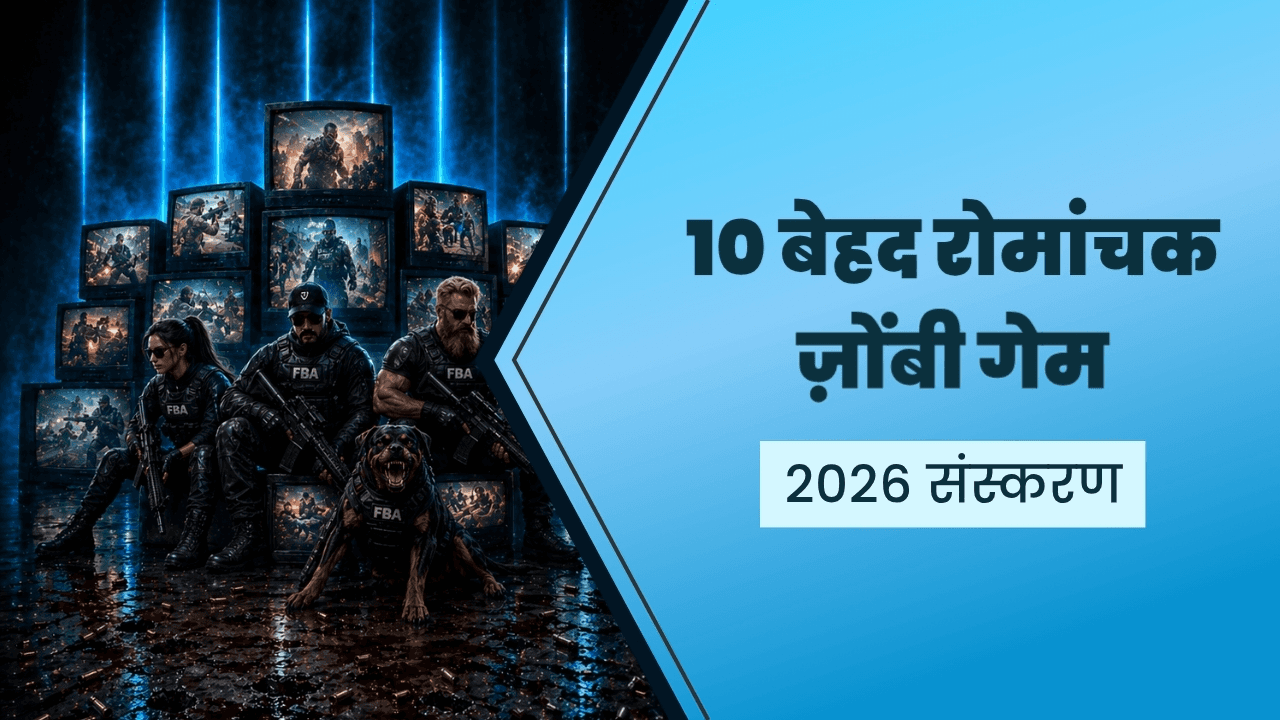
YouTube thumbnail in Hindi
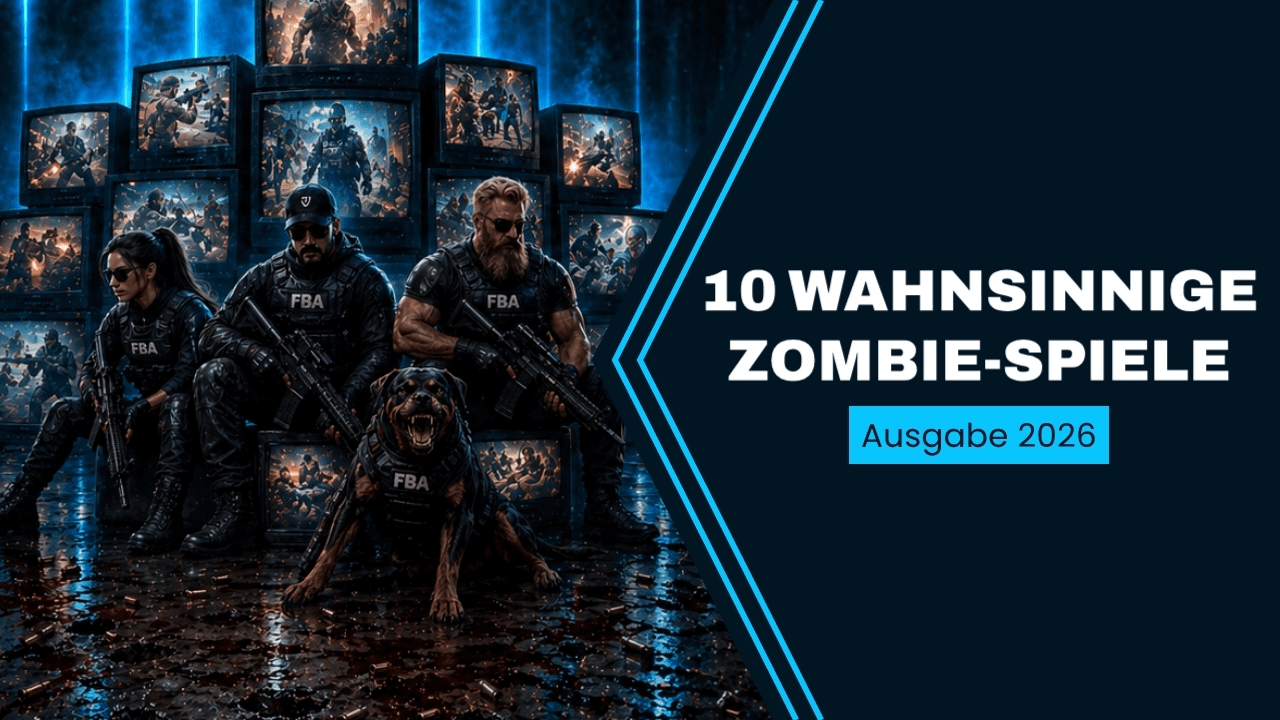
YouTube thumbnail in German
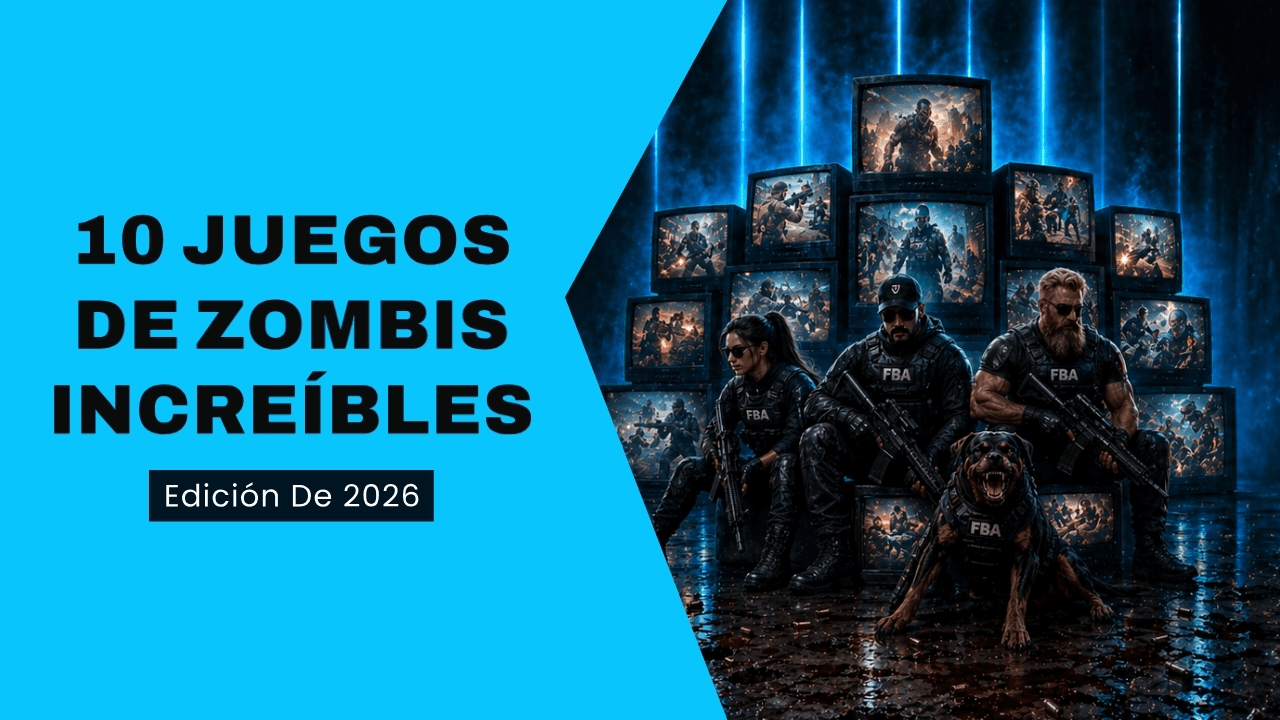
YouTube thumbnail in Spanish
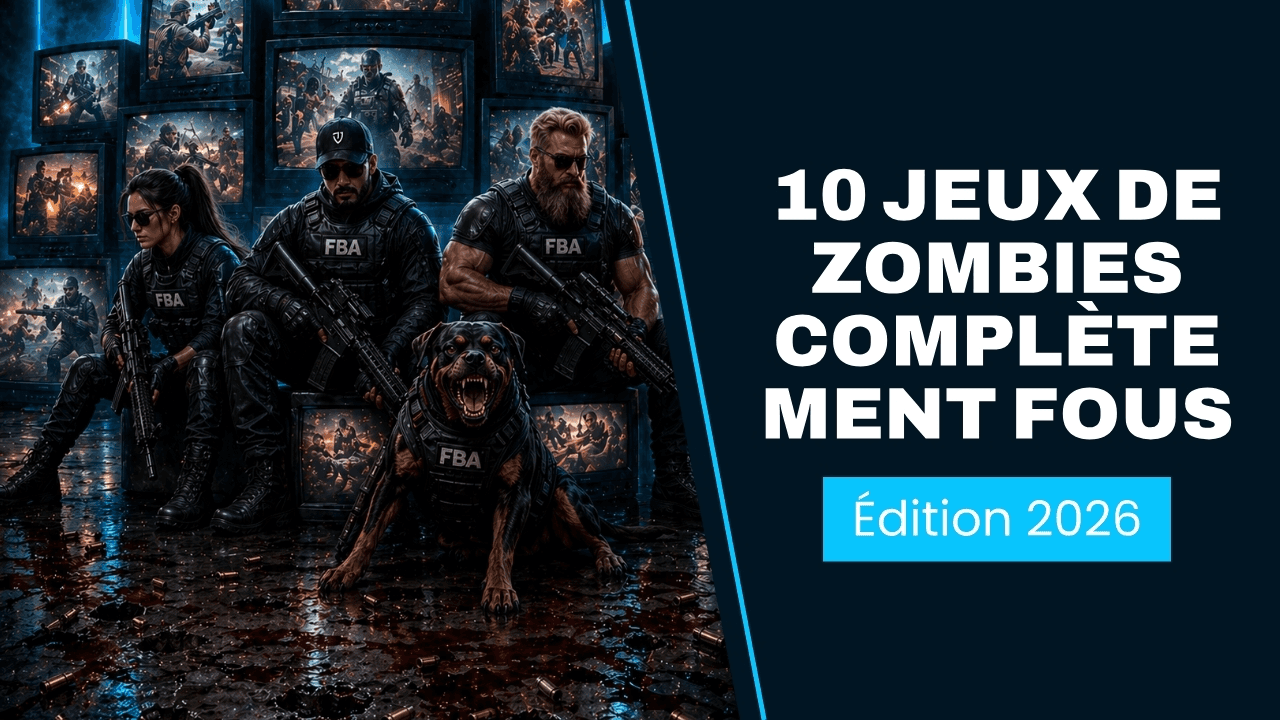
YouTube thumbnail in French
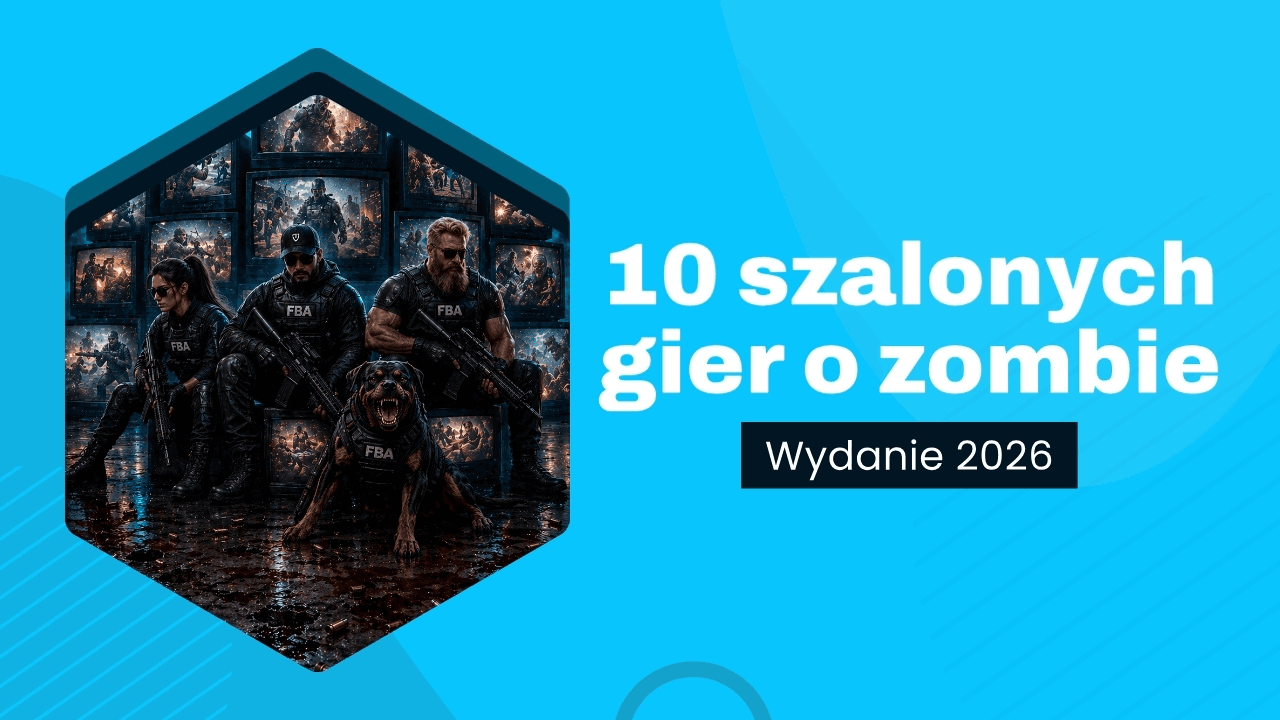
YouTube thumbnail in Polish

YouTube thumbnail in Portuguese
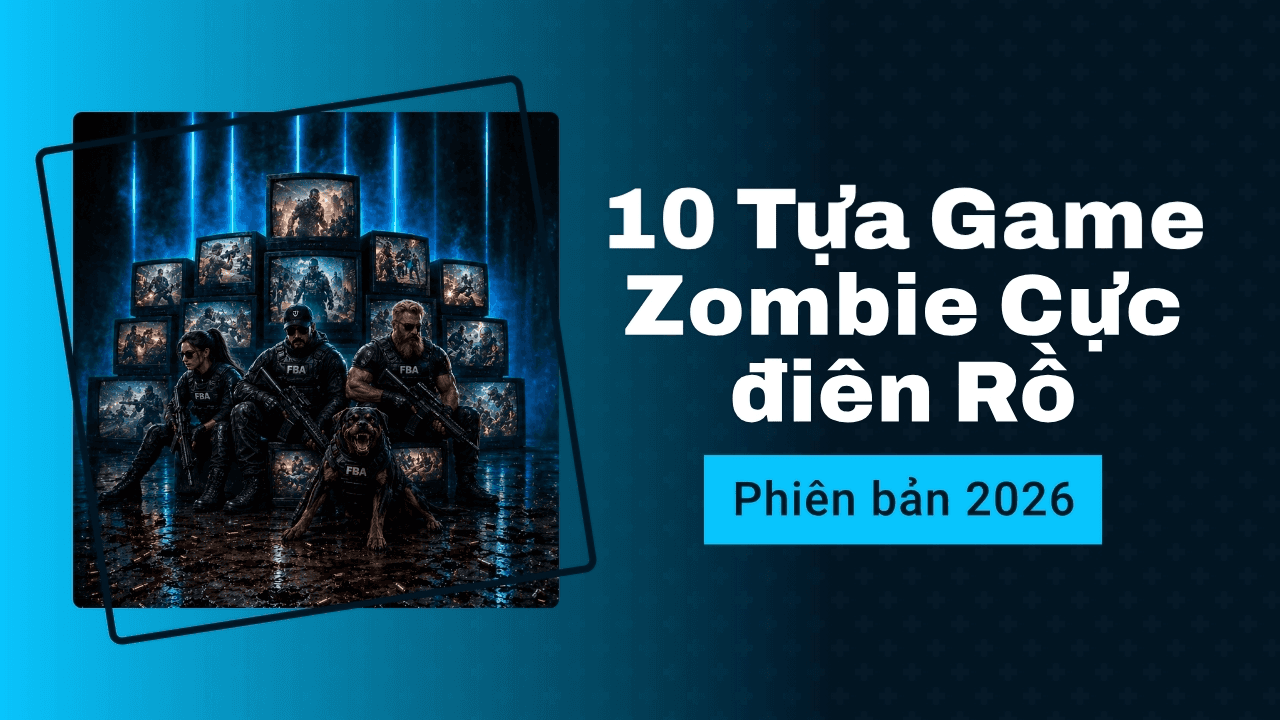
YouTube thumbnail in Vietnamese
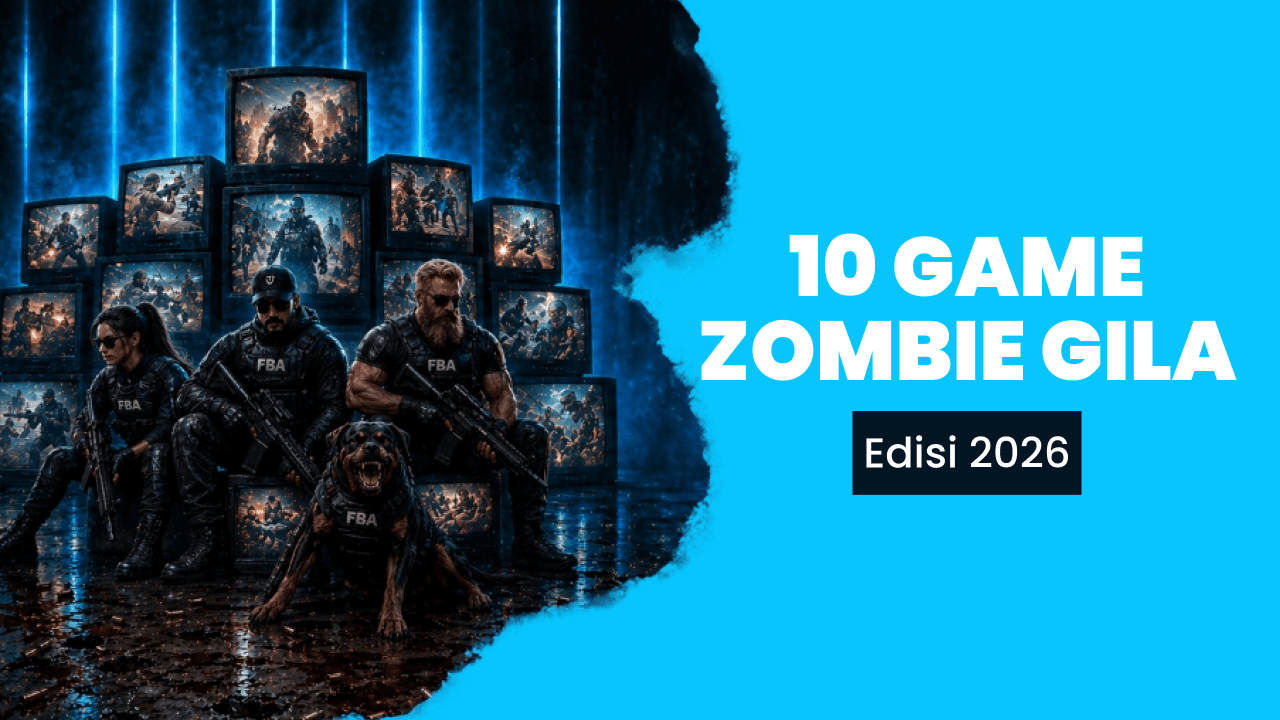
YouTube thumbnail in Indonesian
This matters for creators publishing in more than one language and for non-English YouTubers who currently waste hours fighting English-first design tools. One prompt, ten thumbnails, ready to upload.
Create YouTube thumbnails for free with online YouTube thumbnail maker.
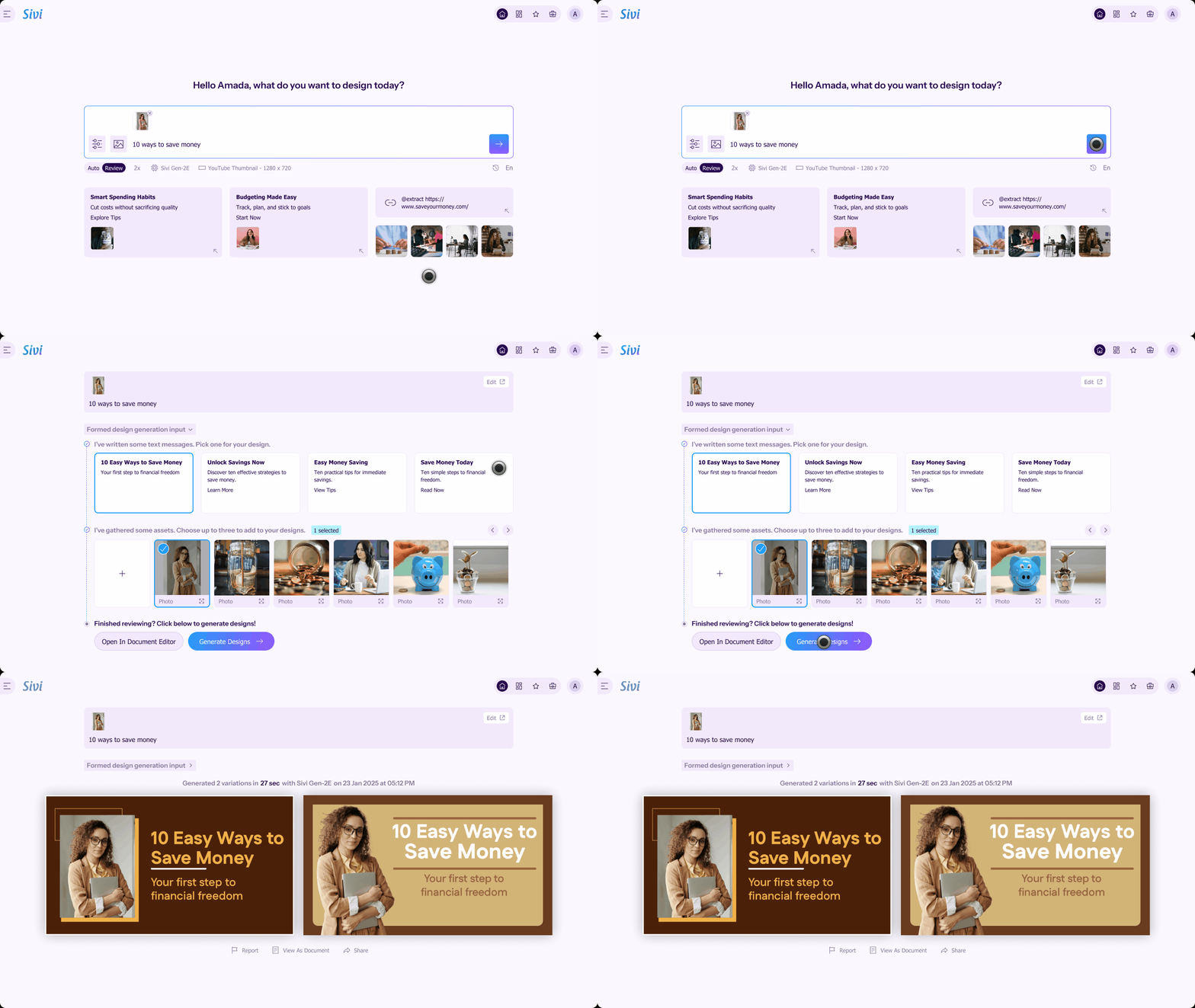
Open the Sivi YouTube thumbnail maker and type a prompt. Include the topic, audience, mood, and any text you want on the thumbnail. Upload your logo and brand colors or pull from the stock library so every thumbnail stays on-brand.
Hit Generate. Sivi's Large Design Model composes each thumbnail at 1280×720 with proper contrast, typography, and focal hierarchy, and returns multiple click-worthy variations in ~1-2 min.
Every thumbnail comes as a layered, fully editable design. Tweak the headline, swap the subject image, change colors, or move elements. Download as JPG or PNG and upload it directly in YouTube Studio.
With Sivi, generate captivating YouTube thumbnails and enhance your visual storytelling that drives attention and engagement.
Generate YouTube ThumbnailsYou can change a YouTube thumbnail any time after upload, even on videos that have been live for years.
Open YouTube Studio and sign in using your account.
Click on ‘Content’ in the left sidebar to view your uploaded videos and choose the one you want to edit.
Hover over the video you want to edit and click the pencil icon.
Under Thumbnail, click Upload file and select your new thumbnail design (1280 x 720 recommended) made with the free YouTube thumbnail creator.
Click ‘Save’ in the top-right corner to apply your updated YouTube thumbnail.
For verified accounts, you can also run YouTube's built-in thumbnail A/B test with up to three thumbnails per video.
Generate YouTube ThumbnailsFor creators who upload every week or twice a week, AI generation wins on time. For once-a-month flagship videos, manual editing in Photoshop is still worth the hour.
Most "can it do X" questions resolve faster from one generation than a FAQ. For anything specific, email hello@sivi.ai. We read every one.
Generate banners for any platform using Sivi AI, and scale up your marketing campaign.
Need designs beyond thumbnails? Try Sivi's AI design generator.
I like how the prompt wizard is created. Generate process is cool. I like the approach when you actually see what is going on, instead of looking at some spinner for X minutes and be not sure if it is still processing or it is freezing. Simple and easy to use Edit mode. This is really cool product.
Sivi.ai is an impressive tool that can significantly speed up your design workflow. Its ability to generate visuals in a variety of dimensions and the option to edit the designs make it a versatile option for anyone in need of appealing designs.
Really great tool, game-changer that disrupts a huge market and everything connected with design and content creation.
I am an early beta user of Sivi and I love its present and future. I love the deep thought the team has put in it to understand the design process and making it business owner savvy. This is transformational for our GTM to help us quickly have multiple options in design for our messaging.
As per the tool - I’ve been looking for a long time when there will be an AI tool to generate design from text with a user-friendly interface. And it seems like this is the one!
Loved the idea of providing a prompt template to help new users get the most out of their first tries! I was surprised by how complete this product is, being able to edit the content and the visuals separately is a really good idea.