Request not submitted:
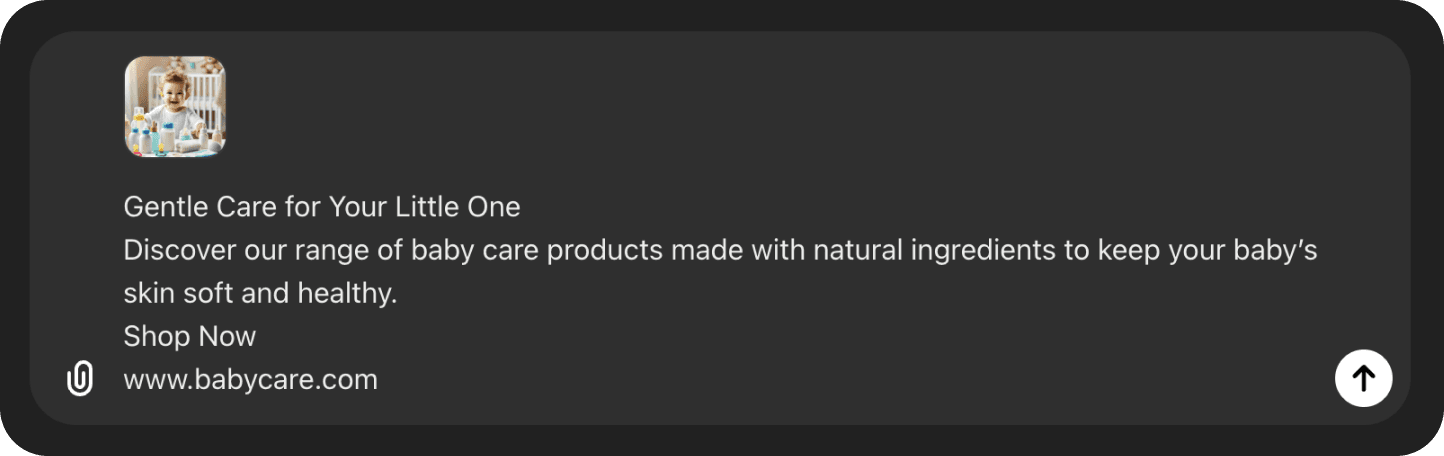
If the AI design generator says the request has been submitted without calling the API, just prompt it to submit the request properly. Example prompts: “Can you submit the request properly?”, “Did you submit the request?”
Now you can generate designs within ChatGPT using the Sivi AI Designer. Here's a quick walk through of how you can use the ChatGPT plugin to generate design.
Generate branded designs in any dimension in just 2 mins.
4.8/5176K+ brands72+ languages

 Create With AI Designer
{
"purpose": "promote-product",
"numOfVariants": 2,
"userContent": {
"copy": {
"title": "Floral Women T-Shirts",
"subtext": "Exclusive Collection",
"button": "Shop Now",
"website": "www.teefemme.com"
},
"assets": {
"image": [
{
"url": "https://media.hellosivi.com/photos/photo_c5fe26f98c8468ee378c281c737bb30a.png",
"imagePreference": {
"crop": true,
"removeBG": false
}
}
]
},
"dimensions": {
"width": 500,
"height": 780,
"name": "Large Rectangle",
"medium": "website",
"mediumType": "website-large-rectangle"
},
"colors": [
"#520088",
"#FFD52E",
"#FFD9FF",
"#B600B5"
],
"language": "en",
"designName": "Floral T-Shirt Poster"
}
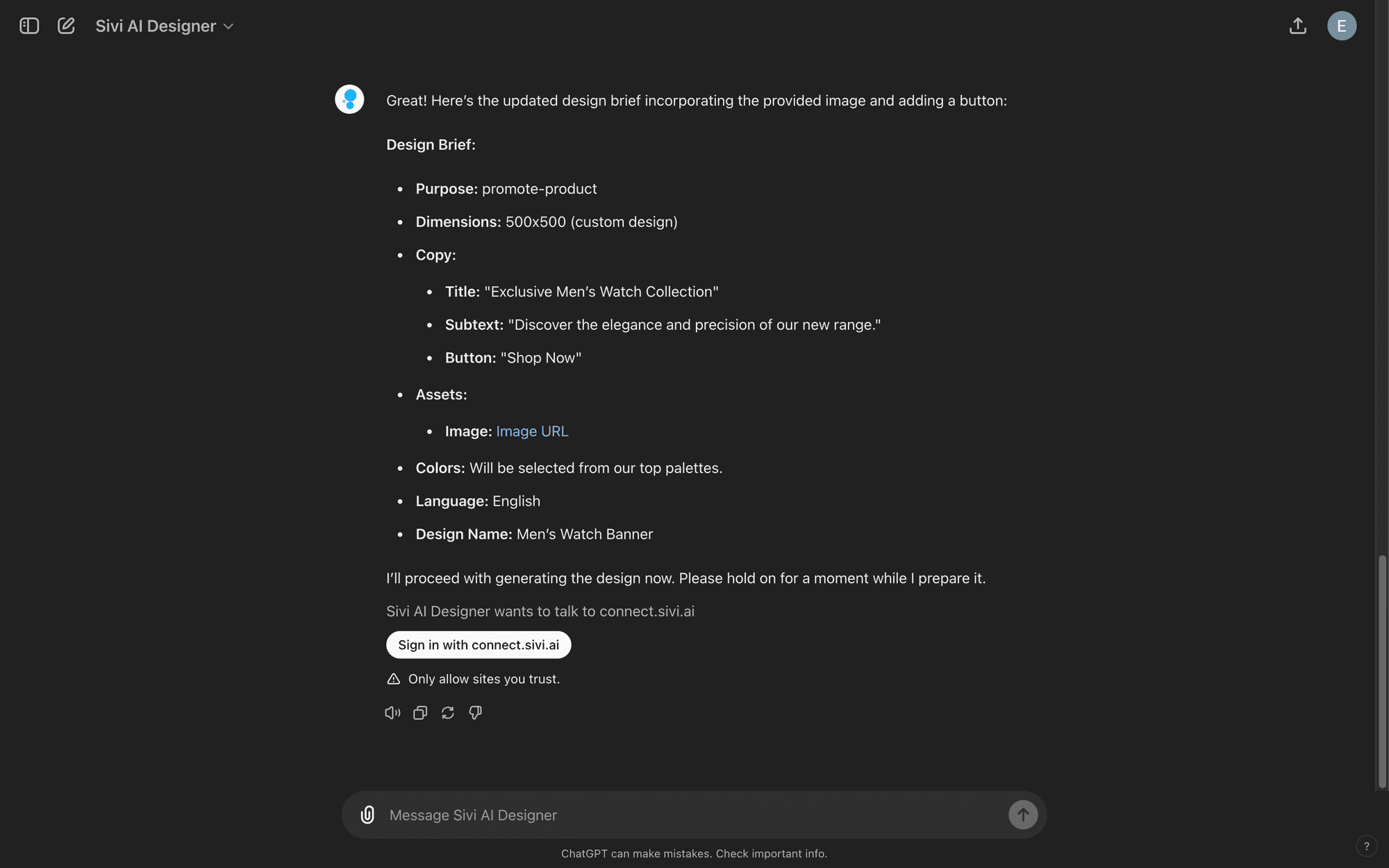
}Initiate the conversation with Sivi AI Designer. When it prompts, click Sign in with connect.sivi.ai and signup/login via Google account or magic link.
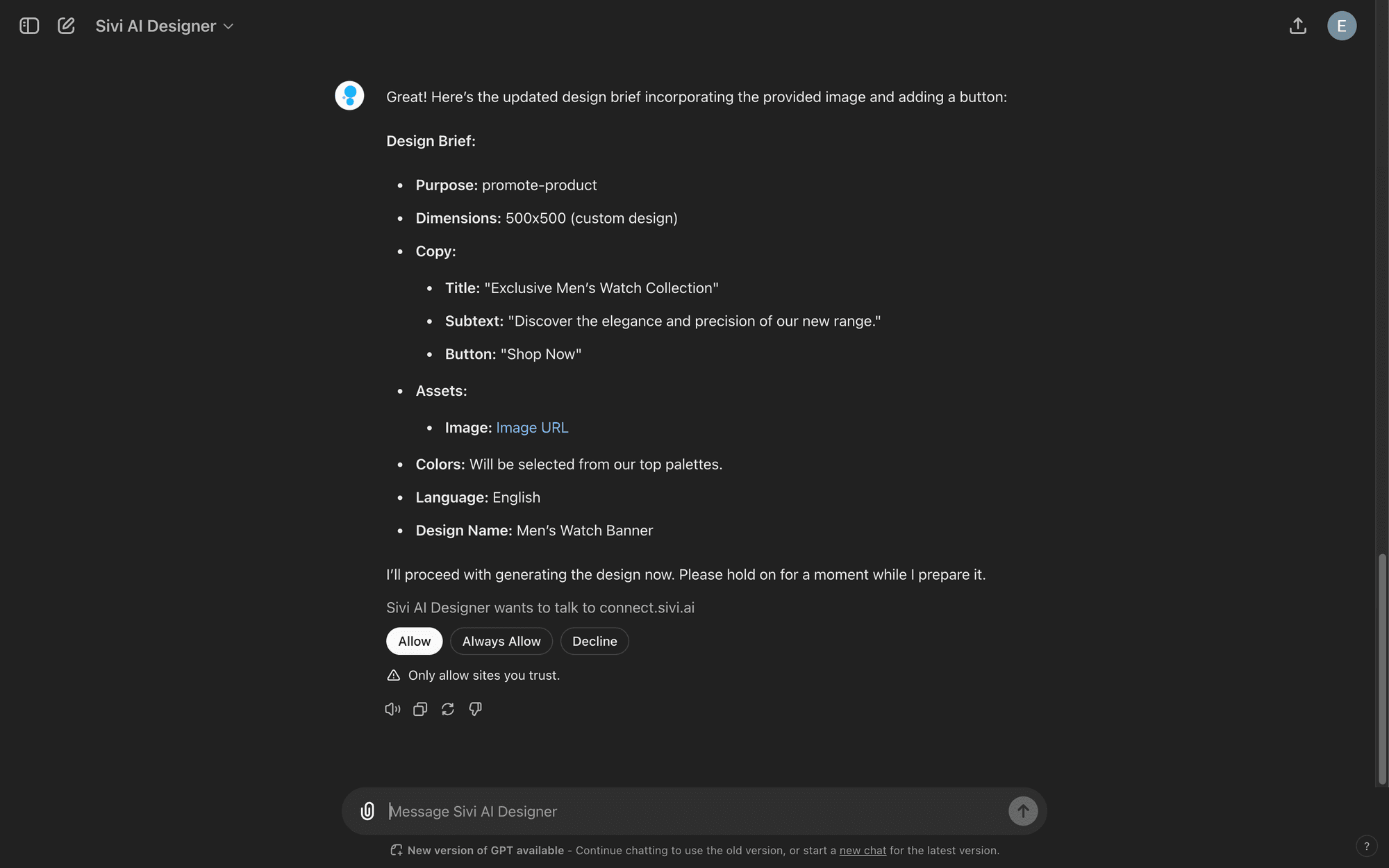
Once logged in, click always allow for it to talk to the Sivi API without needing confirmation for every request.
 Get ChatGPT Plugin Free
If the AI design generator says the request has been submitted without calling the API, just prompt it to submit the request properly. Example prompts: “Can you submit the request properly?”, “Did you submit the request?”
Ensure the image URL for uploaded/generated images is correct. Right-click the image and copy the address before adding it to the prompt (this feature is only available on the ChatGPT web app).
If you receive dummy design links, prompt Sivi to submit the request properly and provide a valid link.
It might be because of one of the following reasons:
I like how the prompt wizard is created. Generate process is cool. I like the approach when you actually see what is going on, instead of looking at some spinner for X minutes and be not sure if it is still processing or it is freezing. Simple and easy to use Edit mode. This is really cool product.
Sivi.ai is an impressive tool that can significantly speed up your design workflow. Its ability to generate visuals in a variety of dimensions and the option to edit the designs make it a versatile option for anyone in need of appealing designs.
Really great tool, game-changer that disrupts a huge market and everything connected with design and content creation.
I am an early beta user of Sivi and I love its present and future. I love the deep thought the team has put in it to understand the design process and making it business owner savvy. This is transformational for our GTM to help us quickly have multiple options in design for our messaging.
As per the tool - I’ve been looking for a long time when there will be an AI tool to generate design from text with a user-friendly interface. And it seems like this is the one!
Loved the idea of providing a prompt template to help new users get the most out of their first tries! I was surprised by how complete this product is, being able to edit the content and the visuals separately is a really good idea.