Sivi API
Best if you want to embed AI-driven design automation and allow your users to generate on-demand designs, with no templates. Ideal for personalizing and scaling visuals with minimal human effort.
If you’re comparing Sivi API and Canva API, you likely want to automate design or give your users the power to automate designs. Both are powerful design tools, but they solve different problems. Let’s break this down so you can determine which one fits your needs.
4.8/5176K+ brands72+ languages

Best if you want to embed AI-driven design automation and allow your users to generate on-demand designs, with no templates. Ideal for personalizing and scaling visuals with minimal human effort.
Best if you want to embed Canva’s drag-and-drop editor and let users create or customize designs themselves. Ideal for experiences driven by templates.
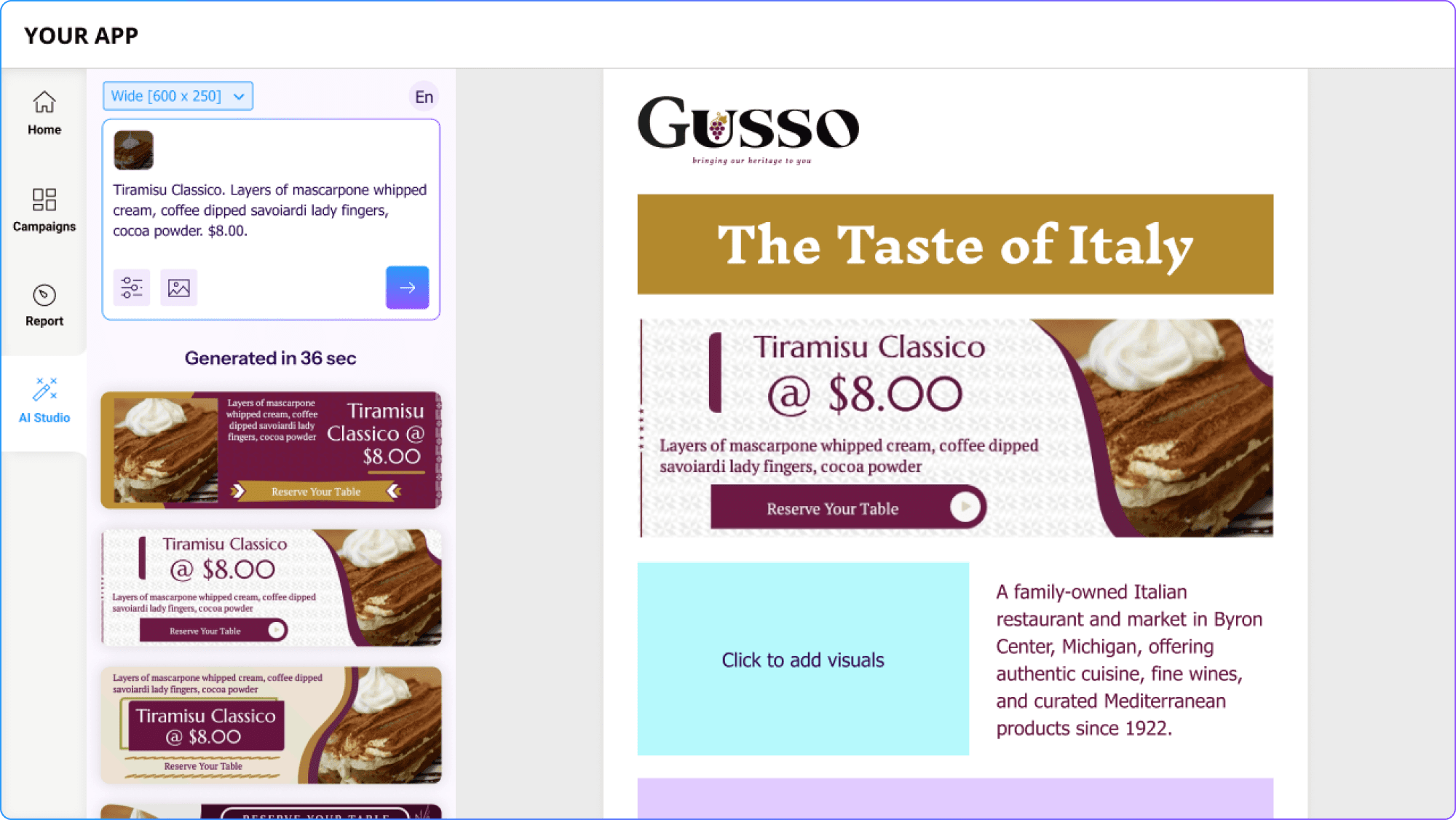
Sivi API is an AI-powered design automation tool. Instead of pulling from templates, it uses Large Design Model to create new layouts.
Auto-generate ad creatives and campaign visuals directly inside your app.
Generate email banners dynamically and insert them into email templates.
Auto-generate post visuals for different channels.
Let AI agents design visuals as part of broader content workflows.
 Get API Access
Canva API brings Canva’s famous drag-and-drop editor into your product. It doesn’t generate designs for you. Instead, it provides users with the familiar Canva experience and vast template library.
Allows users to manually design and edit social posts, presentations, or flyers inside your app.
| Features | Sivi API (AI-driven) | Canva API (Editor-driven) |
|---|---|---|
| Design Approach | AI-generated, no templates needed | Template-based, user-driven |
| Best For | Automation, personalization, scale | User creativity, collaboration |
| User Involvement | Fully automated | Manual editing required |
| Customization | Content + brand rules + Advanced editor | Rich editor + templates |
| Ideal Use Cases | AI designs inside marketing, email, or ecommerce platforms, automated ads, personalized social posts, programmatic design. | DIY design inside apps/marketing platforms |
if your priority is user creativity and collaboration. You want to embed Canva’s editor so users can design themselves.
Sivi API → automation, scale, AI-first design
Canva API → collaboration, templates, manual design
Both are powerful, but your choice depends on whether you want designs created for users (Sivi) or designs created by users (Canva).