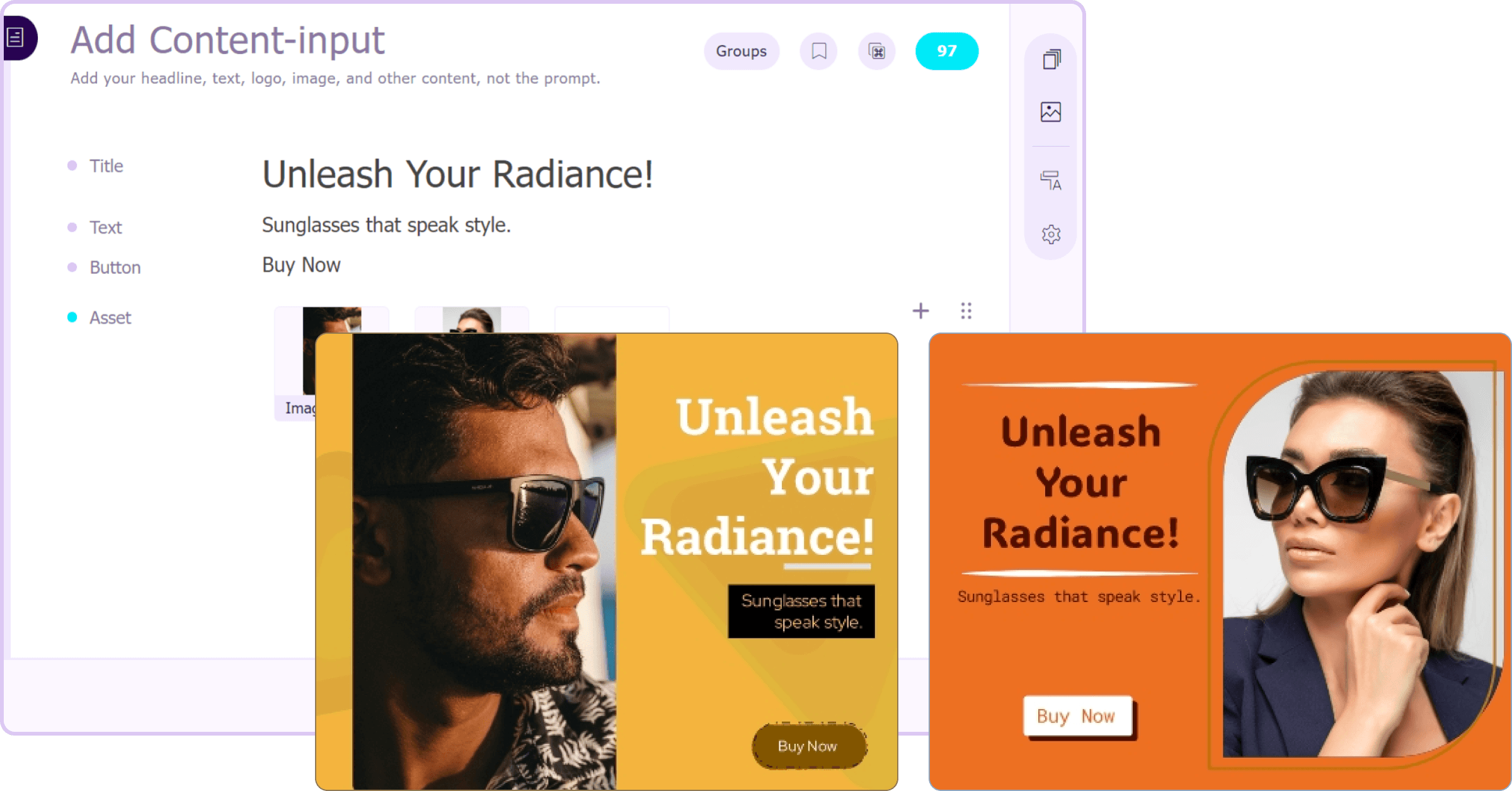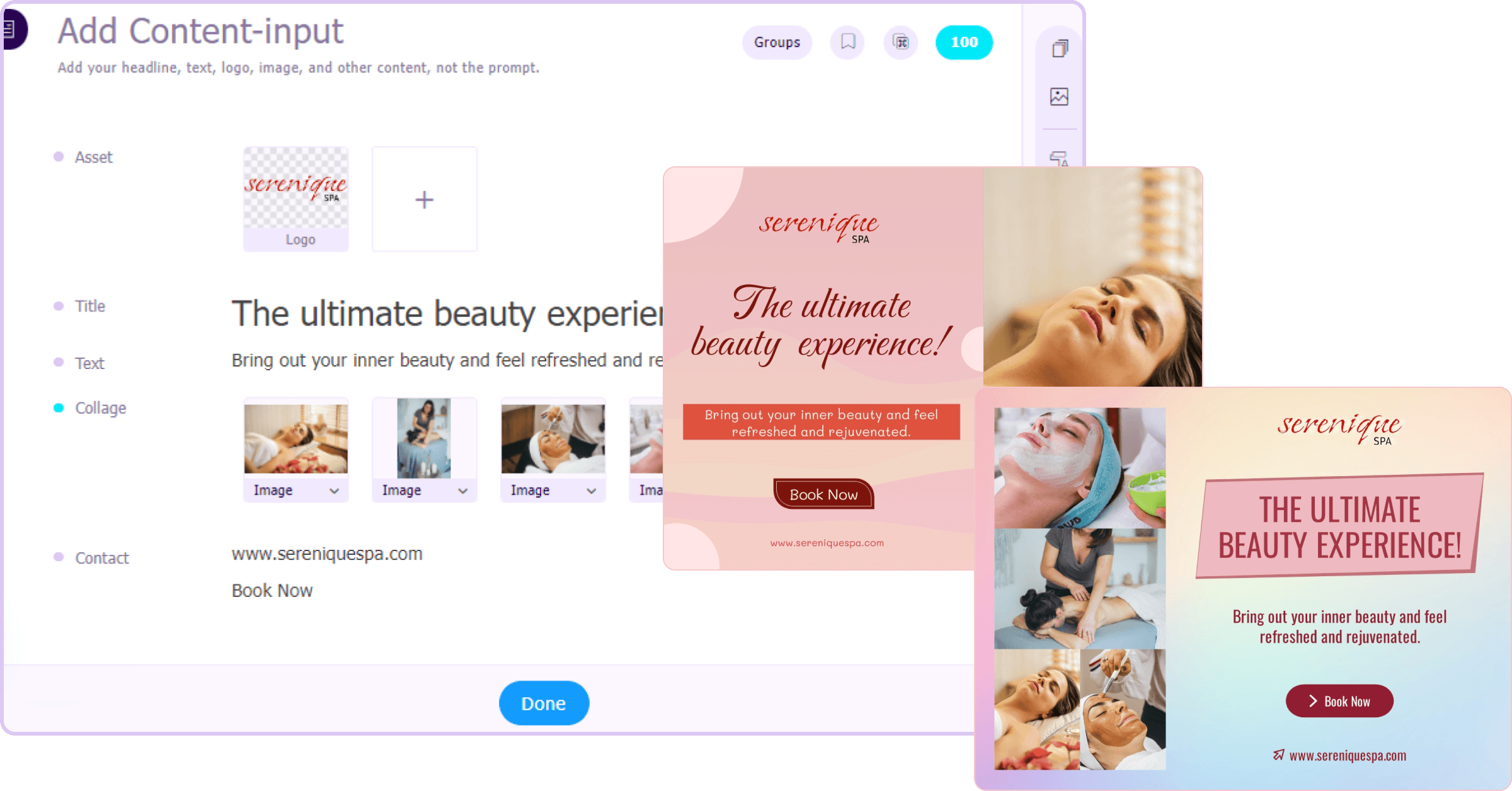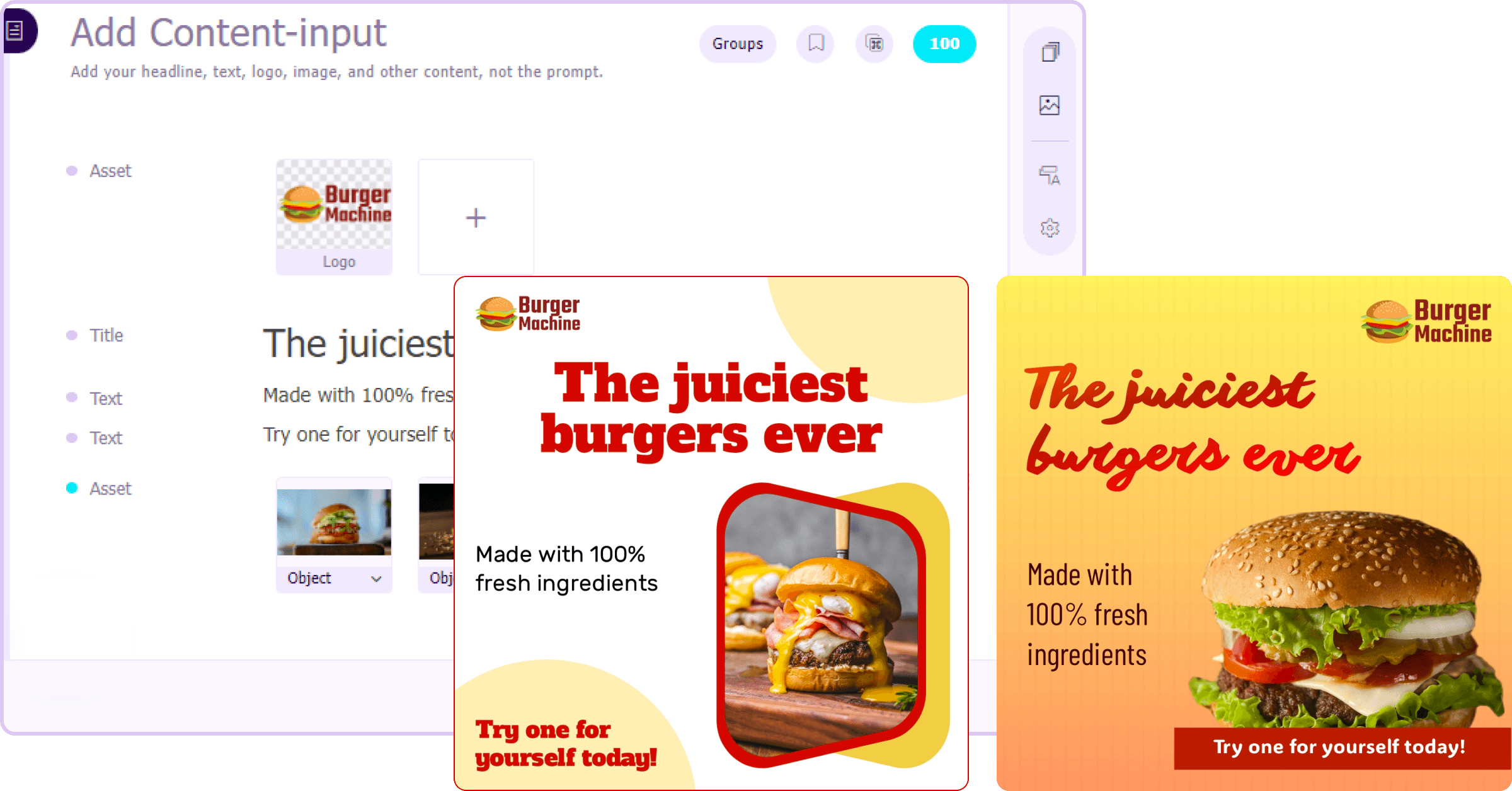
Instant email header designs
Tired of spending hours designing email headers? Sivi's email header design maker creates stunning designs in ~1-2 min with just a prompt.
Level up your email marketing campaigns with welcoming email banner designs created by Sivi’s AI email header design generator.
4.8/5176K+ brands72+ languages

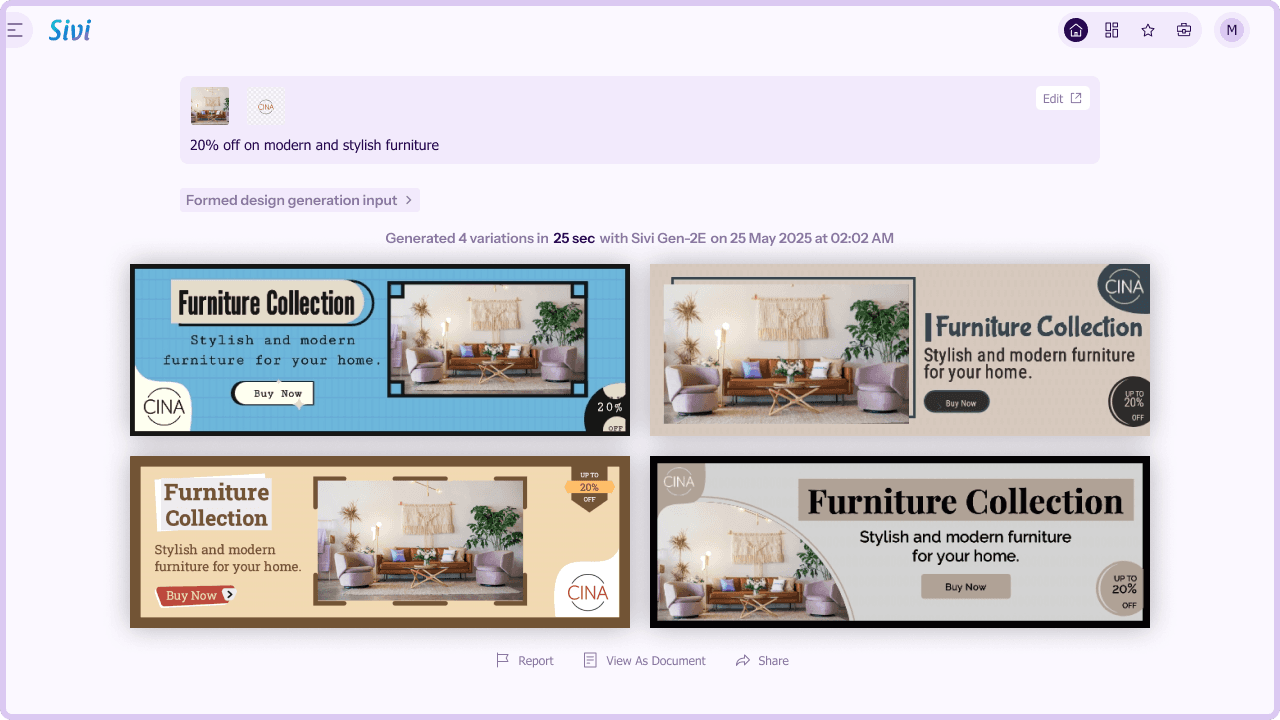
Email header or email banner is the visual introduction placed at the top of the email content. It invites the readers and sets the tone for the email body.
A compelling email newsletter banner not only captures attention and boosts reader engagement but also reinforces brand identity.
Crafting such striking email hero banners for multiple email types, from welcome emails to promotional emails can take a lot of time and iteration.
While you are planning to build your email marketing, an AI email header generator like Sivi can help you scale your email banners.
With the AI email banner creator, you can create professional email banners for your content and brand identity.
Sivi supports over 72+ languages and generates multiple banner designs, enabling you to conduct A/B testing to identify the one that drives conversions.
Tired of spending hours designing email headers? Sivi's email header design maker creates stunning designs in ~1-2 min with just a prompt.
Want to tweak your email header design? Sivi's intuitive editing tools let you edit every aspect of your banner, from colors and fonts to layout and imagery.
Maintain brand consistency with Sivi's on-brand design capabilities. Upload your brand assets and get email header designs that align with your brand guidelines.
Sivi's multilingual design capabilities enable you to create email header designs in 72+ languages. Reach a global audience and deliver culturally relevant messages with ease.
Be inspired by these beautiful email header designs generated by Sivi email header design generator and start creating effective designs for your mails.

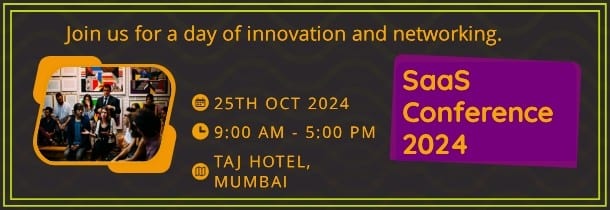






Create email headers for free with AI email header maker.
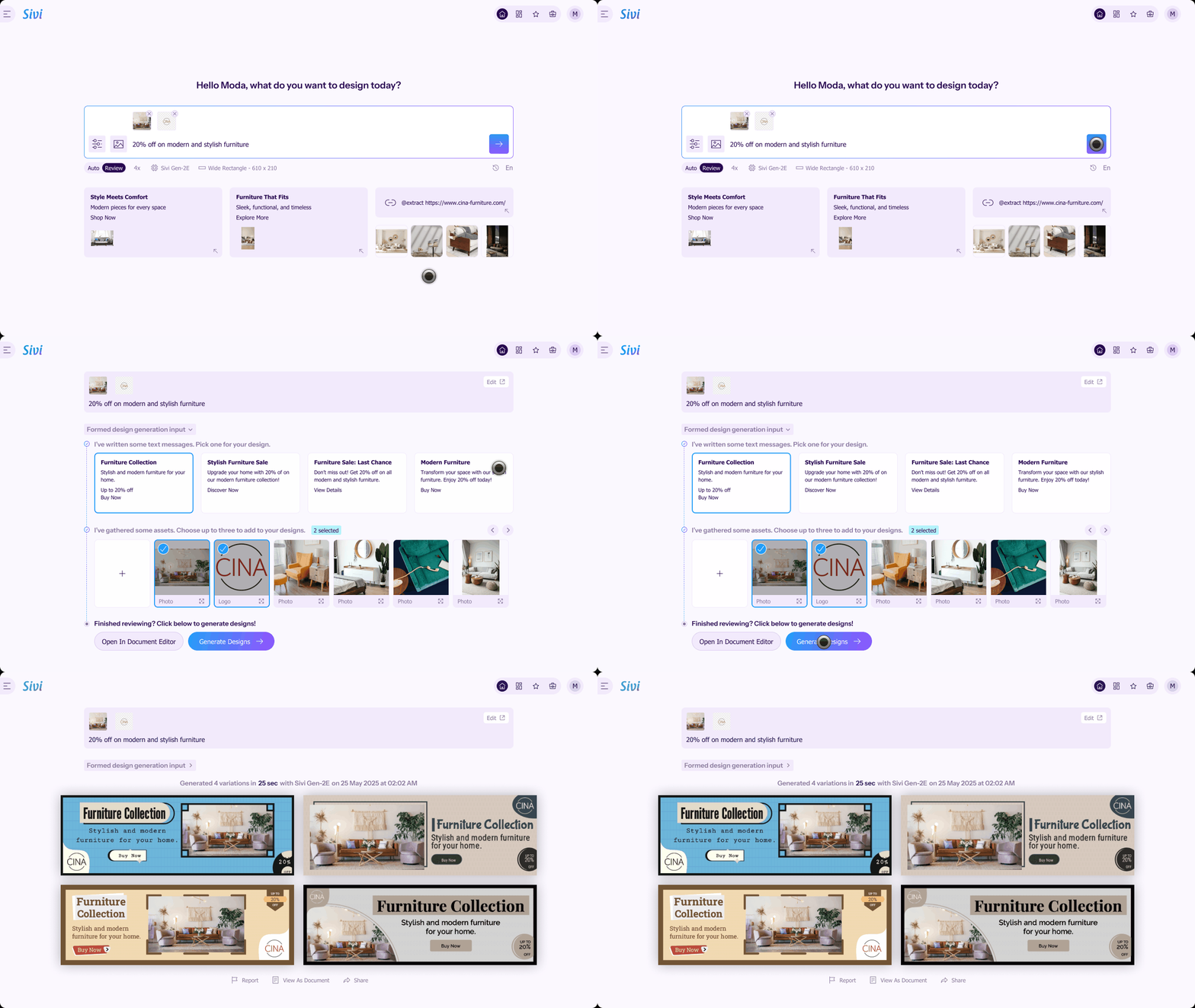
Go to Sivi and enter your email header prompt.
Add your brand assets such as logos, images, and brand colors.
Approve the generated copy.
Check the generated email header designs and click them to edit or download.
Make each of your emails memorable with email headers generated by Sivi.
Open your email platform where you compose emails.
If using email platforms, find the email header section, upload your Sivi-generated image, and save.
If using Gmail, start a new email draft, insert the Sivi-generated header image, and save it as a template.
When sending an email, choose the saved template to apply as your custom header automatically.
Check out the multiple use cases for designs generated with Sivi AI and get the best out of them.
I like how the prompt wizard is created. Generate process is cool. I like the approach when you actually see what is going on, instead of looking at some spinner for X minutes and be not sure if it is still processing or it is freezing. Simple and easy to use Edit mode. This is really cool product.
Sivi.ai is an impressive tool that can significantly speed up your design workflow. Its ability to generate visuals in a variety of dimensions and the option to edit the designs make it a versatile option for anyone in need of appealing designs.
Really great tool, game-changer that disrupts a huge market and everything connected with design and content creation.
I am an early beta user of Sivi and I love its present and future. I love the deep thought the team has put in it to understand the design process and making it business owner savvy. This is transformational for our GTM to help us quickly have multiple options in design for our messaging.
As per the tool - I’ve been looking for a long time when there will be an AI tool to generate design from text with a user-friendly interface. And it seems like this is the one!
Loved the idea of providing a prompt template to help new users get the most out of their first tries! I was surprised by how complete this product is, being able to edit the content and the visuals separately is a really good idea.