Speed
~1-2 min per round. 1 to 4 designs per prompt. Go from brief to options you can review the same day. Not next week.
AI design is model-generated graphic design. Most so-called "AI design" tools either fill in a template or create a flat image. Sivi's Large Design Model doesn't do either of those things. It generates designs one element at a time: text, vector, image, background. Each on its own layer. You get an editable, resizable, reusable design file. In ~1-2 min.
4.8/5176K+ brands72+ languagesFree plan

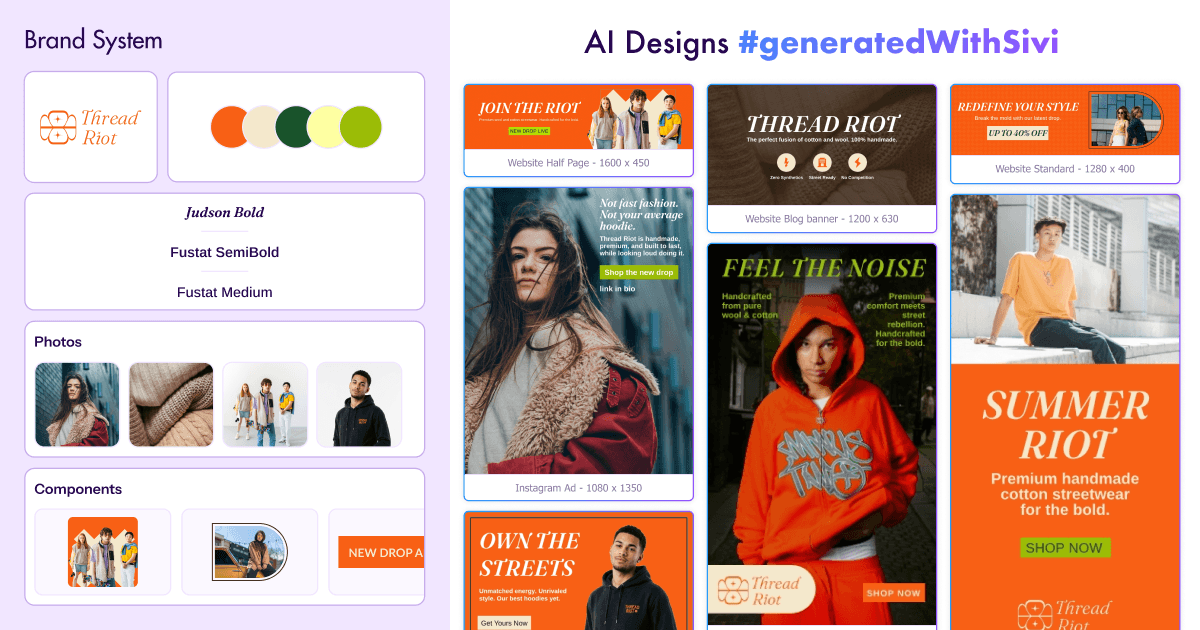
The Large Design Model (LDM) is trained on layered designs. What elements are in the design, where they are, and how they change with size and language. Sivi learns from proprietary layered design dataset.
Purpose, message, audience, size, language.
Headline, supporting text and CTA. Sivi drafts it. Or you write it.
Hierarchy, grouping, spacing and alignment for that size.
Your images and logo. Stock assets or images generated for the design.
Colors, fonts and logo from your brand kit.
Each element is separate. Edit it in design editor or export.
There are only a few Large Design Models. Microsoft's COLE and ByteDance's CreatiPoster. Both research. Sivi is a commercial LDM in production since Gen-1 launched in 2023. Learn more: Large Design Model · text-to-design models for layered graphic designs
| Model | What's it for | Credits per design |
|---|---|---|
| Gen-2.7 | Fast marketing designs in standard and custom sizes | 1 (small, medium). 1.5 (large) |
| Gen-3 | Higher quality layouts. More design components | 1 |
| Gen-3H | Richer, more expressive designs. But still fully layered | From 1.5 |
Use AI for design to offload the first draft and resizing from your team.
~1-2 min per round. 1 to 4 designs per prompt. Go from brief to options you can review the same day. Not next week.
Applies your brand kit (logo, colors, fonts, even button styles) to every design. No manual tweaks per template.
Create any size including custom sizes like 610×210 and 72+ languages from one brief. Long content (product specs, event, contact) gets a layout that fits it. Not a template slot that cuts it short.
Ads, social posts, banners, emails and thumbnails, in any size. Choose the way in.
From 300×600 half-page ad to custom size, generate designs for any platform. All in one place.
See all use cases »Retail, SaaS, real estate, finance and more. Designs that fit that industry's way of selling.
Find your industry »Marketers, founders, agencies and creators. Designs for their work.
Explore all personas »Marketing, education or personal branding. Designs for the job, not a generic template.
Discover all purposes »LLMs write text. Image models paint pixels. Sivi composes entire designs with text, images, logo and layout. All together.
Compare now »Use the same model in your product/workflow with the Design API, UI SDK or the design agent skill.
See API »Sivi takes your content and turns it into designs for ads, social posts, and web banners. In your size, in your brand.
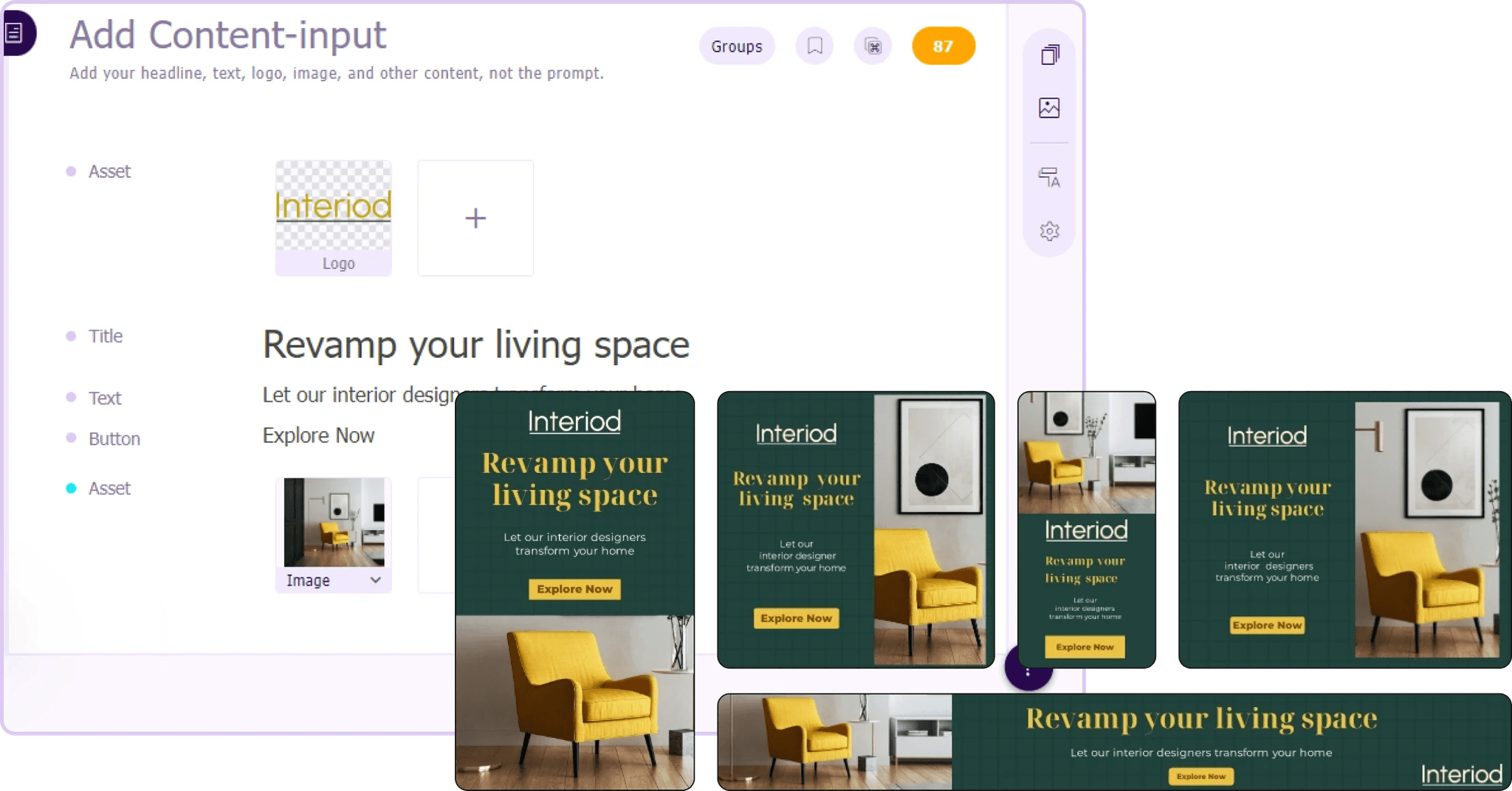
Sivi reads your brief, audience and brand guidelines. And generates ad creatives. AI copywriter drafts headlines and CTAs. AI image generator fills in missing parts of your photos.
Create Google Display ads in all IAB sizes and social ads for Meta, LinkedIn and X. Create multiple variants for one brief to do A/B testing.
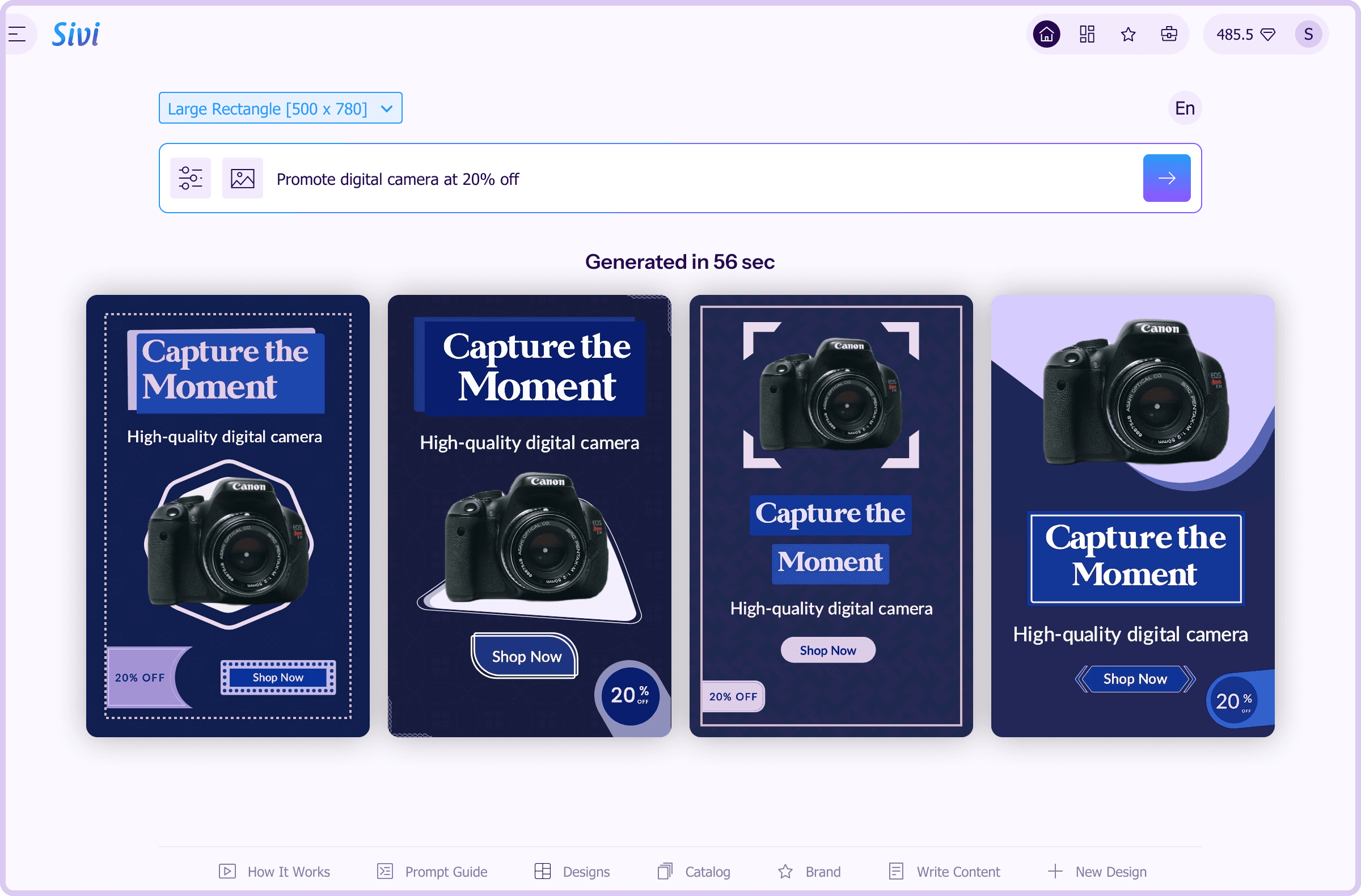
Social feeds are full of the same templates. Sivi composes a new layout for each post, for Facebook, Instagram, LinkedIn, X and Pinterest.
Turn your announcement, tip, or product launch into a post in ~1-2 min. In your brand style.
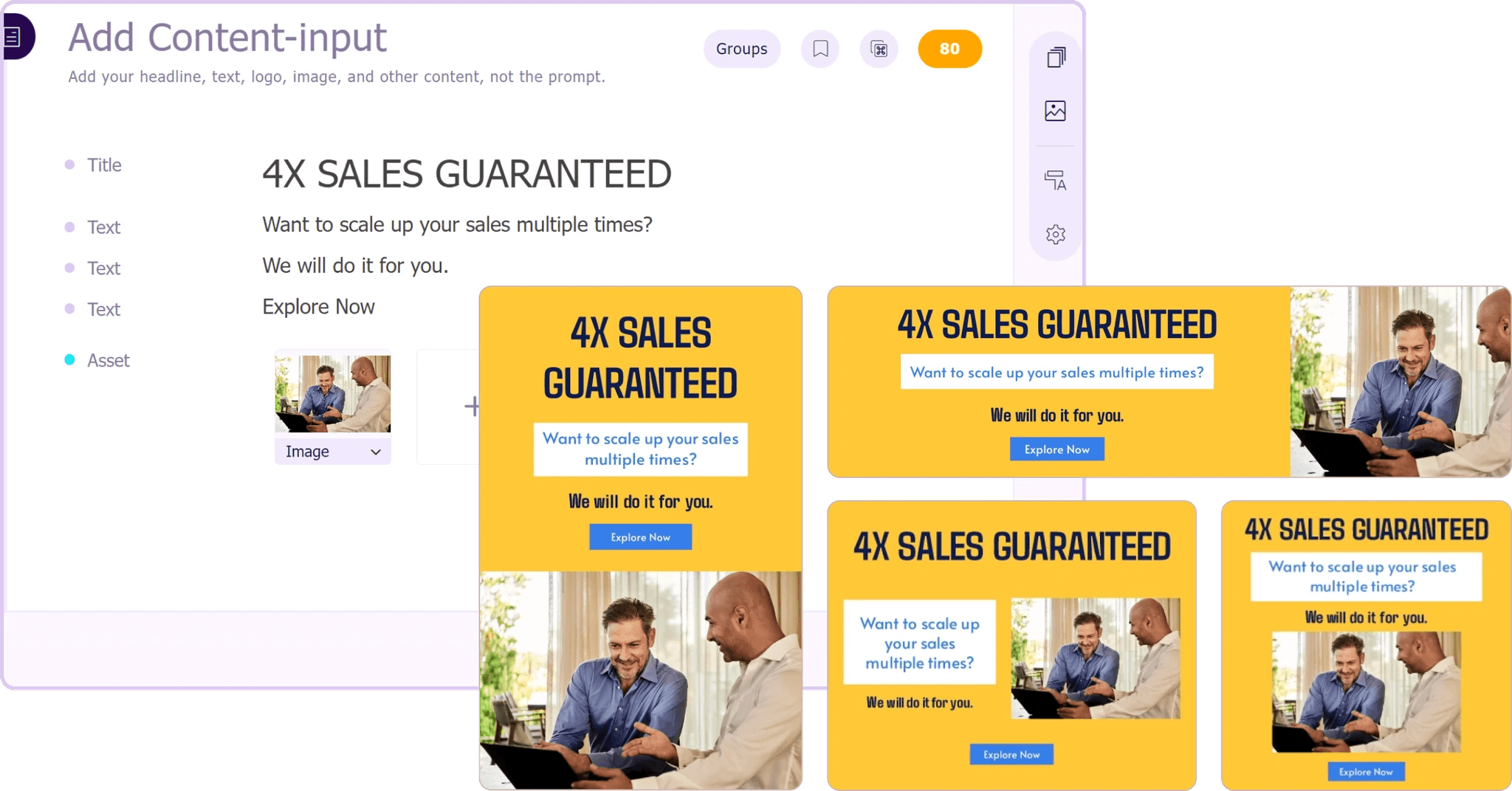
Homepage heroes, category banners, product banners and blog headers do most of the work on your site. They need updating often.
Sivi creates website banners in ~1-2 min for every placement, for every screen size. So your campaign reaches all touch points.
Before you use, ask these. They'll tell you which are production tools and which are demos.
Can you edit a word after it's generated? Or is it painted in the image?
Do they get a new composition for each brief? Or same template with new words.
Apply logo, colors, fonts every time without manual tweaks.
728×90 and 1080×1920 from one brief. Each composed for its shape.
Proper scripts. Right-to-left. Fonts with right glyphs.
JPG, PNG, PDF, HTML, or a file your designers can open.
API, SDK or agent access for high-volume work.
Sivi answers all 7. And here are the features that make it so: AI design generator · Brand kit · Design editor
Here's how to use generative AI for graphic design in Sivi.
Select purpose and design size.
Write your content. Or generate it from prompt in the content editor.
Add your images, logo and brand colors. Or choose brand kit.
Open a design to edit it. Make changes, generate variations, and download.
AI design takes the first draft and resizing off the table. People still control:
Brand kit, voice, and visual rules Sivi uses.
Flagship campaigns and new visual directions.
Original art direction.
Claims, legal, and brand background before launch.
No logo design. No brand identity creation.
No PSD or Figma import today. You start from a brief, not an existing file.
No video or motion design. Static designs only. Animated banners are coming soon.
Create a brand kit for each client and each business unit. Make every size, every language from one brief. Use the API as you get more volume.
Reviewed by Ram Ganesan, Co-founder, Sivi AI · Last updated
Start free. Generate first designs and see the difference between layered design files and flat images. Paid plans from $16/month for individuals. Team and enterprise plans for high volume production.
It's about the concept. But more about the output.
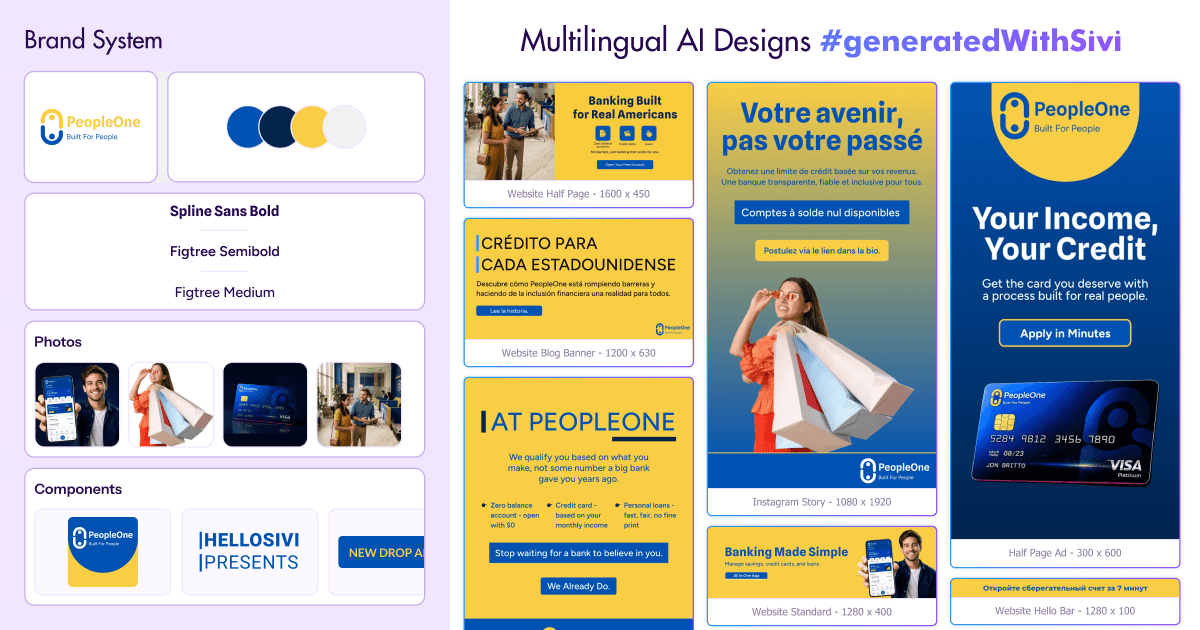
The text-to-design tool itself.
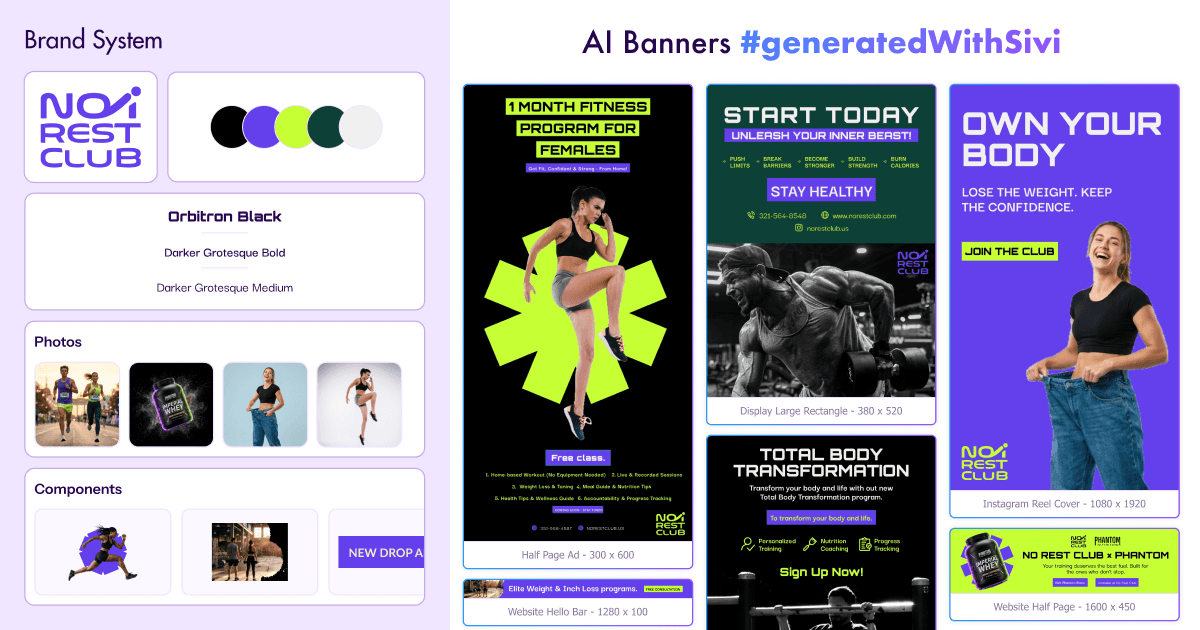
Banners for web, Ecommerce, emails.
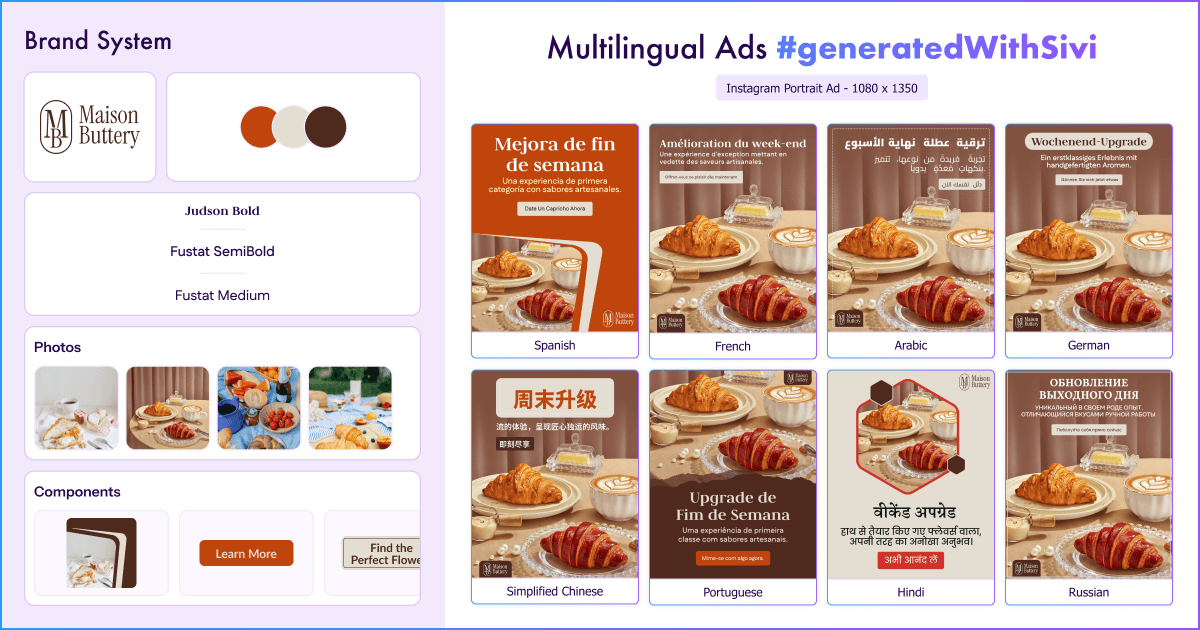
Ad creatives for paid campaigns.
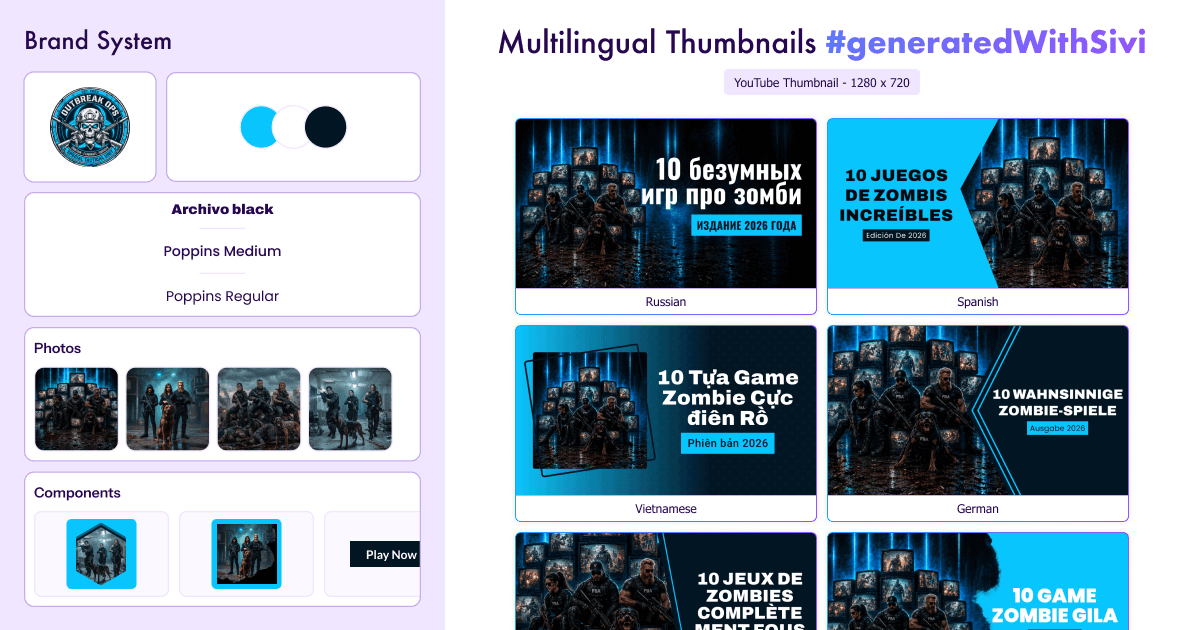
Thumbnails for every video.
I like how the prompt wizard is created. Generate process is cool. I like the approach when you actually see what is going on, instead of looking at some spinner for X minutes and be not sure if it is still processing or it is freezing. Simple and easy to use Edit mode. This is really cool product.
Sivi.ai is an impressive tool that can significantly speed up your design workflow. Its ability to generate visuals in a variety of dimensions and the option to edit the designs make it a versatile option for anyone in need of appealing designs.
Really great tool, game-changer that disrupts a huge market and everything connected with design and content creation.
I am an early beta user of Sivi and I love its present and future. I love the deep thought the team has put in it to understand the design process and making it business owner savvy. This is transformational for our GTM to help us quickly have multiple options in design for our messaging.
As per the tool - I’ve been looking for a long time when there will be an AI tool to generate design from text with a user-friendly interface. And it seems like this is the one!
Loved the idea of providing a prompt template to help new users get the most out of their first tries! I was surprised by how complete this product is, being able to edit the content and the visuals separately is a really good idea.