Get designs in 72+ languages
Generate branded banners in 72+ languages customized for your design prompt and brand assets.
Reach audiences across the globe with multiple language banners generated
4.8/5176K+ brands72+ languages

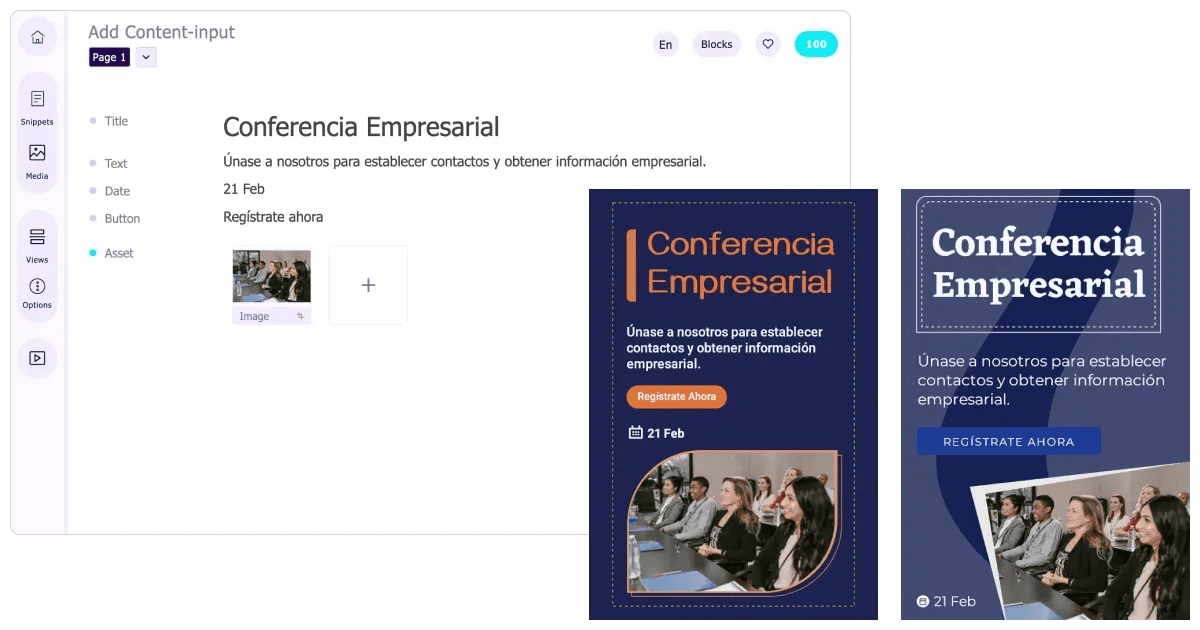
Here’s why users across the globe rely on Sivi to create multi-language banners such as display ads, product banners, and social media posters.
Generate branded banners in 72+ languages customized for your design prompt and brand assets.
Once you’ve generated designs, ask Sivi to translate and get banners in the new language.
If you want to go beyond the default languages, upload the language font and generate designs.
Chat with Sivi in your native language and get design content and banners for the same.
Maximize your global impact with multi language poster designs generated in just a few simple steps.
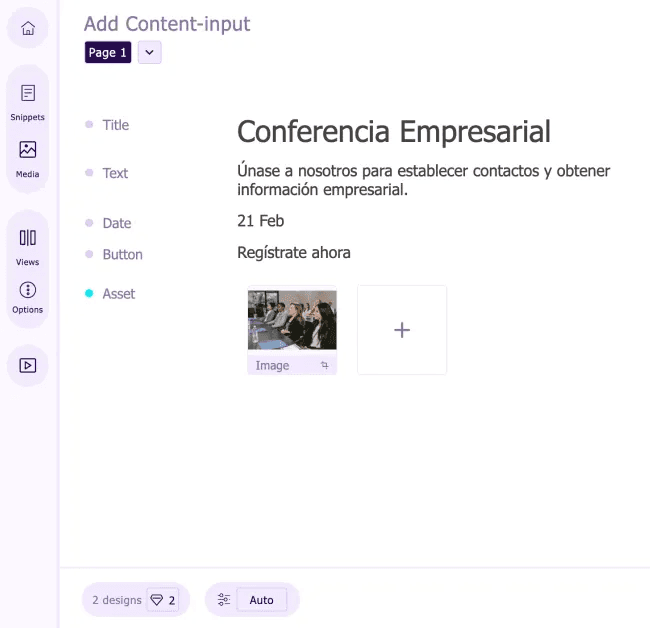
Add your design prompt along with your language preference.
Generate multilingual content for the design.
Add your brand assets to the design copy.
Hit generate and get banners in your language.
You can also translate the banner to another language. Just ask.
Check out some of the multilingual banner examples generated using Sivi.
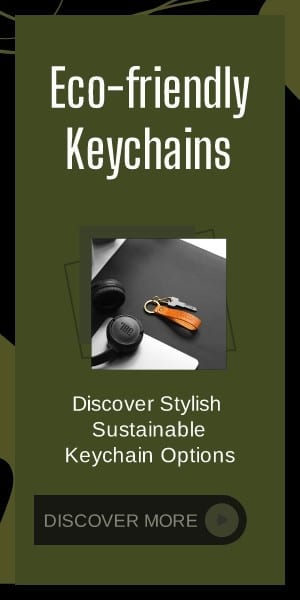
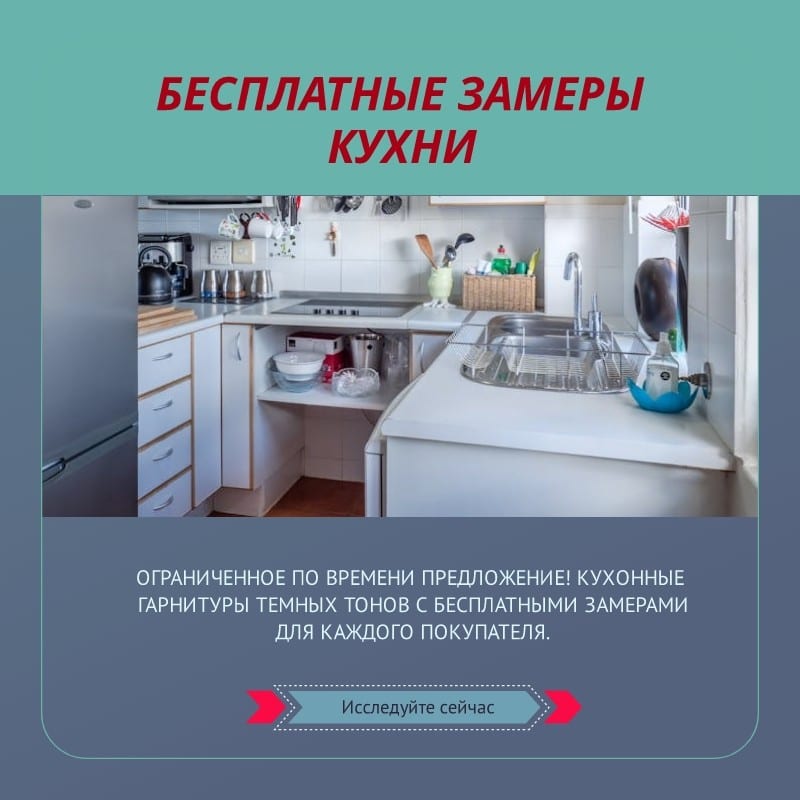
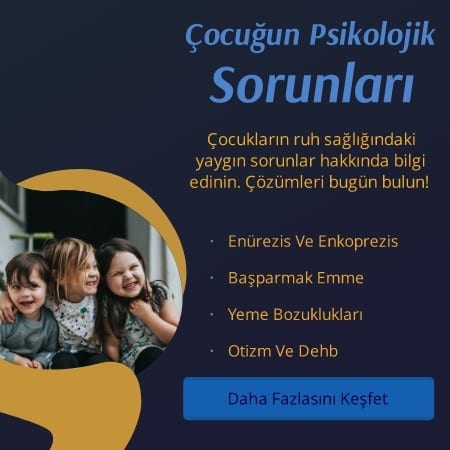

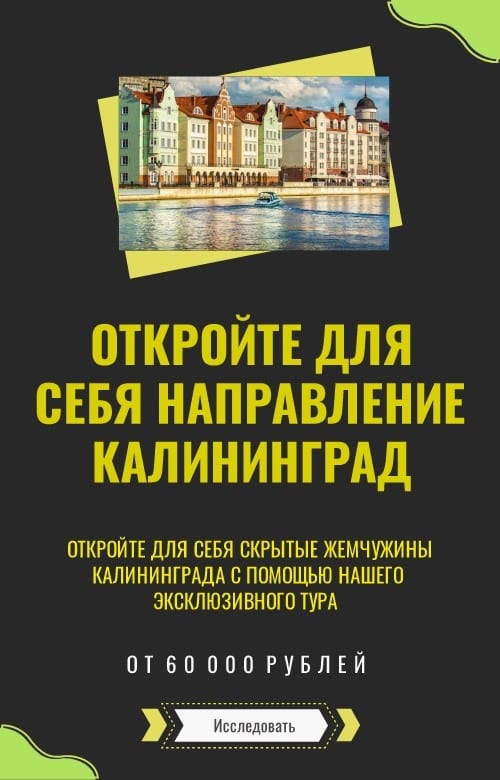
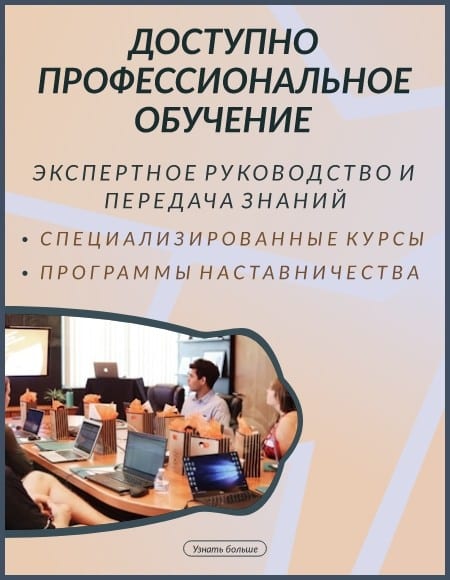
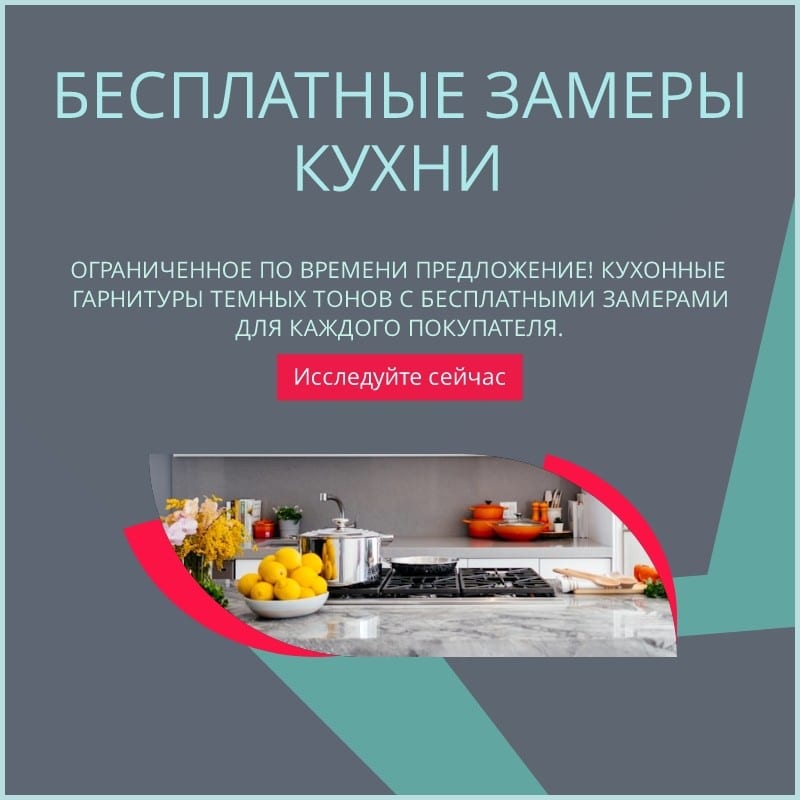
Sivi supports 72+ languages, including English, Spanish, Arabic, Hindi, Tamil and many more. Explore the languages list to know more.
While chatting with Sivi, simply specify your preferred language. If you are in the Content Editor, Sivi can automatically detect the language from your content. You can also click on the Language icon and choose the language from the dropdown.
Absolutely! You can choose banners with your brand colors, fonts, images, logos, and even button styles to customize the banners based on your audience’s language and brand needs.