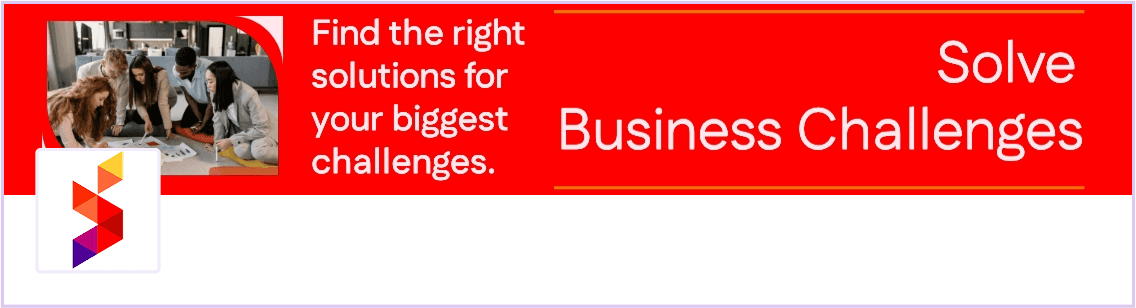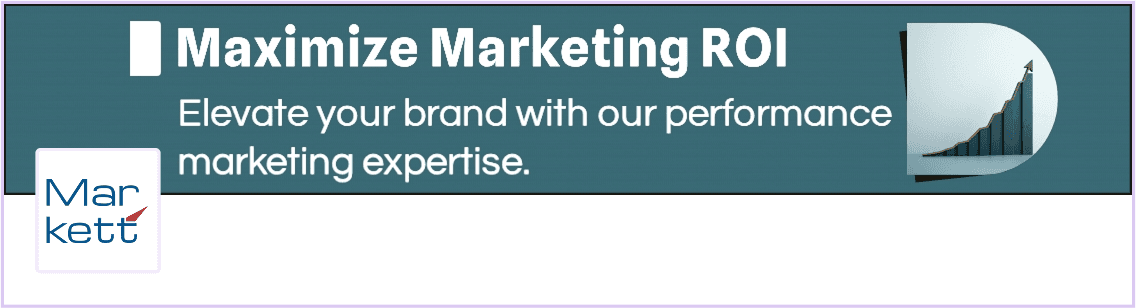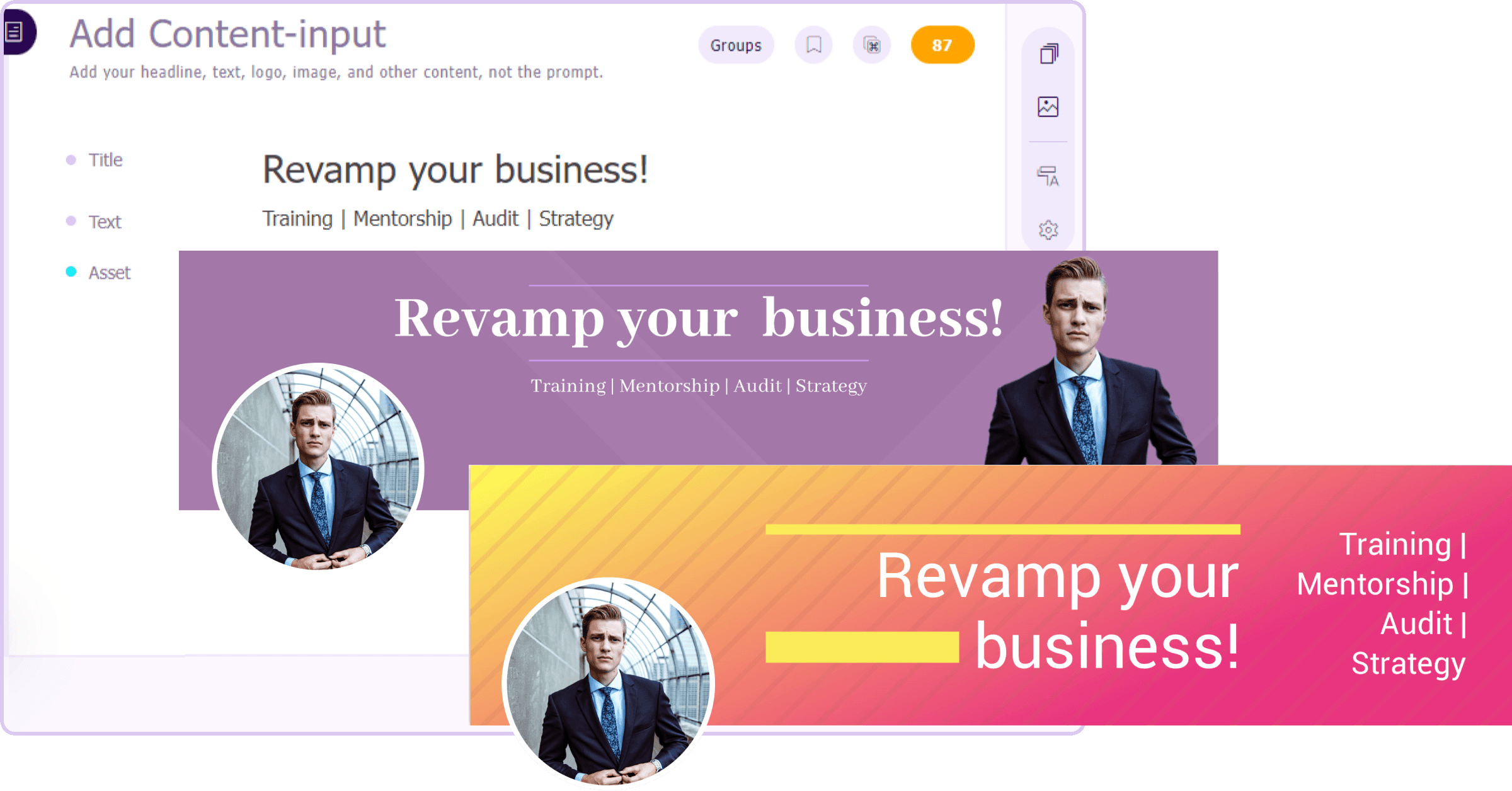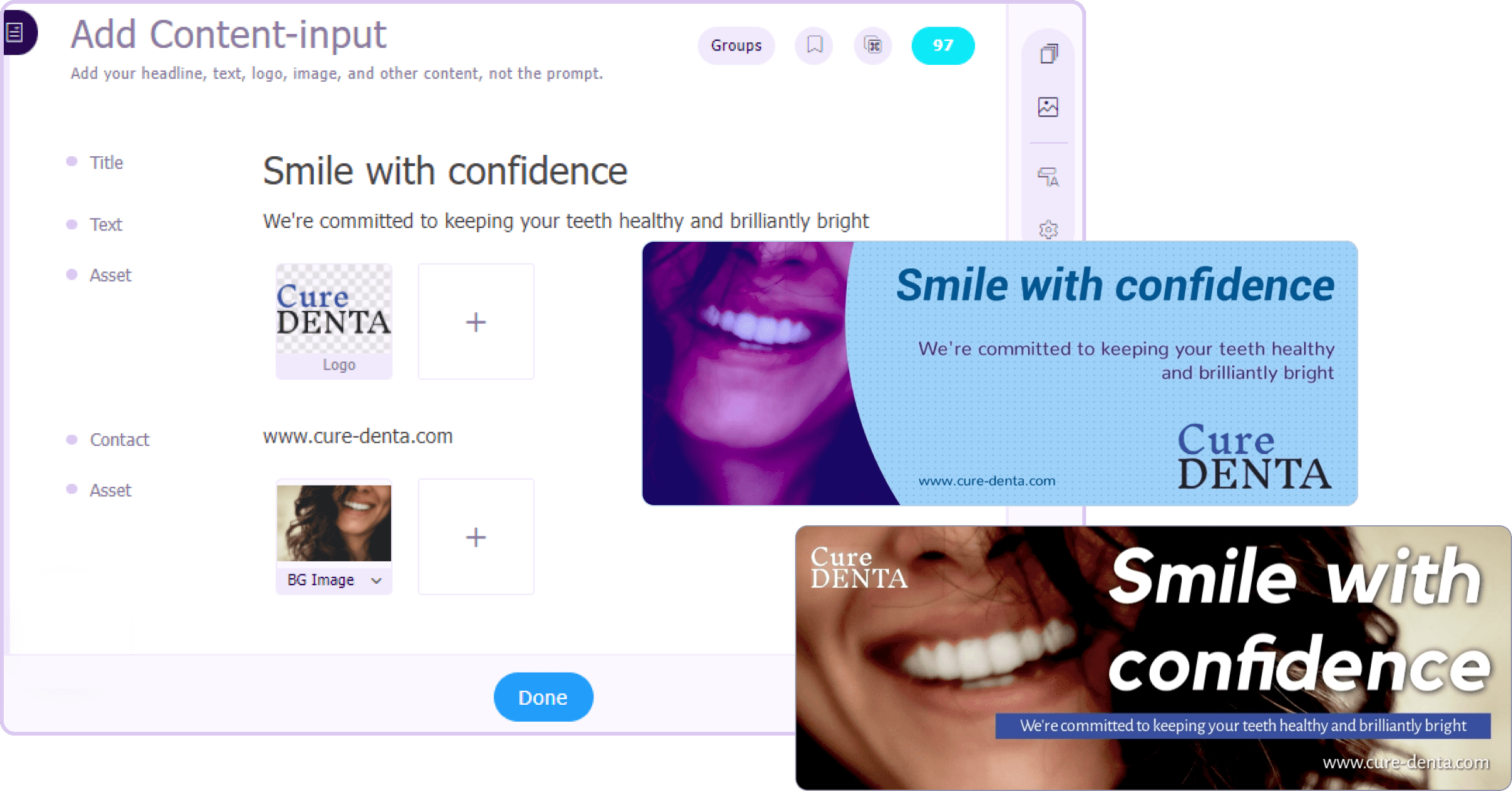
Quick LinkedIn cover image creation
Struggling to create a captivating LinkedIn cover image? Sivi takes care of it! Just describe your desired look, and within minutes, you'll have a selection of stunning options to choose from.
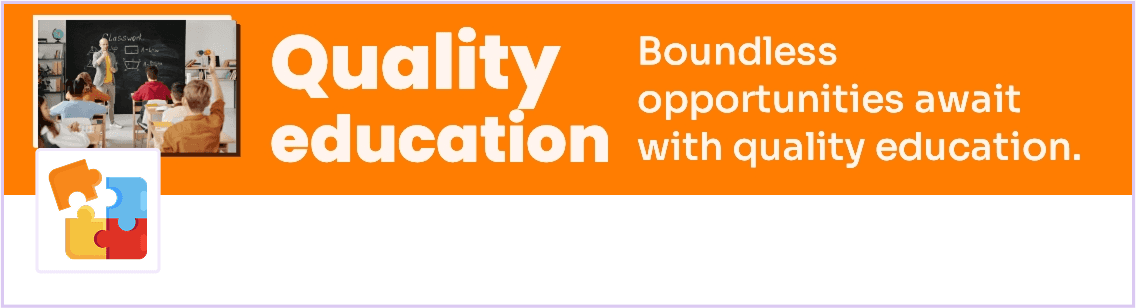
Clearly communicate what your business offers, with unique AI-generated LinkedIn cover images.
4.8/5176K+ brands72+ languages

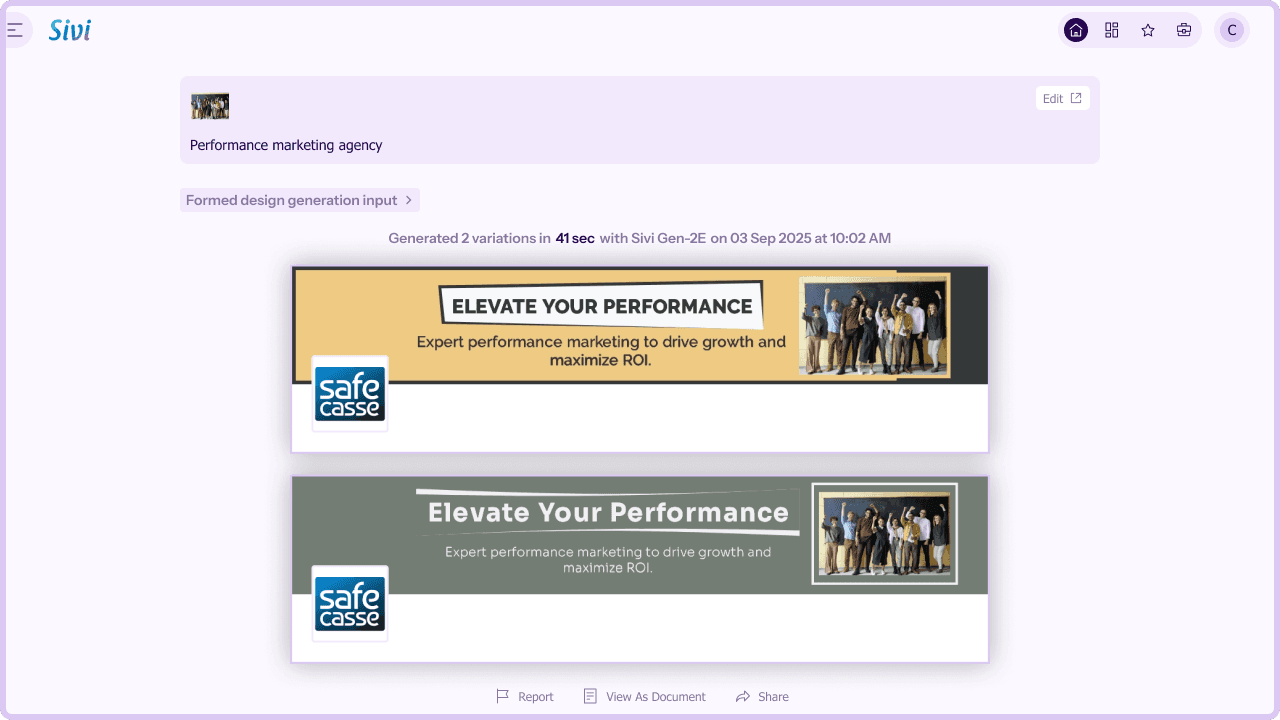
The LinkedIn cover image serves as the focal point of your LinkedIn page, personal or business, providing a key opportunity to highlight your brand's narrative. Strategically placed, it acts as a potent tool to boost your exposure, foster connections, and gain insights into your customer base.
LinkedIn cover image should be 1128 x 191 px with a 129:8 aspect ratio, and its file size should not exceed 8 MB.
Sivi's AI LinkedIn cover image generator empowers you to instantly create captivating LinkedIn covers tailored to your brand. Say goodbye to generic templates and time-consuming design processes. Keep your business profile dynamic and engaging by effortlessly generating unique, professional business covers that set you apart in the digital landscape.
Struggling to create a captivating LinkedIn cover image? Sivi takes care of it! Just describe your desired look, and within minutes, you'll have a selection of stunning options to choose from.
Maintain a seamless brand presence across all platforms. Sivi incorporates your unique brand colors, fonts, and logo seamlessly into your LinkedIn cover images.
Sivi's user-friendly design interface allows you to customize every element of your LinkedIn cover image. From colors and fonts to layout and imagery, you're the director of your brand story.
Sivi AI cover image generator transcends language barriers. You can generate LinkedIn cover images in 72+ languages, ensuring your profile connects with the language of your audience.
Get inspired by the diverse range of LinkedIn cover images generated by Sivi.







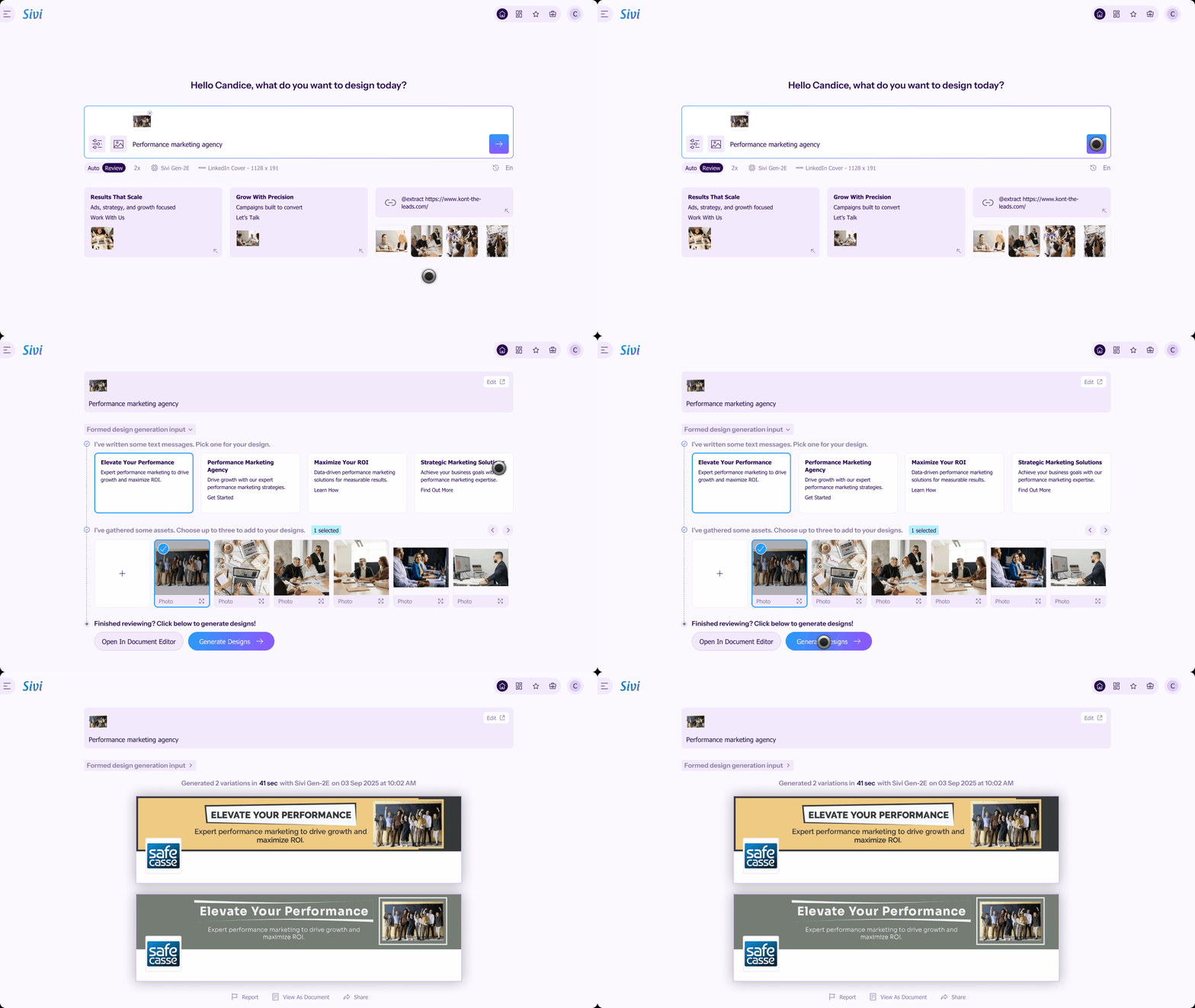
Enter your LinkedIn cover image prompt in Sivi with all the necessary instructions.
Add your brand assets, including images, logos, and brand colors.
Approve the cover image copy and proceed to generation.
Click the generated LinkedIn cover images to edit or download.
Elevate your LinkedIn profile with custom, professional cover images generated with Sivi LinkedIn cover image creator.
Click the ‘Me’ icon at the top of your LinkedIn homepage and select ‘View Profile.’
Hover over the cover area in the introduction section and click the ‘Edit’ icon.
Choose ‘Change’ to update with a new Sivi-generated cover image for your LinkedIn profile.
You can also crop, filter, reposition, rotate, change, or delete the image. Click ‘Apply’ to save changes.
Explore a variety of social media channels to share your designs, and supercharge your marketing efforts.
I like how the prompt wizard is created. Generate process is cool. I like the approach when you actually see what is going on, instead of looking at some spinner for X minutes and be not sure if it is still processing or it is freezing. Simple and easy to use Edit mode. This is really cool product.
Sivi.ai is an impressive tool that can significantly speed up your design workflow. Its ability to generate visuals in a variety of dimensions and the option to edit the designs make it a versatile option for anyone in need of appealing designs.
Really great tool, game-changer that disrupts a huge market and everything connected with design and content creation.
I am an early beta user of Sivi and I love its present and future. I love the deep thought the team has put in it to understand the design process and making it business owner savvy. This is transformational for our GTM to help us quickly have multiple options in design for our messaging.
As per the tool - I’ve been looking for a long time when there will be an AI tool to generate design from text with a user-friendly interface. And it seems like this is the one!
Loved the idea of providing a prompt template to help new users get the most out of their first tries! I was surprised by how complete this product is, being able to edit the content and the visuals separately is a really good idea.